QuickStart Guide REX 200/250 | Version 5 | 26.05.2021 19
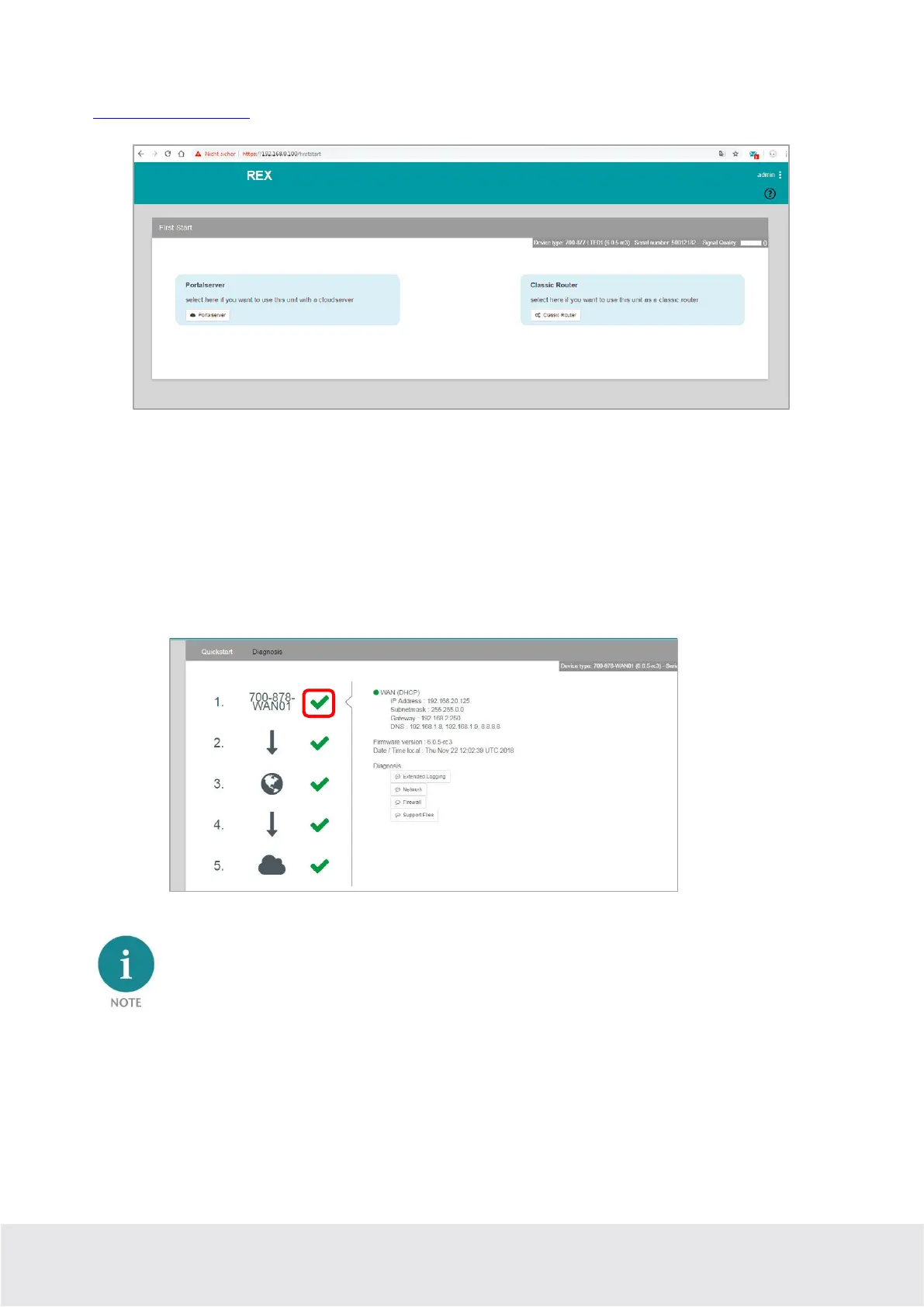
Please note that access to the web interface is only possible via the HTTPS protocol
(https://192.168.0.100).
The First Start Assistant then opens. You must select “Portalserver” for the myREX24 portal configuration
described here.
Using the extended view for the “Classic Router” is preferable for the configuration of your own VPN
connections using the device web interface. There you can find extended setting options for the configu-
ration of VPN connections that are independent of myREX24 portal.
To get more information on each step of the router connection, click the Info icon in the various status
fields.
The web interface at the routers can be deactivated for security reasons. If the interface is not accessi-
ble, please check the corresponding setting in the myREX24 portal. Make sure that there are no ad-
dress space conflicts with any other network interfaces (do not assign the same IP address more than
once) on your PC so that you can communicate properly with the REX 200/250.



 To Next Page