Chapter 3: Setup and Configuration
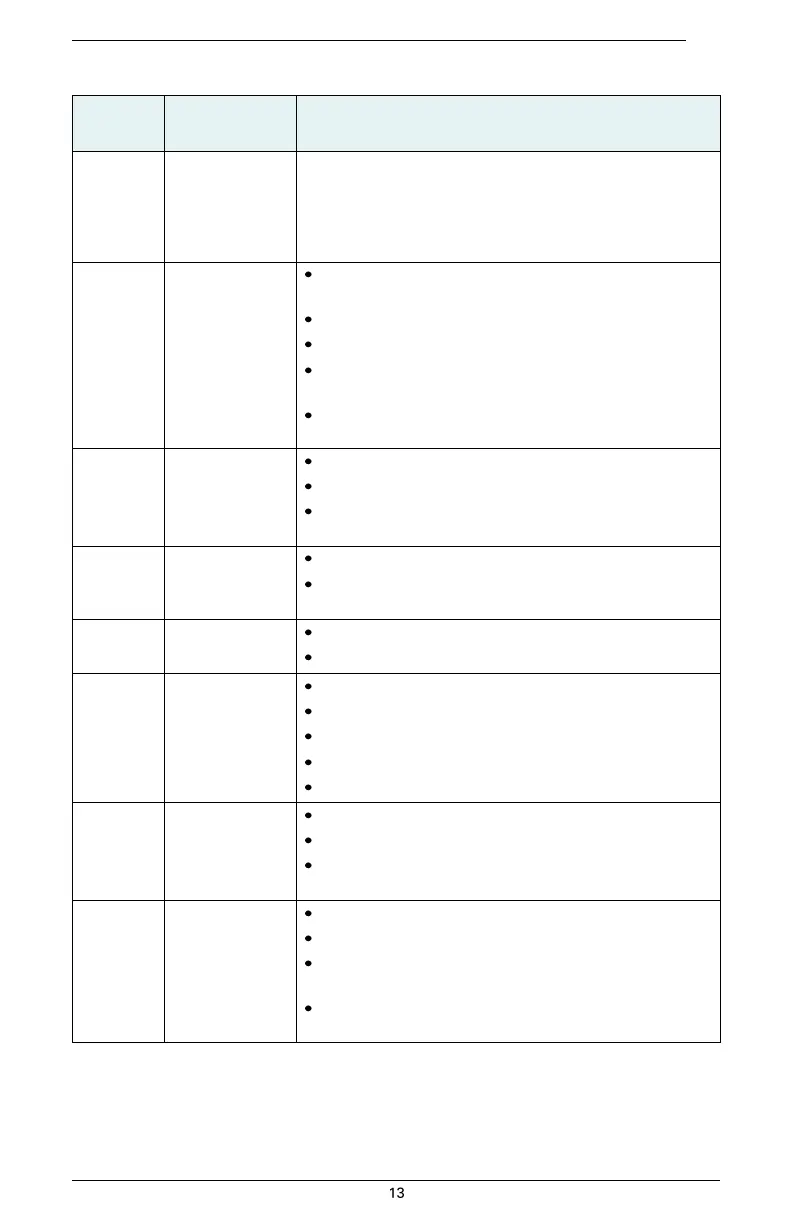
Table 3-1: S320 control panel items (continued)
Select button
(for Bluetooth/
UHF/GSM/SD
modules)
Allows you to review module status or change the status (power
on/off) of a module
See “Displaying Current Module Status” and “Changing Module
Status” for more information on the Select button.
Off – UHF radio or GSM module is OFF; or no RTK position
computed
On (yellow) – floating point RTK position achieved
On (green) – fixed ambiguity RTK position achieved
Blink (green) – UHF radio or GSM module
transmitting/receiving data
Pulse (red) – error condition with UHF radio or GSM module
Off – no position
On (yellow) – valid position
Blink (yellow) – operating as a base station and
converging on reference coordinates
Off – no differential corrections available
On (green) – differentially corrected position
computed
External power
status LED
Off – external power not present
On (red) – external power present and in use
Off – battery not present
On (green) – battery charge full
On (yellow) – battery charge < 50%
On (red) – battery charge depleted
Blink – battery in use
Off – Bluetooth inactive
On (blue) – active Bluetooth connection
Blink (blue) - Bluetooth active and transmitting/
receiving data
Off – SD card not inserted
On (yellow) – SD card inserted, not logging data
Blink (yellow) - SD card inserted and reading/writing data to
SD card
Pulse (yellow) at 5 Hz - SD card inserted and low free space


 To Next Page