Chapter 3: Setup and Configuration
Bluetooth Communication
If you have a Bluetooth-enabled device, such as a data collector, you can wirelessly communicate
with the S320.
When you attempt to connect the S320 to a Bluetooth-enabled device, such as a handheld data
collector, the following S320 Bluetooth information appears on the device:
HGPS S320 XXXXXX
where “XXXXXX” is the Eclipse board serial number
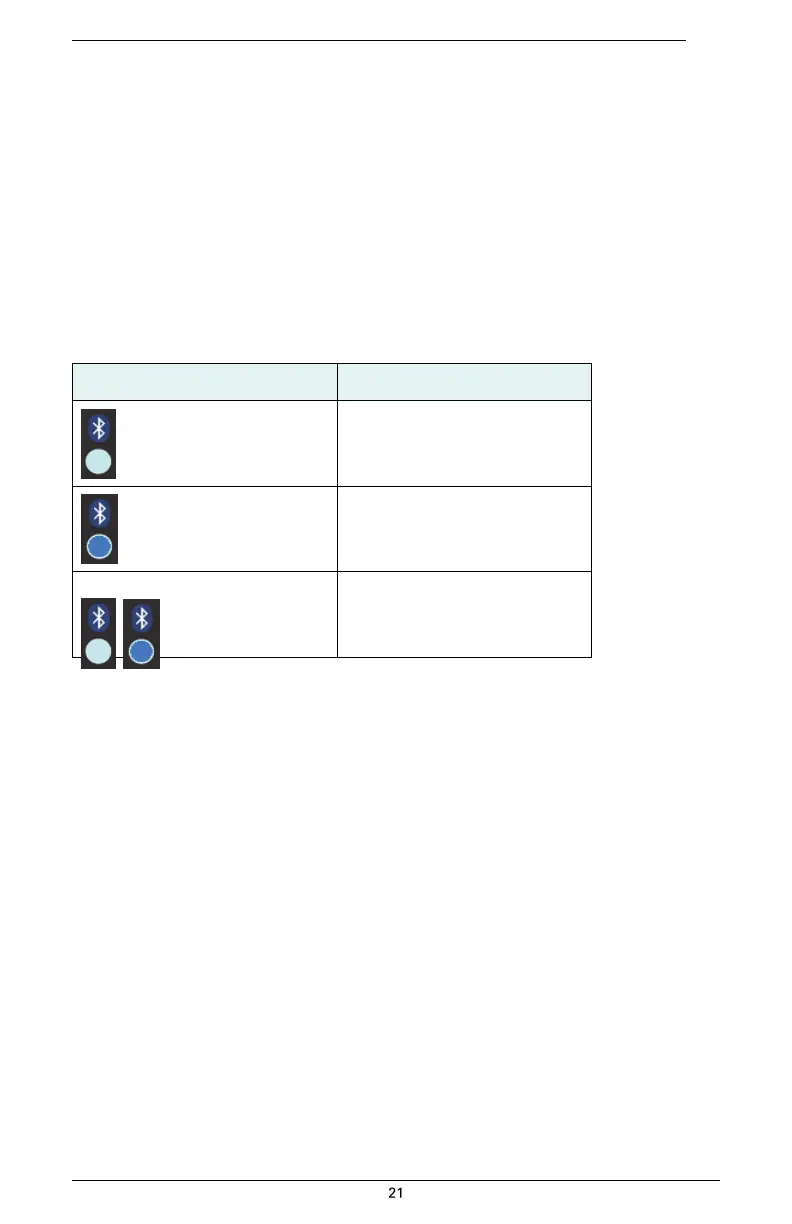
To complete the connection you must use the correct PIN/Passkey, which is 0000. Table 3-6
describes the Bluetooth status LED options.
Table 3-6: Bluetooth LED status


 To Next Page