Chapter 3: Setup and Configuration
Powering the S320 On and Off
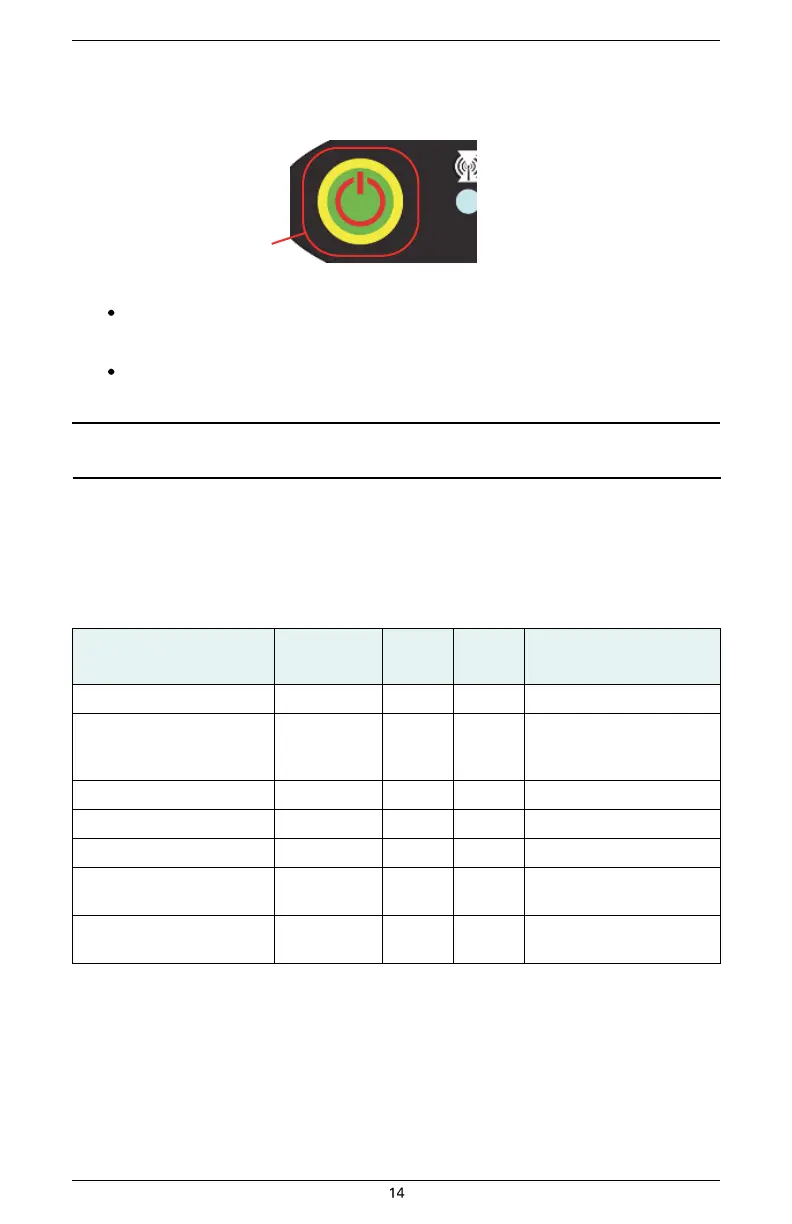
Use the Power button to power the S320 on and off.
Power button
To power on the S320:
Press and hold the Power button until the S320 powers up (until you hear one beep).
To power off the S320:
Press and hold the Power button for 3 seconds (until you hear three beeps).
Note: When you power on the S320 the LEDs go through a ‘heartbeat’ sequence (each LED lights up
in succession); during this time the modules power up and the devices initialize.
Modes of Operation
Table 3-2 lists the modes of operation for the S320.
Table 3-2: S320 modes of operation


 To Next Page