Hex GS-911 for BMW Motorcycles
_________________________________________________________________________________________________
_________________________________________________________________________________________________
© Hex Innovate 2021-2022 Page 7 of 38 GS-911 2207.2
4.3 Using GS-911 software on Windows and Apple computers
The stand-alone (offline) version of the GS-911 software is designed to
run exclusively on Microsoft Windows-based platforms.
Android and Apple mobile control devices can access Service functionality
by using the GS-911 Cloud. To use the GS-911 Cloud functionality, see
Service functionality and mobile control devices.
For instructions on how to run PC-based GS-911 software on an Apple
platform (for example, by dual-booting Windows or running a virtual
machine), go to https://www.hexgs911.com/faq/why-doesnt-the-pc-app-
run-on-my-os/.
4.3.1 Using the GS-911 software for Windows
Use the GS-911 software by doing the steps that follow:
1. Launch the GS-911 software from the desktop icon, or from the
Windows Start menu.
If you want to connect a GS-911 to the computer using
USB:
i. Connect the GS-911 to any unused USB port.
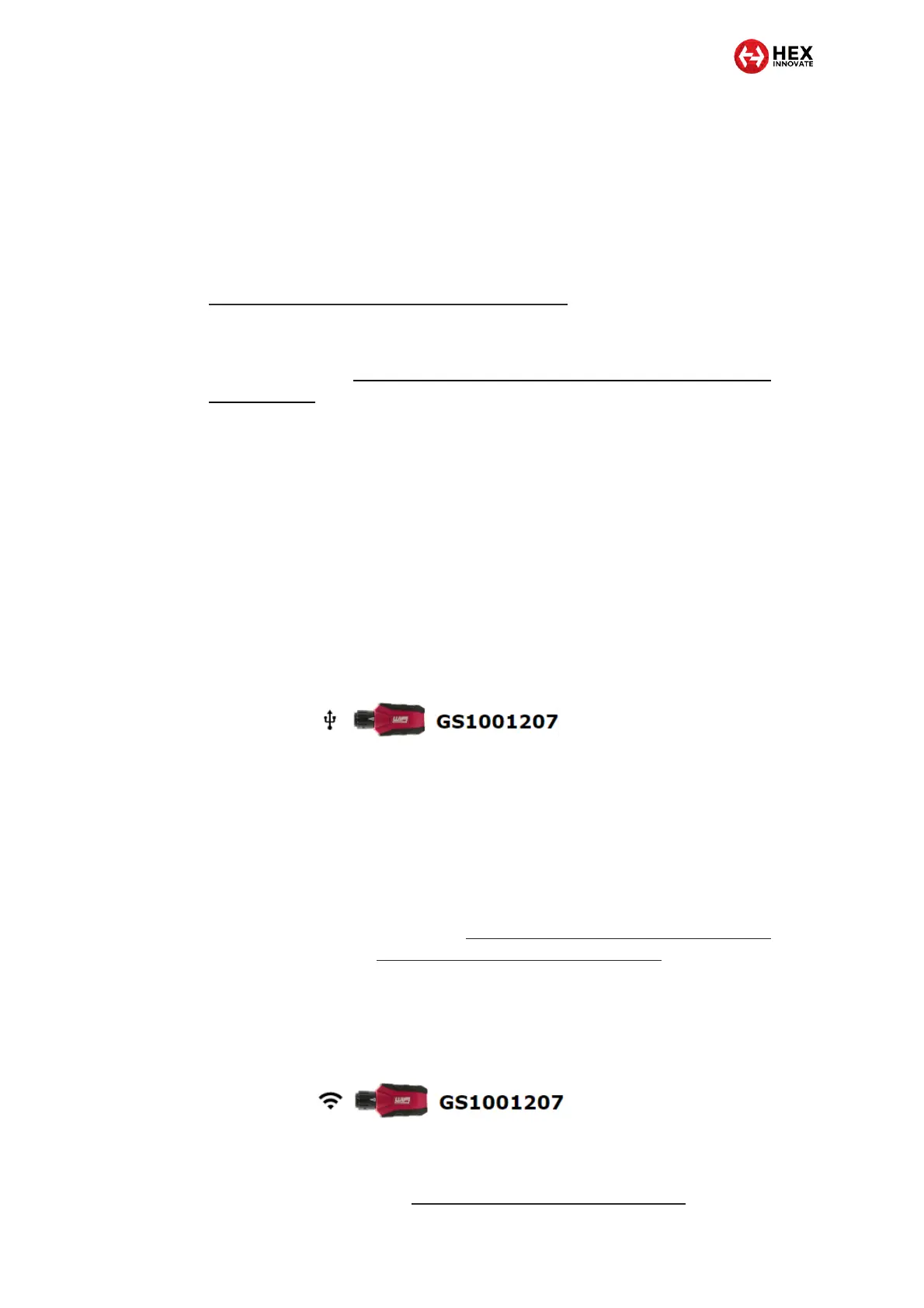
ii. Click the USB connection option (a typical example
is shown below).
The GS-911 user interface will launch.
If you want to connect a GS-911 USB+Wi-Fi to the
computer using Wi-Fi:
i. Power the GS-911 by connecting it to a USB port or
to the motorcycle’s diagnostic connector.
ii. Make sure the GS-911 is in Infrastructure mode as
shown in Creating an infrastructure connection
between GS-911 and a control device.
iii. Make sure the GS-911 is connected to the same
Wi-Fi network as the control device.
iv. Click the Wi-Fi connection option (a typical example
is shown below).
The GS-911 user interface will open in a
separate window in your web browser.
v. See Connecting to a GS-911 using Wi-Fi.


 To Next Page