Hex GS-911 for BMW Motorcycles
_________________________________________________________________________________________________
_________________________________________________________________________________________________
© Hex Innovate 2021-2022 Page 8 of 38 GS-911 2207.2
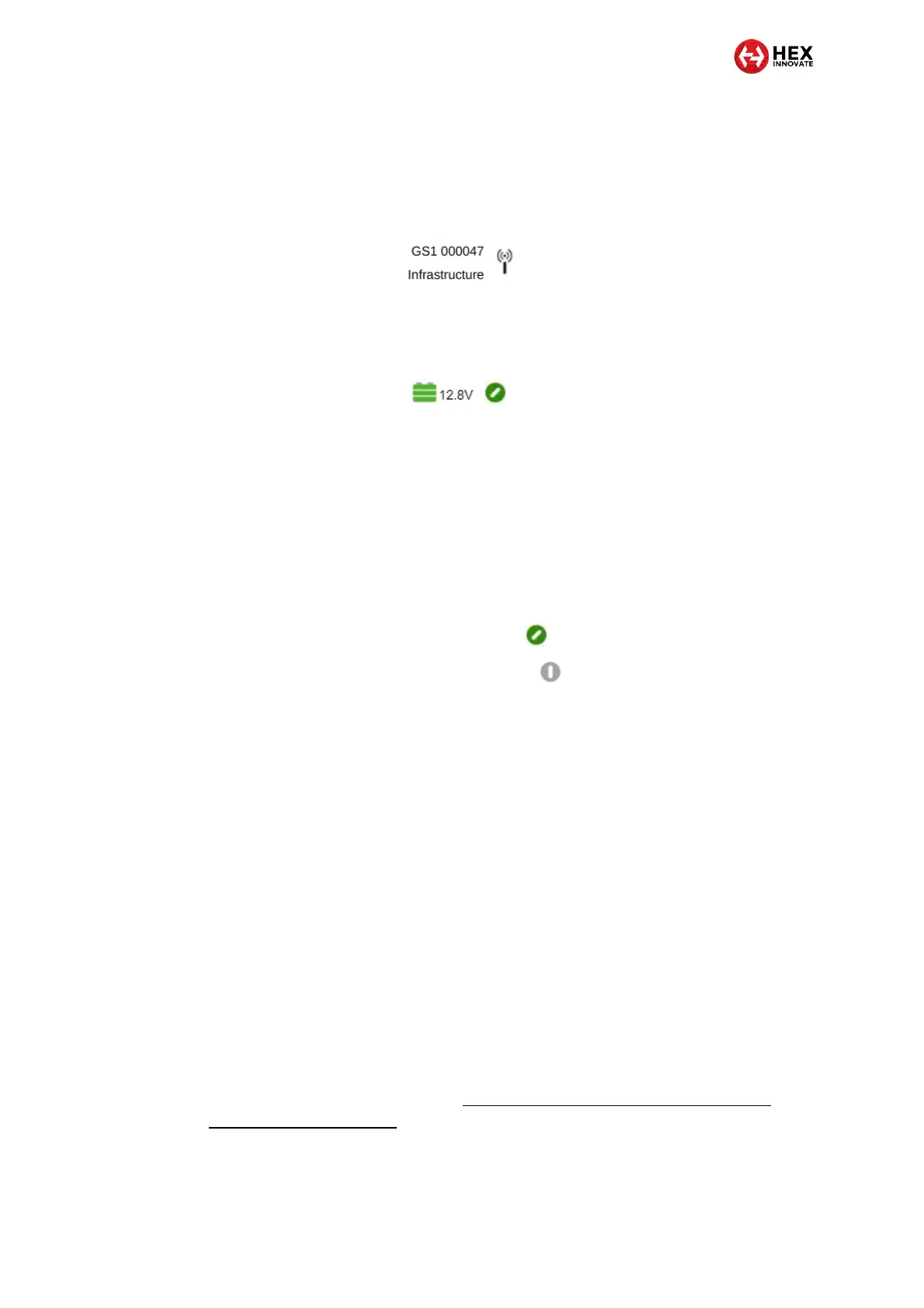
Whenever the GS-911 software is successfully connected to a GS-911
device, the lower right side of the main screen shows the serial number of
the connected device as well as the connection type (a typical view is
shown below).
If the GS-911 is connected to a motorcycle, the vehicle’s battery voltage
and ignition switch status are shown in the upper right corner of the user
interface (below).
The motorcycle’s battery can reliably supply power to the GS-
911 if the vehicle battery voltage is 12.3V or more with the
ignition switch ON, and the engine not running.
If the engine is not running and battery voltage is 12.2V or less,
connect an intelligent battery charger or test or replace the
motorcycle’s battery before doing diagnostics.
If battery voltage is shown as 0.00V, check that the GS-911 is
properly connected to the diagnostic connector.
If the ignition icon looks like this: the ignition switch is ON.
If the ignition icon looks like this: the ignition switch is OFF.
Switch the ignition ON to do diagnostics.
4.3.2 Setting Wi-Fi access permissions
Depending on the security settings of your Windows computer, Windows
Defender Firewall may have blocked Wi-Fi communication between your
computer and GS-911 USB+Wi-Fi device.
Before using a GS-911 USB+Wi-Fi, make sure that the GS-911 software
has been granted device access permission to your computer.
4.4 Forwarding GS-911 logs to Hex Innovate
In the unlikely event that the GS-911 device or software malfunctions, a
log is generated. The GS-911 software stores log files automatically,
allowing Hex Innovate to gather information on potential GS-911 problems
so that the software and hardware can be improved.
If Hex Innovate asks you to forward your GS-911 log files, instructions on
how to do so are available at https://www.hexgs911.com/faq/how-do-i-
send-my-debug-log-files/.


 To Next Page