Hex GS-911 for BMW Motorcycles
_________________________________________________________________________________________________
_________________________________________________________________________________________________
© Hex Innovate 2021-2022 Page 17 of 38 GS-911 2207.2
7 CONNECTING GS-911 TO A MOTORCYCLE
After launching the GS-911 software from a computer or mobile control
device, connect the GS-911 to the motorcycle by doing the steps that
follow:
1. Find your motorcycle’s diagnostic connector. If you do not know
where to find the connector, see Finding the diagnostic connector.
For three-pin diagnostic connectors, do the steps that follow:
i. Remove the dust cap from the diagnostic connector.
ii. Connect the GS-911 device’s Hella plug to a 12-volt
electrical supply.
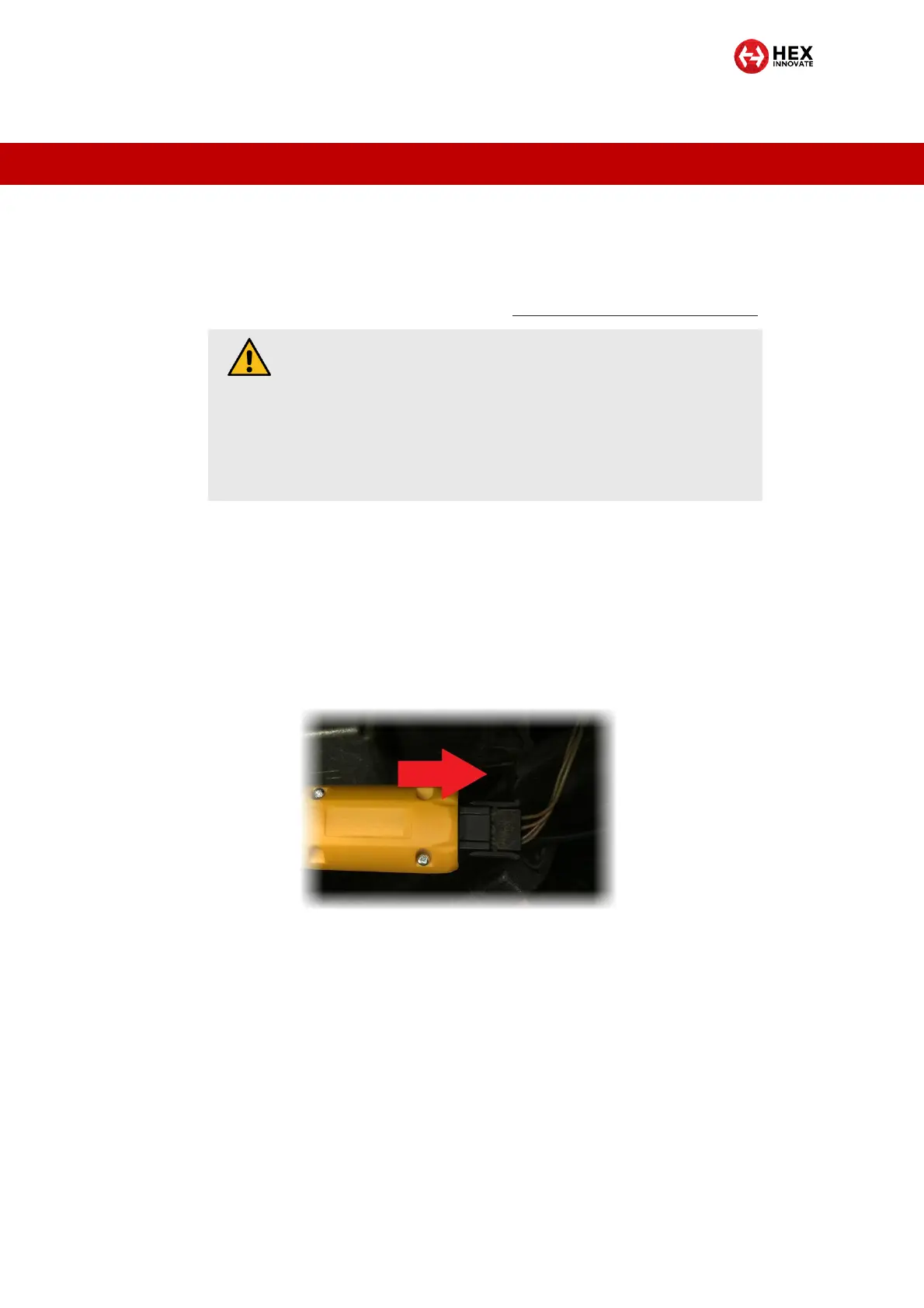
iii. Press the interface end of the GS-911 into the diagnostic
connector (below). The GS-911 should ‘click’ into the
connector.
For 10-pin (round) diagnostic connectors, connect the GS-911 to
the motorcycle’s diagnostic connector by doing the steps that
follow:
i. Remove the dust cap from the diagnostic connector by
twisting the cap counter-clockwise.
ii. Turn the black locking ring on the GS-911’s connection
interface counter-clockwise until the ring comes to a stop.
You will see the first white arrow (below).
CAUTION
If the motorcycle’s diagnostic connector does not have a
dust cap, clean the connector contacts with electrical
contact cleaner and dry with a clean, lint-free cloth before
connecting the GS-911.
After disconnecting the GS-911, install an original BMW
dust cap.


 To Next Page