Hex GS-911 for BMW Motorcycles
_________________________________________________________________________________________________
_________________________________________________________________________________________________
© Hex Innovate 2021-2022 Page 18 of 38 GS-911 2207.2
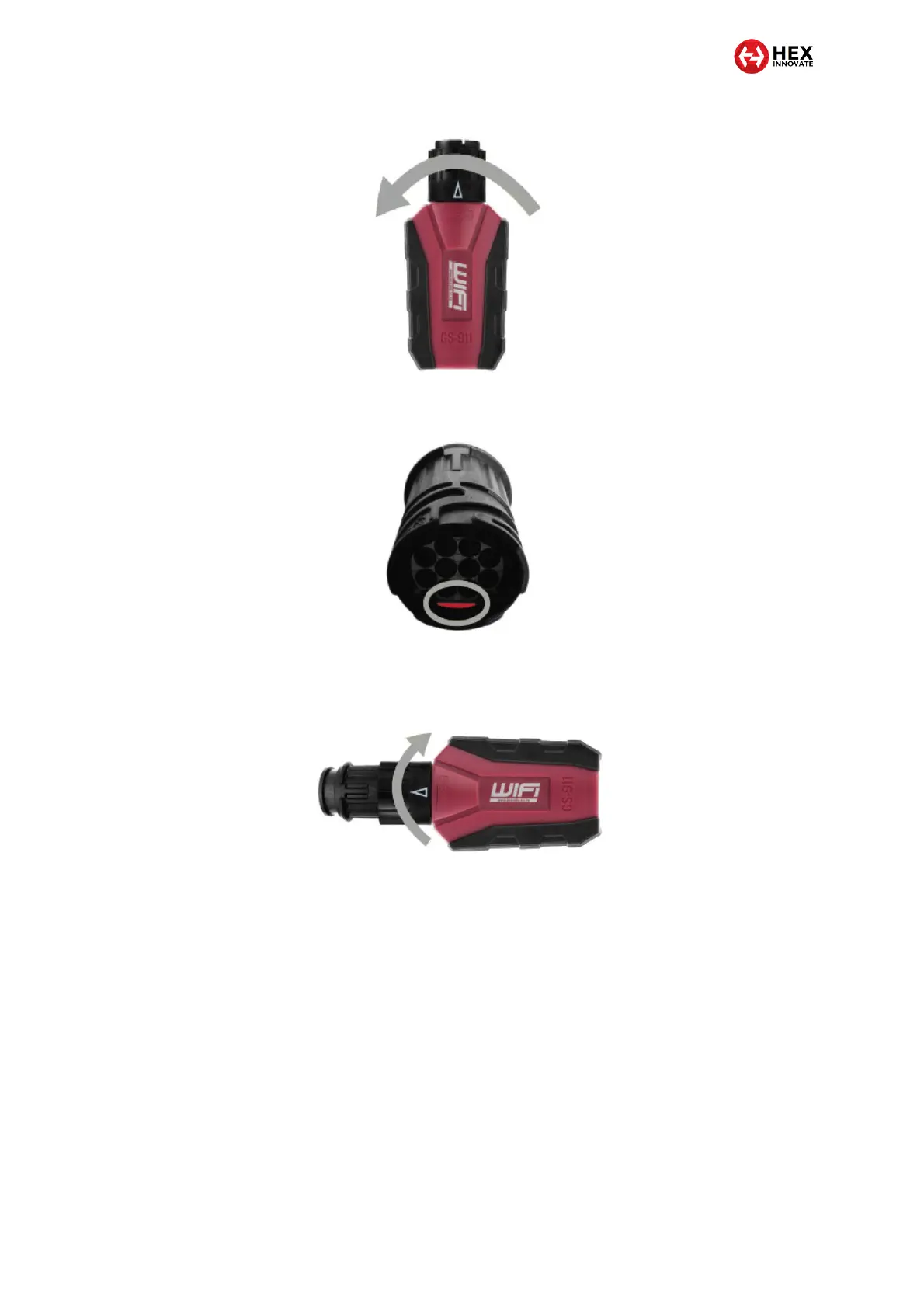
iii. View the contact face of the motorcycle’s diagnostic
connector. The red plastic lug must face down (below).
iv. Hold the GS-911 device so the white Wi-Fi logo faces up.
v. Push the GS-911 device’s interface plug into the BMW
diagnostic connector (below).
vi. Turn the GS-911’s black locking ring clockwise until the
ring cannot turn any further (above).
For 16-pin OBD-II diagnostic connectors, connect the GS-911 to
the motorcycle’s diagnostic connector by doing the steps that
follow:
i. Remove the dust cap from the diagnostic connector.
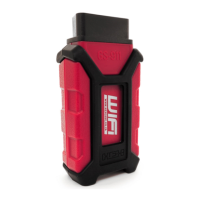
ii. Press the GS-911 device’s interface plug into the
diagnostic connector in such a way that the interface plug
and connector slide together easily (below).


 To Next Page