October 2013 Page 41
© 2013 HID Global Corporation/ASSA ABLOY AB. All rights reserved.
DTC1250e/DTC1000Me/DTC4250e Card Printer User Guide, PLT-01668, 1.0
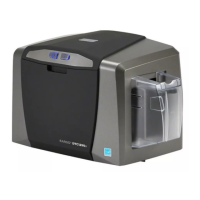
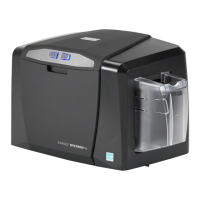
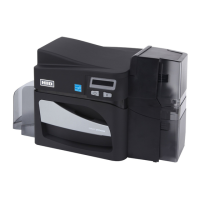
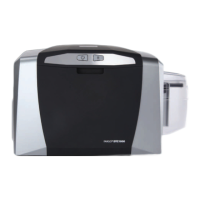
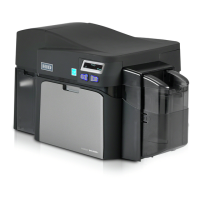
4.6.4 Cleaning the Printer’s Exterior
Clean the printer only with a microfiber cloth. Do not drip water into the printer. Dry thoroughly before
printing.
Note: The printer has a durable casing that should retain its luster and appearance for many years.
4.7 Advanced Settings
Use the Advanced Settings tab for adjusting the internal printer settings, which are customized for every
printer at the factory and saved directly within the printer's memory.
Note: You can select the Restore Defaults to restore the internal default settings.
Settings enable users to change the values for firmware settings by clicking on the Current column.
• Setting Column: Displays label for setting
• Default Column: Displays default value for setting
• Current Column: Displays current value for setting
• Apply Button: Applies changed values.
• Restore Defaults Button: Restores the default values.
• Enable Swift ID over a USB connection: Check this box to use Swift ID when your printer is
connected using USB.
• Enable Mag Verify: Check this box to verify that the data is written to the tracks correctly.





 To Next Page