Sensivity
Sensivity is the object size which is able to trigger an alarm. The higher the sensivity is,
the more easily the detecon alarm will be triggered.
3) Click Draw Area.
4) Draw a quadrilateral in the preview window.
9. Oponal: Draw the maximum size/minimum size for targets.
Note
Only the targets in the size ranging from maximum size to minimum size will trigger Intrusion
detecon.
1) Click Max. Size/Min. Size.
2) Draw an area in preview window.
3) Click Stop Drawing.
10.
Oponal: Select Detecon Target as Human or Vehicle to discard alarms which are not
triggered by human or vehicle.
11. Set the arming schedule. Refer to
Congure Arming Schedule .
12. Set linkage acons. Refer to Congure Linkage Acons .
13. Click Apply.
7.4.3 Region Entrance
Detecon
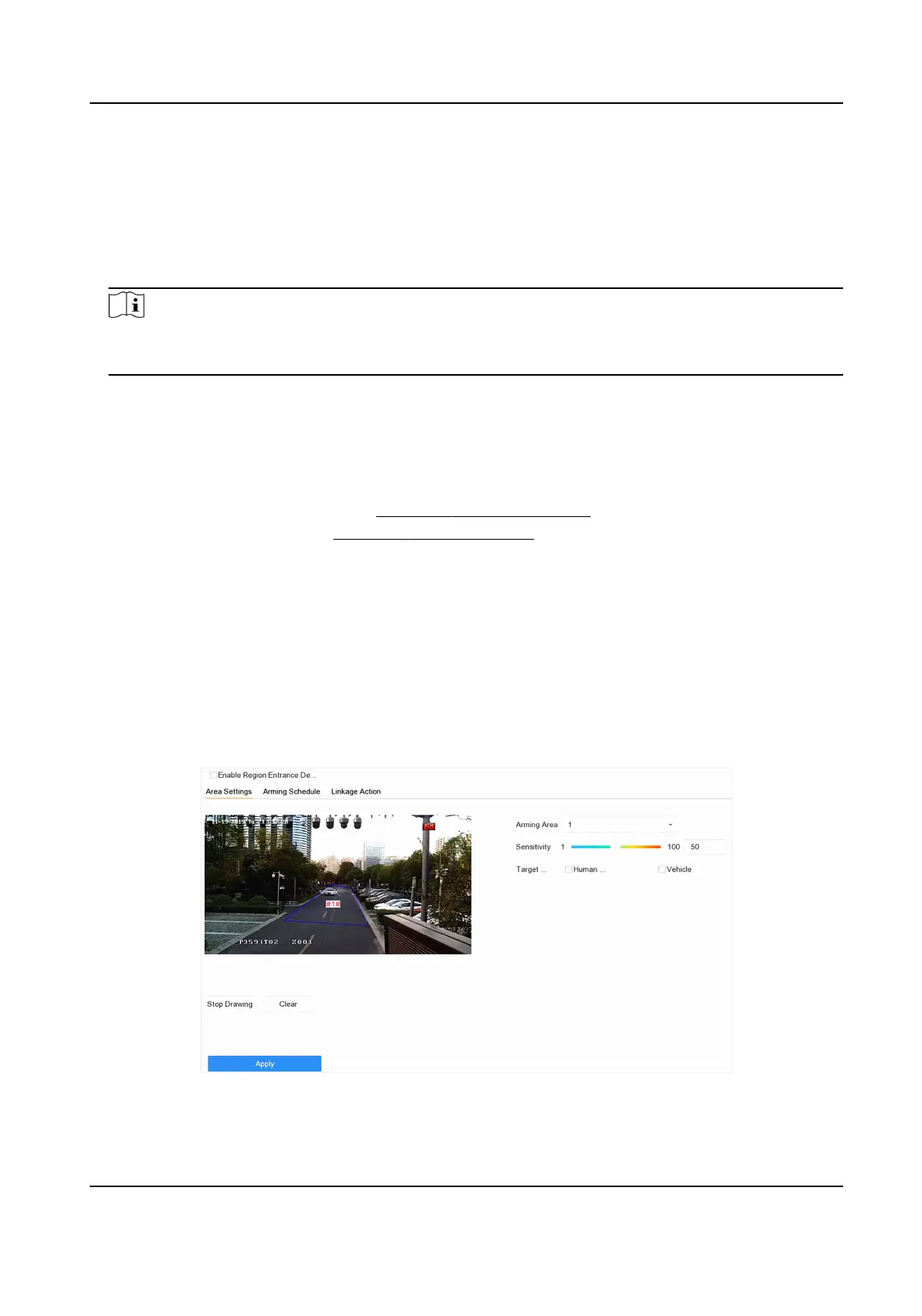
Region entrance detecon detects objects that enter a predened virtual region.
Steps
1. Go to Smart Analysis → Smart Event Sengs → Perimeter Protecon .
2. Select a camera.
3. Click Region Entrance
Detecon.
Figure 7-13 Region Entrance Detecon
Network Video Recorder User Manual
99


 To Next Page
 Loading...