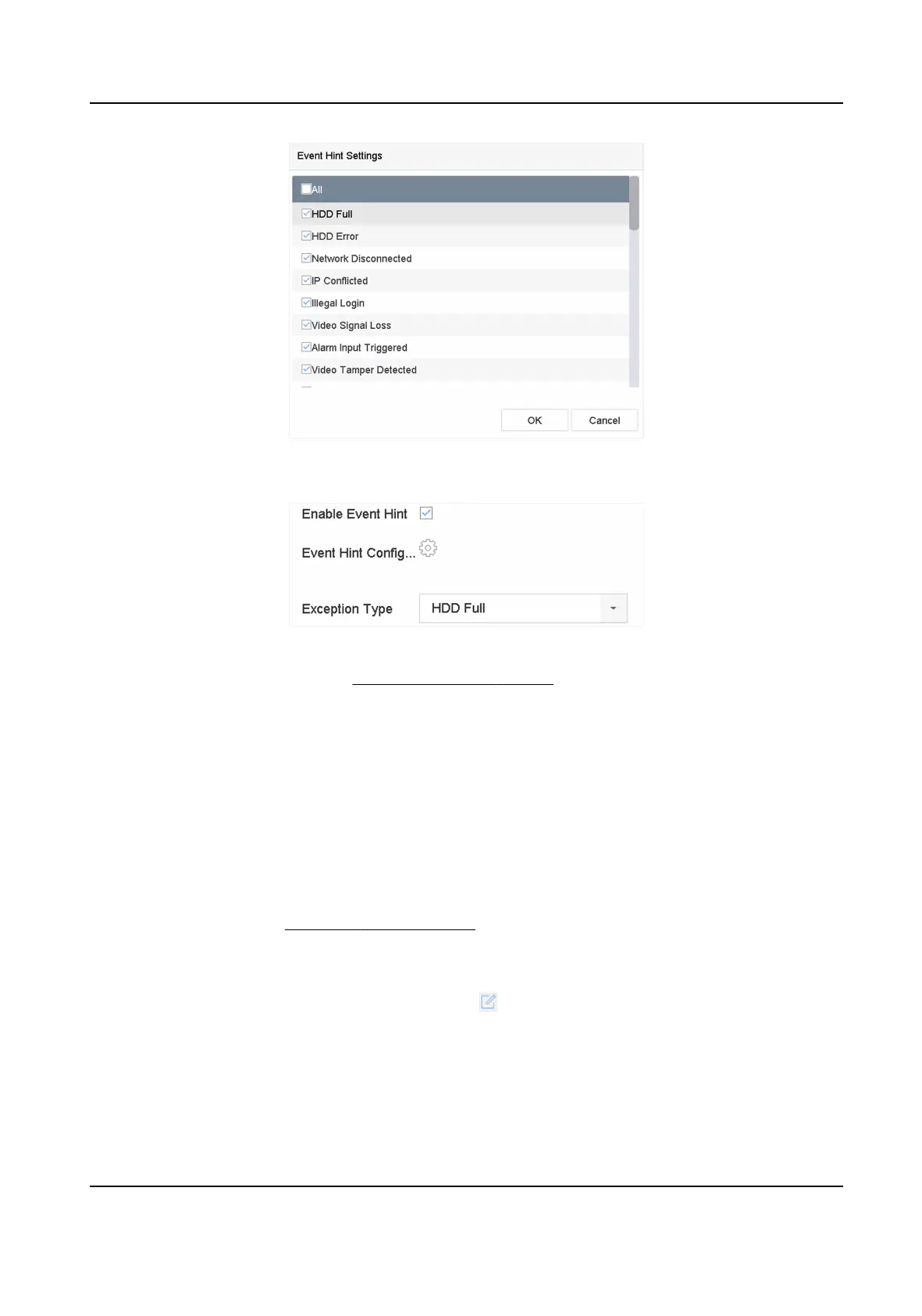
Figure 6-1 Event Hint Sengs
3. Select an excepon type.
Figure 6-2
Excepons Handling
4. Set the linkage acons. Refer to Congure Linkage Acons .
6.1.6
Congure Combined Alarm
Combined alarm combines events with alarm input. The combined alarm will be triggered when it
receives alarms from both alarm input and events. Event types include moon detecon, video
tampering detecon, and other smart events such as line crossing detecon, intrusion detecon,
etc.
Before You Start
Ensure the channel has been assigned with event alarm as your desire, and the alarm input has
been congured (refer to Congure Sensor Alarms ).
Steps
1. Go to System → Event → Normal Event → Alarm Input .
2. Select an alarm input item from the list and click
.
3. Select Sengs as Input.
4. Click Combined Alarm.
5. Select a channel as your desire.
6. Select Combined Alarm Event.
7. Click Apply.
Network Video Recorder User Manual
61


 To Next Page
 Loading...