Chapter 3 Live View
Live view displays the video image geng from each camera in real me.
3.1 Start Live View
Click on the main menu bar.
●
Select a window and double click a camera from the channel list to play the live image of the
camera.
●
Double click a window to view it in single-screen mode. Double click again to exit single-screen
mode.
●
Use the toolbar at the playing window
boom to realize the capture, instant playback, audio on/
o, digital zoom, live view strategy, show informaon and start/stop recording, etc.
Note
Click at the lower right corner to stop all-day connuous recordings.
●
Click to start/stop auto-switch. The screen will automacally switch to the next one.
●
Single click
to enable VCA informaon display. Double click to disable VCA informaon
display.
Note
Click at the lower right corner to enable/disable VCA informaon display for all channels. VCA
informaon of 16 channels (maximum) is available.
●
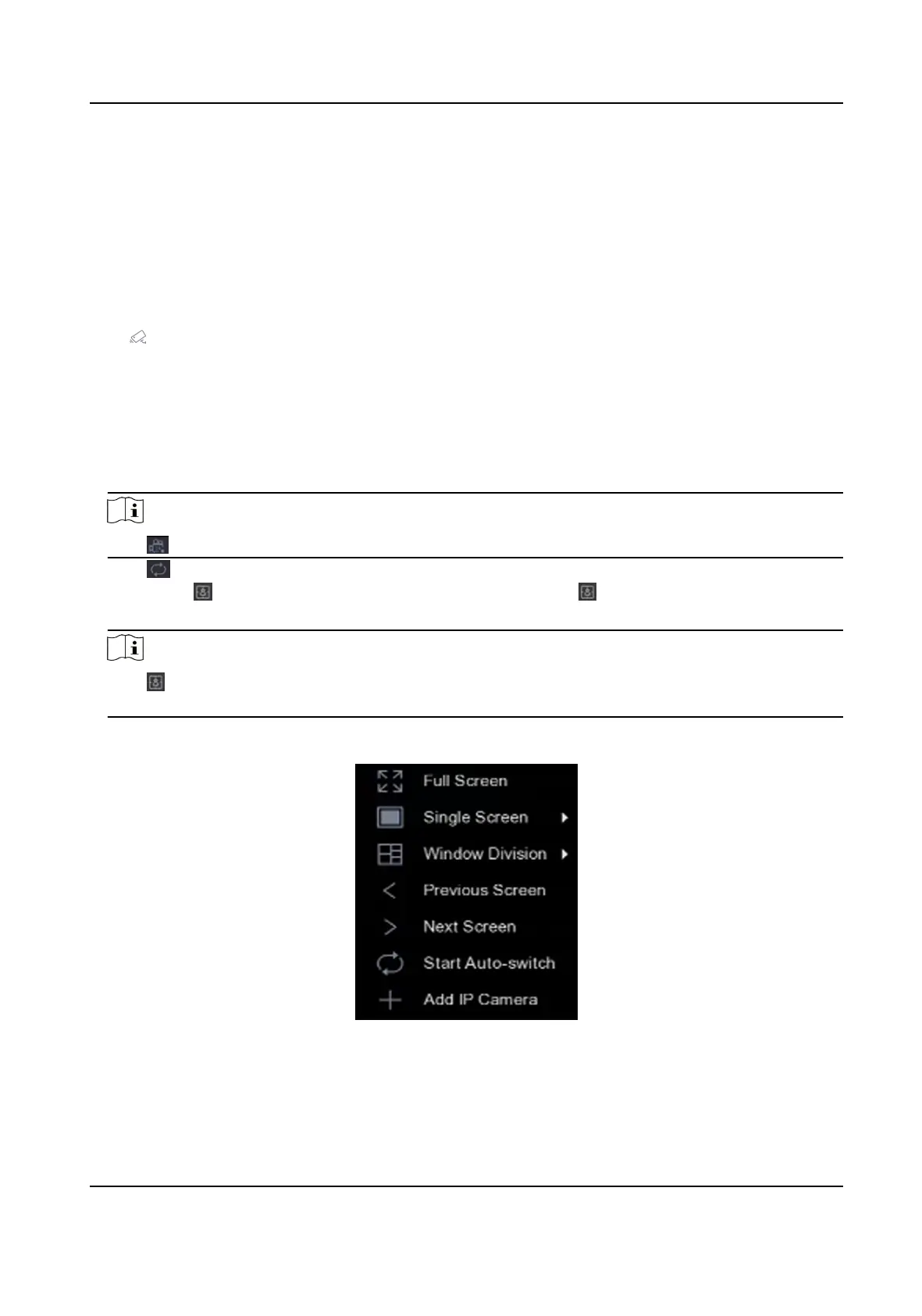
Move the cursor to a window, and right click your mouse to display the shortcut menu of the
window. The shortcut menu will be
dierent according to the window.
Figure 3-1 Shortcut Menu
Network Video Recorder User Manual
22


 To Next Page
 Loading...