USB-to-RS-232 Connecon
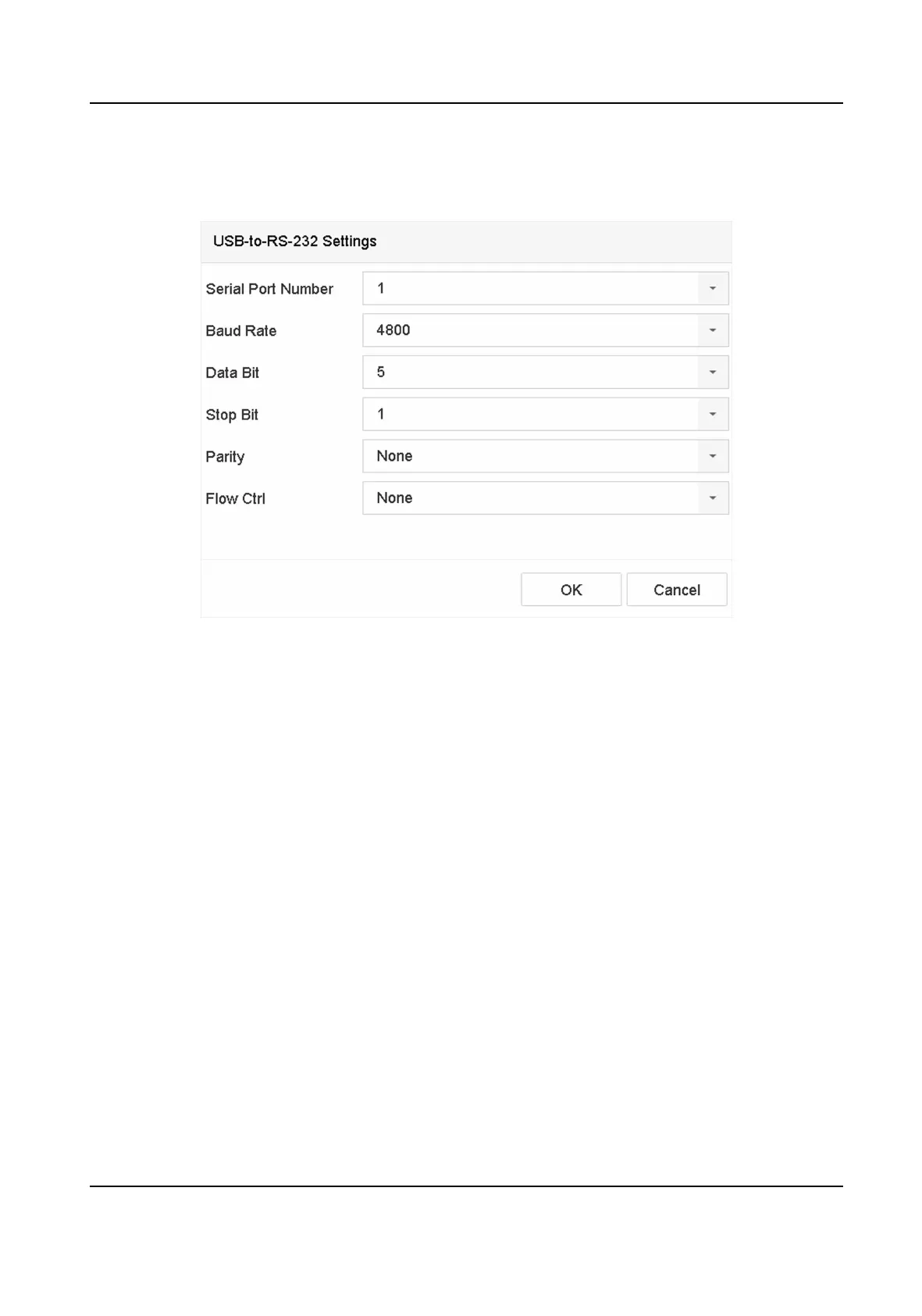
Congure the USB-to-RS-232 convertor port parameters, including the port serial number,
baud rate, data bit, stop bit, parity, and ow ctrl.
Figure 13-3 USB-to-RS-232 Sengs
RS-232 Connecon
Connect the device and the POS machine via RS-232. The RS-232 sengs can be congured in
Menu → Conguraon → RS-232 . The Usage must be set to Transparent Channel.
Mulcast Connecon
When connecng the device and the POS machine via Mulcast protocol, set the mulcast
address and port.
Sni Connecon
Connect the device and the POS machine via Sni. Congure the source address and
desnaon address sengs.
Network Video Recorder User Manual
150


 To Next Page
 Loading...