213960EN(1) - P290 Mattress Instructions for Use Page 27
Mobilizing
the Patient
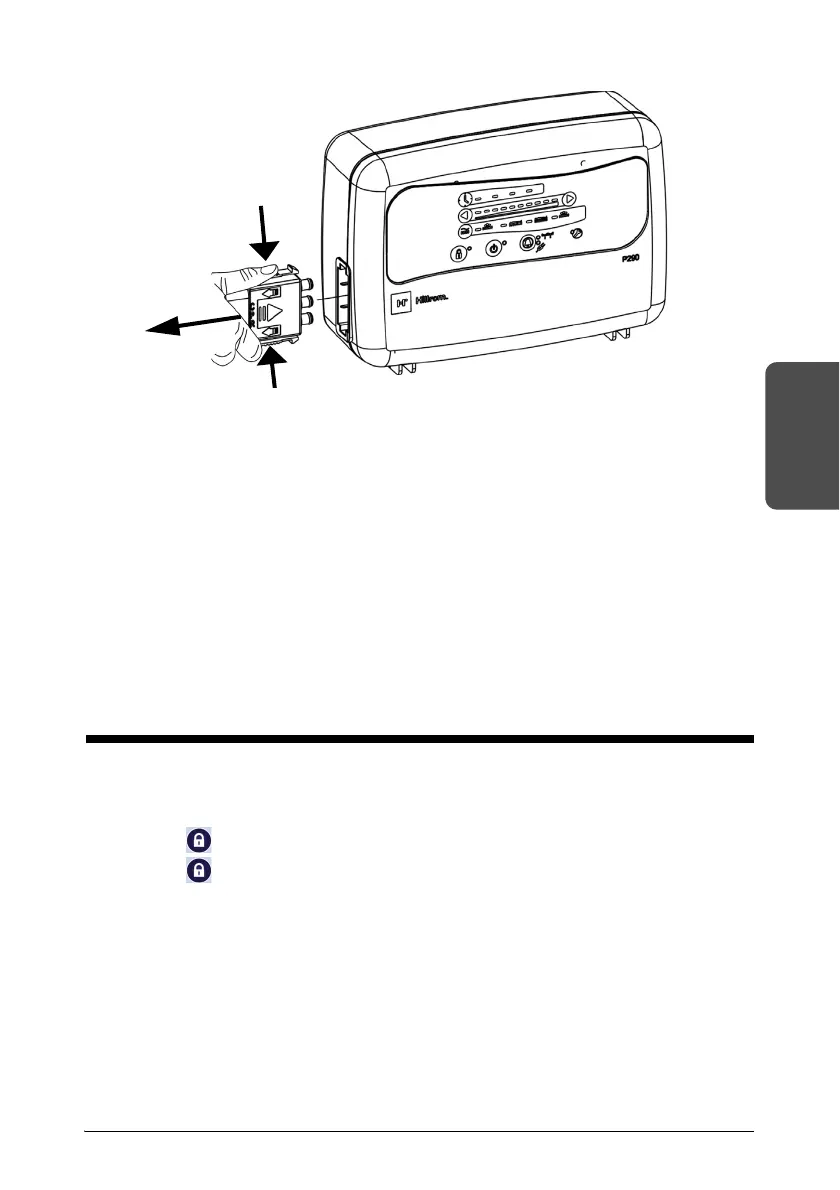
1. Disconnect the hose connector from the control unit.
The device takes approximately 15 seconds to deflate.
2. If necessary, lower the siderails and the head section of the bed, or place the bed
frame in CPR position before using the emergency flat return (refer to the
instructions of the bed manufacturer).
3. Place a CPR panel under the patient, or follow the CPR function protocols.
Canceling the CPR
1. Connect the hose connector to the control unit.
The device returns to the previous comfort settings.
2. If necessary, place the bed frame in the appropriate position (refer to the
instructions for the bed frame).
Locking the User Interface
The Safety Lock-Out function prevent the operating mode from being changed
unintentionally.
1. Press until the indicator light comes on to lock the user interface.
2. Press until the indicator light goes out to unlock the user interface.
If no functions are used for 5 minutes, the user interface is automatically locked.












 To Next Page