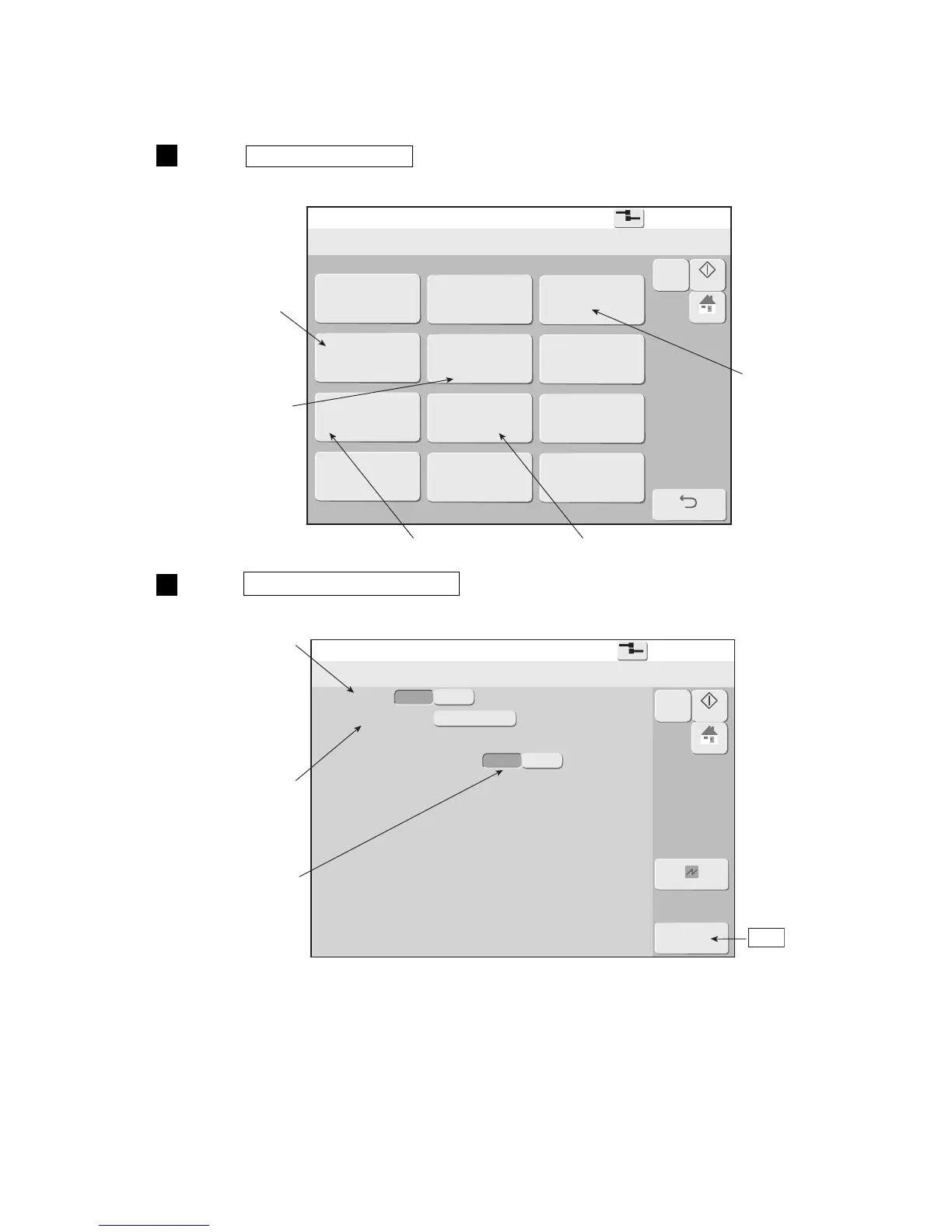
3-12 ● The state where the administrator logs in is returned automatically
Using environment setup
2015.07.0712:45
Com=0
[Stop
]
Login method
Default login ID : 1
Administrator Automatic Deselect
admin
OK
Cancel
Disable
Enable
Startup
M
Manual
HOME
Disable
Enable
Specifies the login user
When "Disable" is selected,
the Print description screen
is immediately displayed
when the power is turned on.
OK
When "Disable" is selected,
it does not return a user
automatically.
(2) Operation
Log in the administrator.
Press Using environment setup .
The Using environment setup screen is displayed.
2
Press Login management of the Environment setup menu.
The Login management menu is displayed.
1



 To Next Page