● The state where the administrator logs in is returned automatically 3-11
3.4 The state where the administrator login is returned automatically
(1) Function details
●In case that Administrator logged in to printer and left the screen untouched for 15 minutes, the new
function will switch the login condition to Users from Administrator.
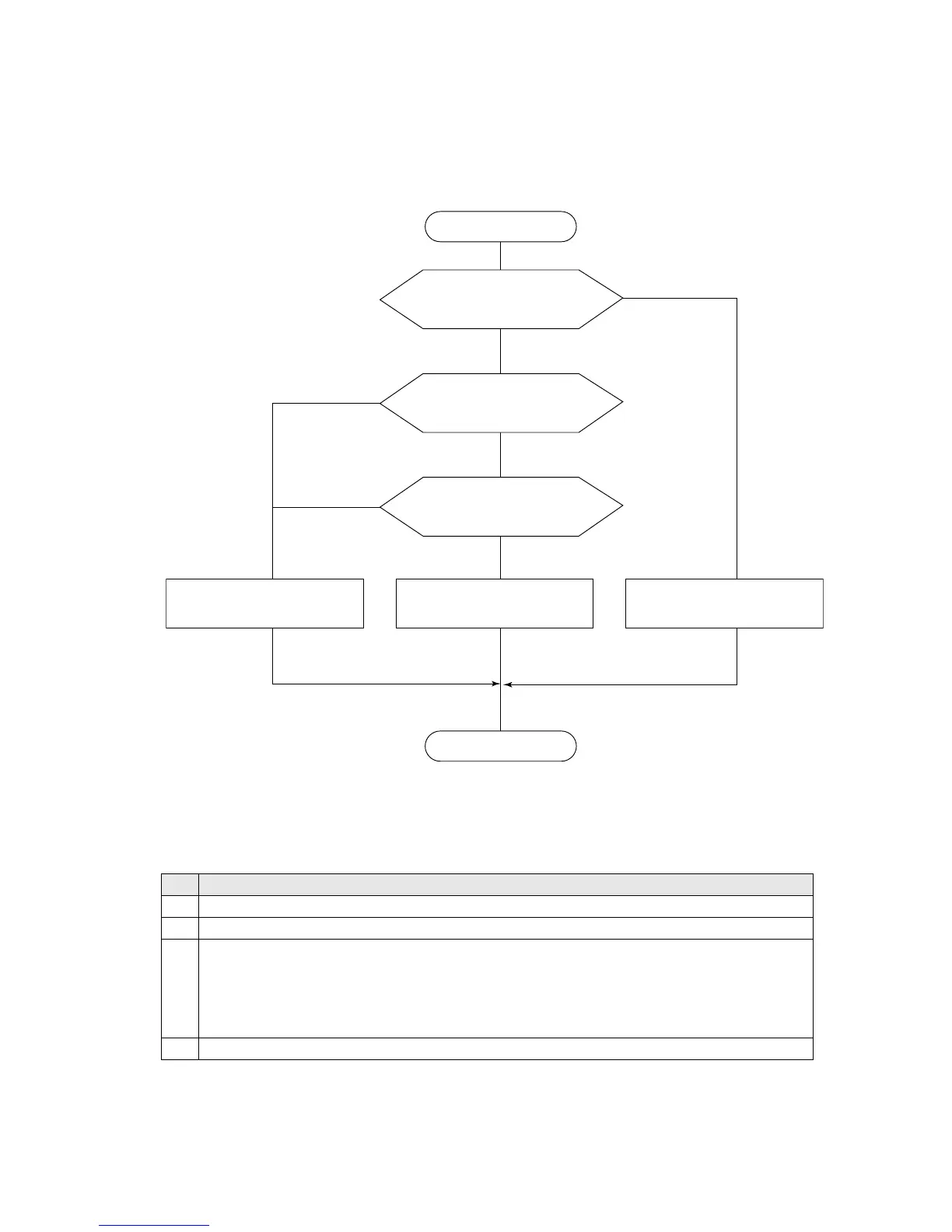
●Flow diagram below shows the steps of switching to User login condition.
Did any User login after
the power on?
Is "Login method" set to
[Enable]?
Is [Default login ID] set to
[Users]?
Switch to User of
[Default login ID.]
Switch to User who last
logged in.
Switch to User of the
smallest number.
YES
YES
YES
NO
NO
NO
(2) Working conditions
●The working conditions of this new function are listed in Table1 below.
Only when all the conditions are met, this new function will work.
Table 1. Model combinations where Copy data is available
No. Working conditions
1 "Administrator Automatic Deselect" is set to [Enable].
2 One or more than one user are registered as the Login user.
3
One of the menus below appears on the screen.
(Print description, Change message, Print format, Adjust Inter-character space, Edit message,
Count conditions, Print specifications, Various print setup, Save message, Select message,
Adjust print parameters, Operation management, Maintenance menu, Aux. function menu,
Environment setup menu)
4 [Apply] key does not appear on the screen.



 To Next Page