EasyManua.ls Logo

Hitachi VIV-E553LE - Vcr Section Adjustment

Hitachi VIV-E553LE
118 pages
Print Icon
To Next Page IconTo Next Page
To Previous Page IconTo Previous Page
Loading...
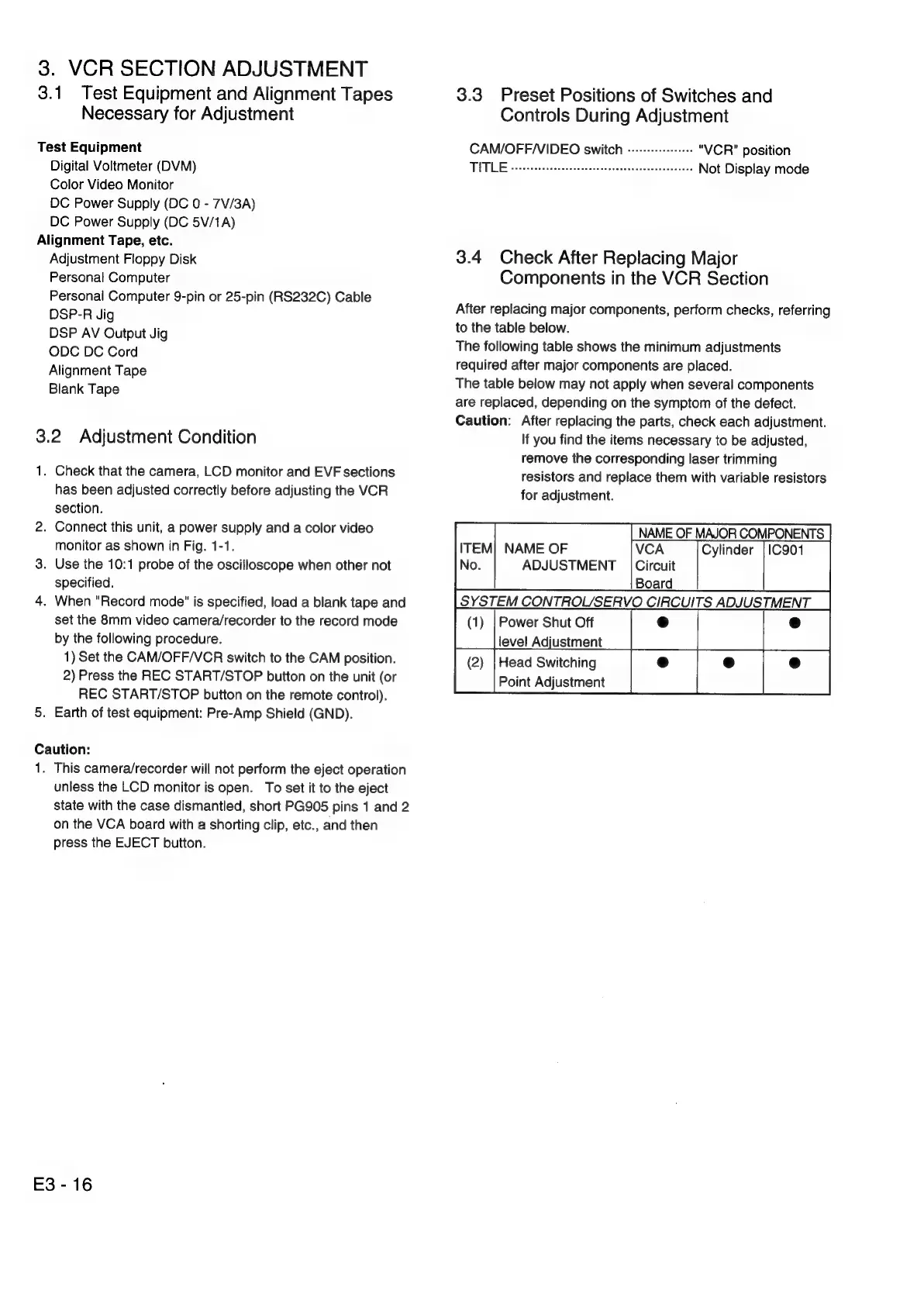
3.
VCR
SECTION
ADJUSTMENT
3.1
Test
Equipment
and
Alignment
Tapes
Necessary
for
Adjustment
Test
Equipment
Digital
Voltmeter
(DVM)
Color
Video
Monitor
DC
Power
Supply
(DC
0
-
7V/3A)
DC
Power
Supply
(DC
5V/1A)
Alignment
Tape,
etc.
Adjustment
Floppy
Disk
Personal
Computer
Personal
Computer
9-pin
or
25-pin
(RS232C)
Cable
DSP-R
Jig
DSP
AV
Output
Jig
ODC
DC
Cord
Alignment
Tape
Blank
Tape
3.2
Adjustment
Condition
1.
Check
that
the
camera,
LCD
monitor
and
EVF
sections
has
been
adjusted
correctly
before
adjusting
the
VCR
section.
2.
Connect
this
unit,
a
power
supply
and
a
color
video
monitor
as
shown
in
Fig.
1-1.
3.
Use
the
10:1
probe
of
the
oscilloscope
when
other
not
specified.
4.
When
"Record
mode"
is
specified,
load
a
blank
tape
and
set
the
8mm
video
camera/recorder
to
the
record
mode
by
the
following
procedure.
1)
Set
the
CAM/OFF/VCR
switch
to
the
CAM
position.
2)
Press
the
REC
START/STOP
button
on
the
unit
(or
REC
START/STOP
button
on
the
remote
control).
5.
Earth
of
test
equipment:
Pre-Amp
Shield
(GND).
Caution:
1.
This
camera/recorder
will
not
perform
the
eject
operation
unless
the
LCD
monitor
is
open.
To
set
it
to
the
eject
state
with
the
case
dismantled,
short
PG905
pins
1
and
2
on
the
VCA
board
with
a
shorting
clip,
etc.,
and
then
press
the
EJECT
button.
E3-16
3.3
Preset
Positions
of
Switches
and
Controls
During
Adjustment
CAM/OFF/VIDEO
switch
------+-+-+++++
"VCR"
position
WME
ease
cove
teetoseccdtisaesevescsahwcneveseecaee’
Not
Display
mode
3.4
Check
After
Replacing
Major
Components
in
the
VCR
Section
After
replacing
major
components,
perform
checks,
referring
to
the
table
below.
The
following
table
shows
the
minimum
adjustments
required
after
major
components
are
placed.
The
table
below
may
not
apply
when
several
components
are
replaced,
depending
on
the
symptom
of
the
defect.
Caution:
After
replacing
the
parts,
check
each
adjustment.
If
you
find
the
items
necessary
to
be
adjusted,
remove
the
corresponding
laser
trimming
resistors
and
replace
them
with
variable
resistors
for
adjustment.
NAME
OF
MAJOR
COMPONENTS
VCA
Circuit
ITEM]
NAME
OF
ADJUSTMENT
Board
SYSTEM
CONTROL/SERVO
CIRCUITS
ADJUSTMENT
ial
a
level
Adjustment
(2)
|Head
Switching
Lieber
ca
a
ina

Related product manuals