EasyManua.ls Logo

HOKUYO AUTOMATIC UST-05LN - User Manual

HOKUYO AUTOMATIC UST-05LN
53 pages
Print Icon
To Next Page IconTo Next Page
Loading...
Document No: C-41-02490-9
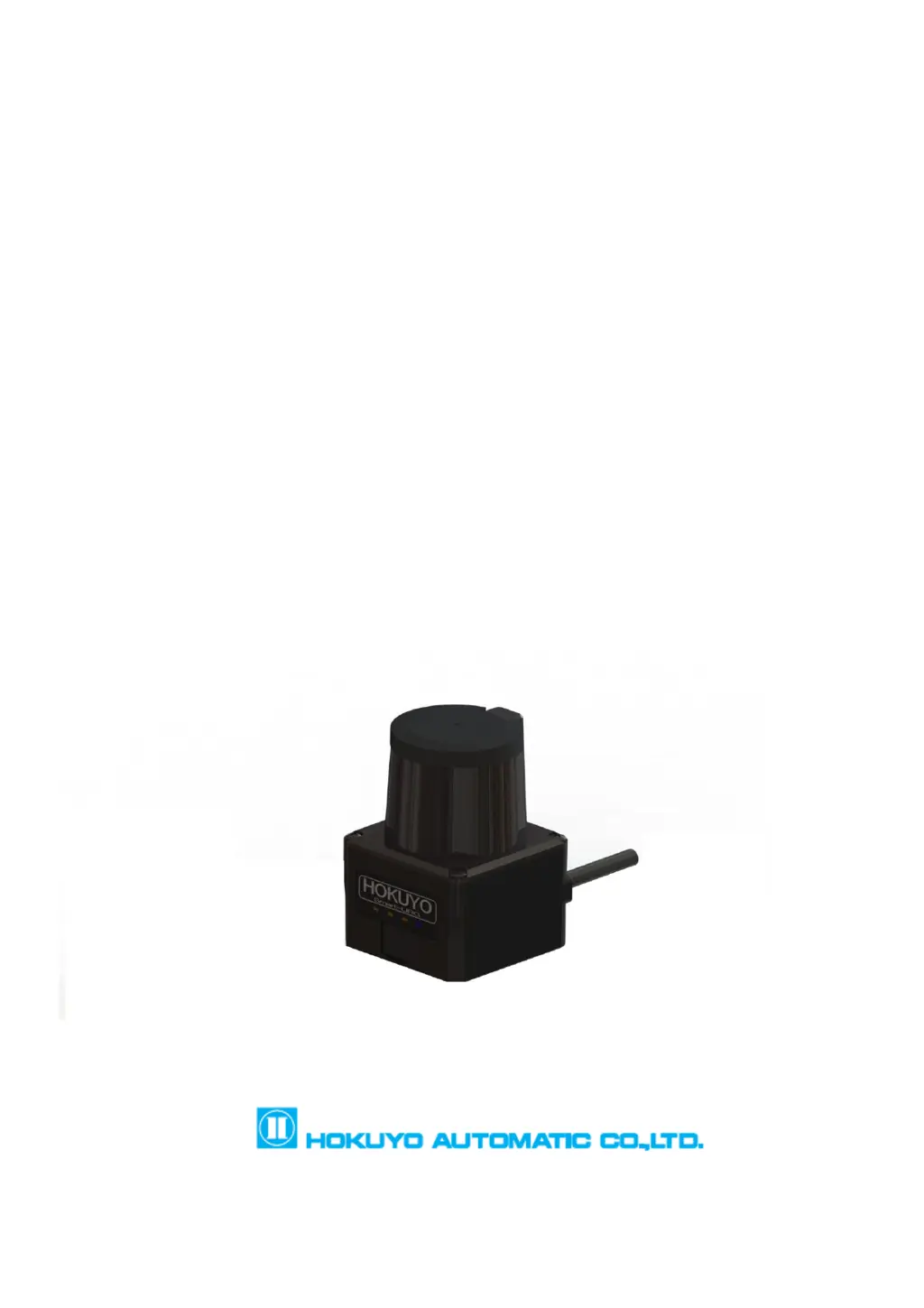
Scanning Laser Range Finder
UST-05LN/UST-05LA
Users Manual
)

Table of Contents

Questions and Answers

Summary

Introduction

About this document;manual

Overview of the manual's content, purpose, and usage guidelines.

Applicable products

Lists the sensor models covered by this user's manual.

Special markings and symbols

Explains safety marks and symbols used throughout the document.

Cautions

Provides important warnings and disclaimers regarding product use and responsibility.

Safety Precautions

General precautions

Outlines essential safety rules for operating the UST sensor.

Operating environment

Specifies suitable environmental conditions for UST sensor installation and use.

Installation of UST

Details safe and correct methods for physically mounting the UST sensor.

Wiring

Provides precautions and requirements for connecting the UST sensor's wiring.

Configuration

Emphasizes the need for pre-operation testing and saving configurations.

Inspection and maintenance

Guides users on performing necessary checks and upkeep for the UST sensor.

Product Overview

Features of UST-05 LN;UST-05 LA

Lists the key features and capabilities of the UST sensor models.

Components of UST-05 LN;UST-05 LA

Identifies and illustrates the main physical parts of the UST sensor unit.

Operation principle

Explains how the UST sensor detects objects using pulsed laser and TOF.

Area configuration

Describes how to set up detection areas using Polygon, Arc, and Rectangle shapes.

Area switching

Details the process of configuring and using input signals for area switching.

Detection condition

Explains how object size influences detection and how to calculate detection width.

ON;OFF delay

Covers setting response times for output signal changes from OFF to ON and vice versa.

Hysteresis function of detection area

Explains how hysteresis prevents output oscillation near detection boundaries.

Setting of UST

Details parameters like baud rate, output logic, and scan skip count.

Output

Describes the three types of output signals and malfunction output.

Input

Explains the use of inputs for area switching and synchronization.

Indicator lamp

Details the function of the LED indicators for status display.

Laser spot

Shows the size and spread of the laser spot on surfaces.

Data logging

Describes how to record and play back sensor data using Area Designer software.

SD card log function (for UST-05 LA only)

Explains recording log data directly to an SD card without a PC.

Laser emission skip function

Covers functions to reduce light interference by skipping scans or pulses.

Application Examples

Access protection (Horizontal application Stationary)

Illustrates using the UST for security monitoring at entrances and passages.

Protrusion detection (vertical placement)

Shows how to detect protruding objects, e.g., in warehouses.

Area protection (Mobile)

Demonstrates using the UST for object detection and speed control on AGVs.

Installation

Light interference

Advises on installing the UST to avoid false detections from light sources.

Mutual interference

Provides methods to prevent interference when using multiple UST sensors.

Synchronous operation

Explains how to synchronize multiple UST units to prevent interference.

Wiring

Precautions

General safety advice to follow during the wiring process.

Power supply

Specifies voltage requirements and precautions for the power supply.

Wire color and function

Details the color coding and function of each lead wire.

Input;Output circuit

Shows the schematic diagrams for input and output circuits.

RS422 (For UST-05 LA only)

Illustrates the RS422 connection for the UST-05LA model.

UST Area Designer Application Software

Area Designer

Information on downloading and using the Area Designer software.

System requirements

Lists the minimum PC specifications for running Area Designer.

Inspection and Maintenance

Pre-operation inspection

Steps for verifying UST functionality before integrating into a system.

Operation inspection

Procedures for checking UST performance after system integration.

Daily inspection

Daily checks to ensure the UST is operating correctly.

Periodical inspection

Recommended periodic checks, e.g., every six months.

Cleaning the optical window

Instructions for cleaning the sensor's optical window to maintain performance.

Troubleshooting

Troubleshooting Guide

Provides solutions for common issues like non-operation, connectivity, or detection failures.

Specification

Product Specifications

Details technical specifications including range, accuracy, scan angle, and outputs.

Applicable Directives and Standards

Conformant Directives and Standards

Lists relevant EU directives and EN standards the product complies with.

Package Contents

Included Package Items

Lists the items included in the product package.

External Dimensions

Physical Dimensions

Shows the physical size and mounting hole details of the UST sensor.

Revision History

Document Revision History

Tracks changes and revisions made to the document over time.

HOKUYO AUTOMATIC UST-05LN Specifications

General IconGeneral
Laser SafetyClass 1 (IEC60825-1:2014)
Scanning Range0.05 to 5m
Scanning Angle270°
Angular Resolution0.25°
Scanning Time25 ms/scan
Scanning Frequency40Hz
Accuracy±40mm
Power Supply VoltageDC12 V ±10 %
Protection ClassIP65
Dimensions50 x 50 x 70 mm
Power SupplyDC
InterfaceUSB
Output InterfaceUSB
Operating Temperature-10 to +50°C
Power Consumption6 W (max)
WeightApprox. 160 g

Related product manuals