Document No: C-41-02490-9
15
3.7 ON /OFF delay
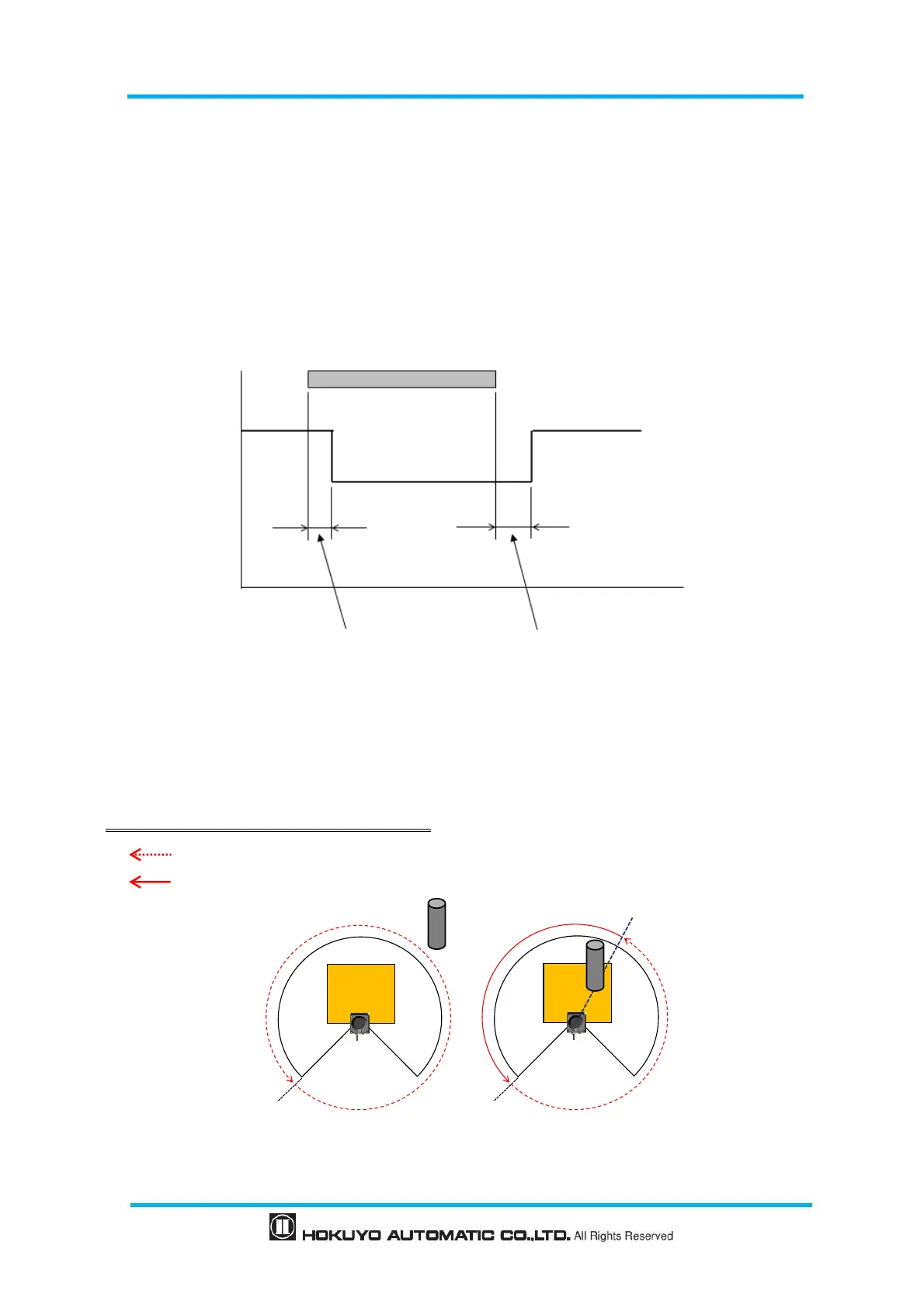
ON delay and OFF delay of the output signal can be set by using Area Designer within the range of 1scan
(66ms) to 128scan (3241ms) (default is 1scan (66ms))
ON delay is the response time changing from OFF state to ON state. OFF delay is the response time
changing from ON state to OFF state.
Increasing the response time will increase availability of the UST. However, this will reduce the detection
capability towards moving objects. User must perform verification tests before using ON/OFF delay
function.
Figure 3-10 ON delay /OFF delay
Schematic diagram for ON delay/OFF delay operation is as shown below.
1. Schematic diagram without OFF delay setting
1scan (Object absent) 2scan (Object present)
:Object absent
:Object present


 To Next Page