16
To “Conguring the settings” (P.8)
(5) Tilt Limit Set
You can set the tilt limit position (tilt upper limit position).
Perform trim zero set in advance. (P.20)
• Under the following conditions, Tilt Limit Set is grayed out
and cannot be congured.
– When the engine is running
– When the trim tilt angle sensor is defective
– When the outboard motor angle is within the trim area
– When DLC (dealer's tool) is connected
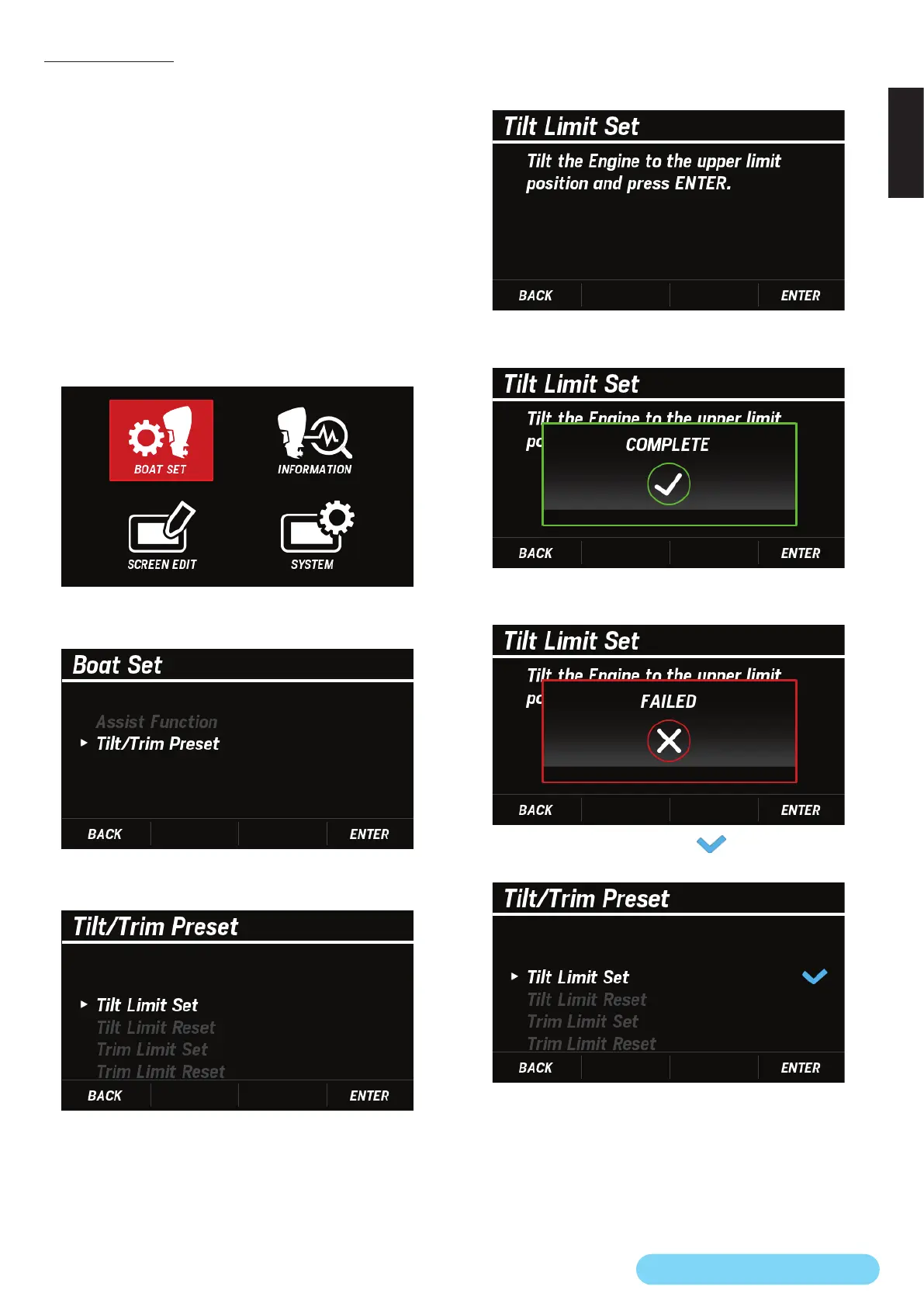
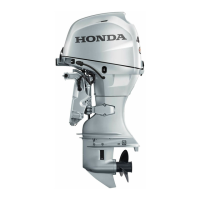
1. Press the POWER TRIM/TILT SWITCH to set the outboard
motor angle to a position within the tilt area.
2. Use the [
∧
] or [
∨
] button to select BOAT SET and press the
[ENTER] button.
3. Use the [
∧
] or [
∨
] button to select Tilt/Trim Preset and
press the [ENTER] button.
4. Use the [
∧
] or [
∨
] button to select Tilt Limit Set and press
the [ENTER] button.
5. Press the POWER TRIM/TILT SWITCH to raise the outboard
motor to your desired tilt position and press the [ENTER]
button.
• When the Tilt Limit Set setting is successfully completed,
the COMPLETE pop-up window appears.
• If the Tilt Limit Set setting is not completed, the FAILED
pop-up window appears. Retry setting from step 4.
• When the setting is completed, is displayed next to Tilt
Limit Set.



 To Next Page