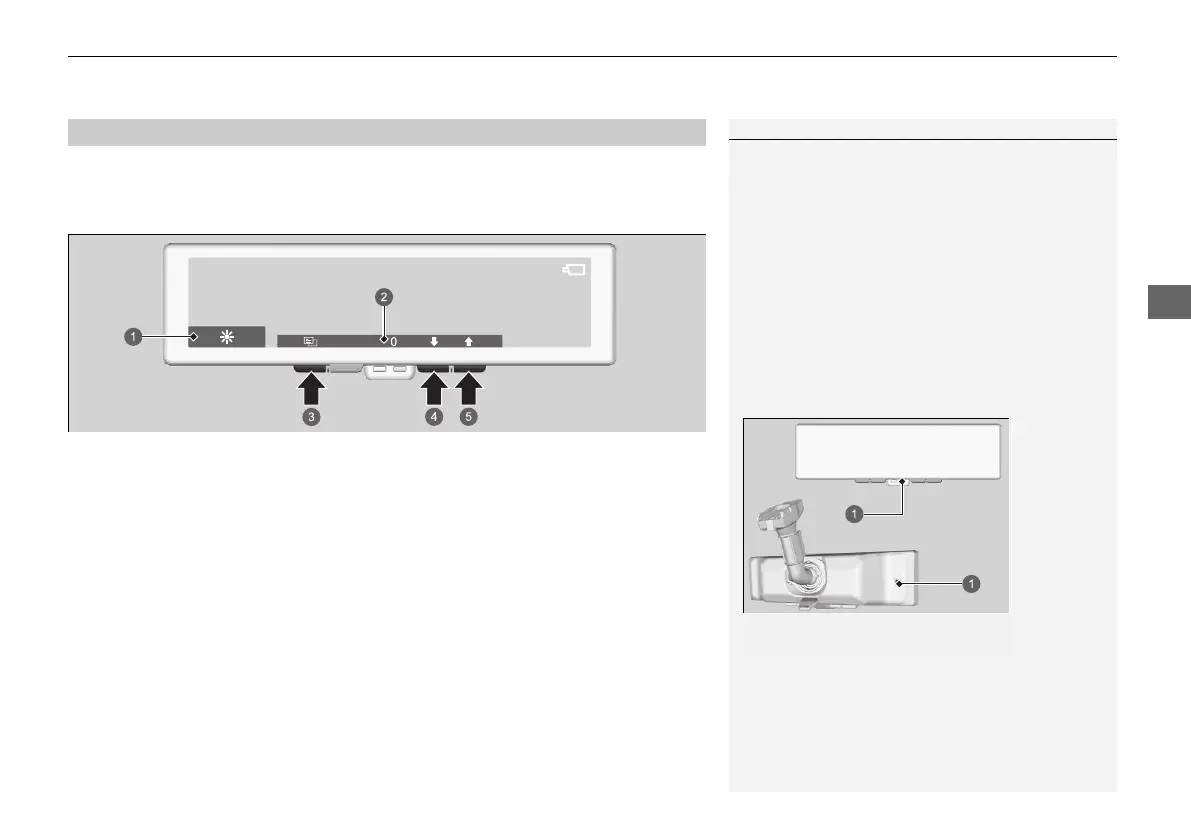
1. Change to monitor mode
2. Use the menu button to select the setting
3. Change the setting via button 1 or 2
1Adjusting the Brightness and Field of View
Adjust settings before driving.
When you adjust the settings of field of view too
much, the image may appear skewed.
If the ambient lighting is high, the brightness of the
image may not change when you adjust setting of
the brightness.
When the automatic brightness setting is turned ON,
the brightness of the image will be automatically
adjusted based on ambient lighting. In order to keep
the sensor working correctly, do not touch or cover it.
If the ambient lighting becomes low, the image will
also darken even if automatic brightness settings are
set to OFF.













 To Next Page