219
uuAdjustment of Each Type of MirroruCentre Camera Mirror System
*
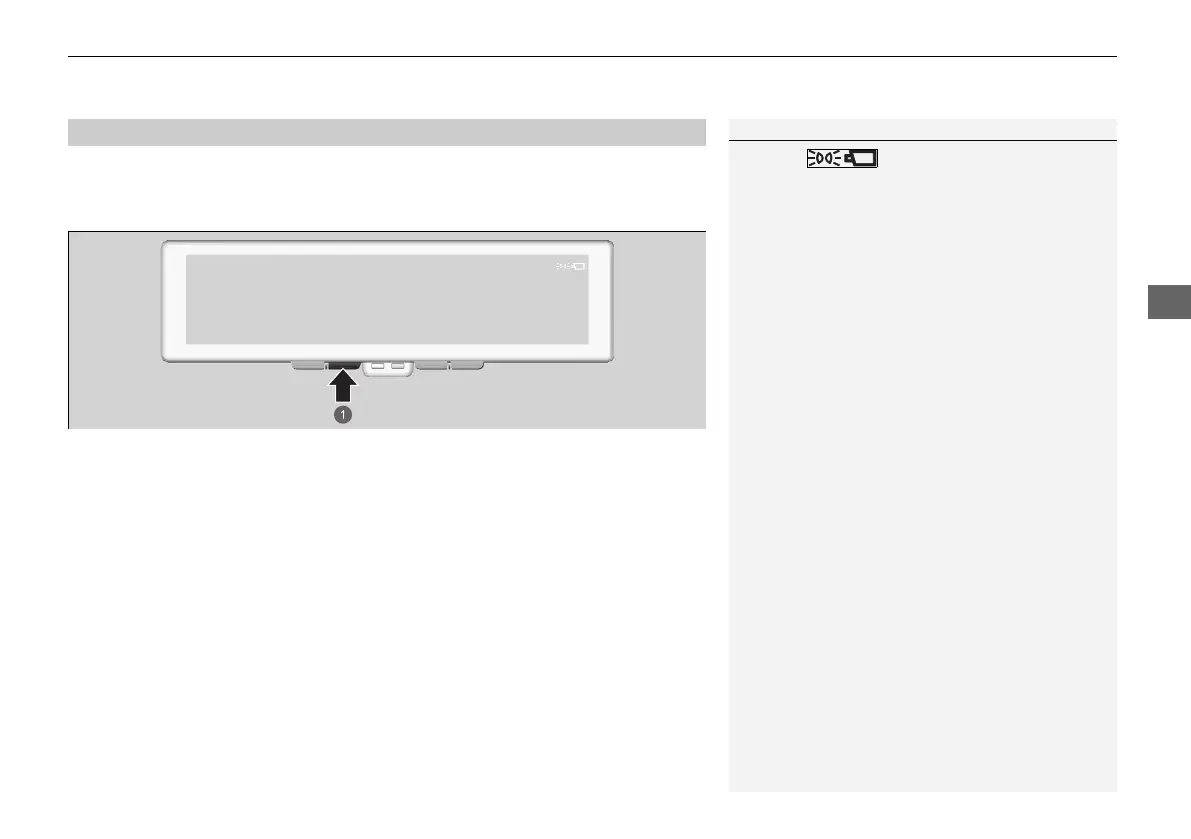
If you press and hold the PLS button while in monitor mode, the image will darken
and glare from bright objects like the headlights of following vehicles will be
minimized. It will return to normal brightness if you press the PLS button again.
■
PLS Mode
1PLS Mode
This icon will display on top of the image
in PLS mode.
a PLS Button
20 2EX JSS (KE KG)-32TYF6000.book 219 ページ 2020年3月6日 金曜日 午後6時58分













 To Next Page