271
uuDisplay AudiouAudio/Information Screen
Continued
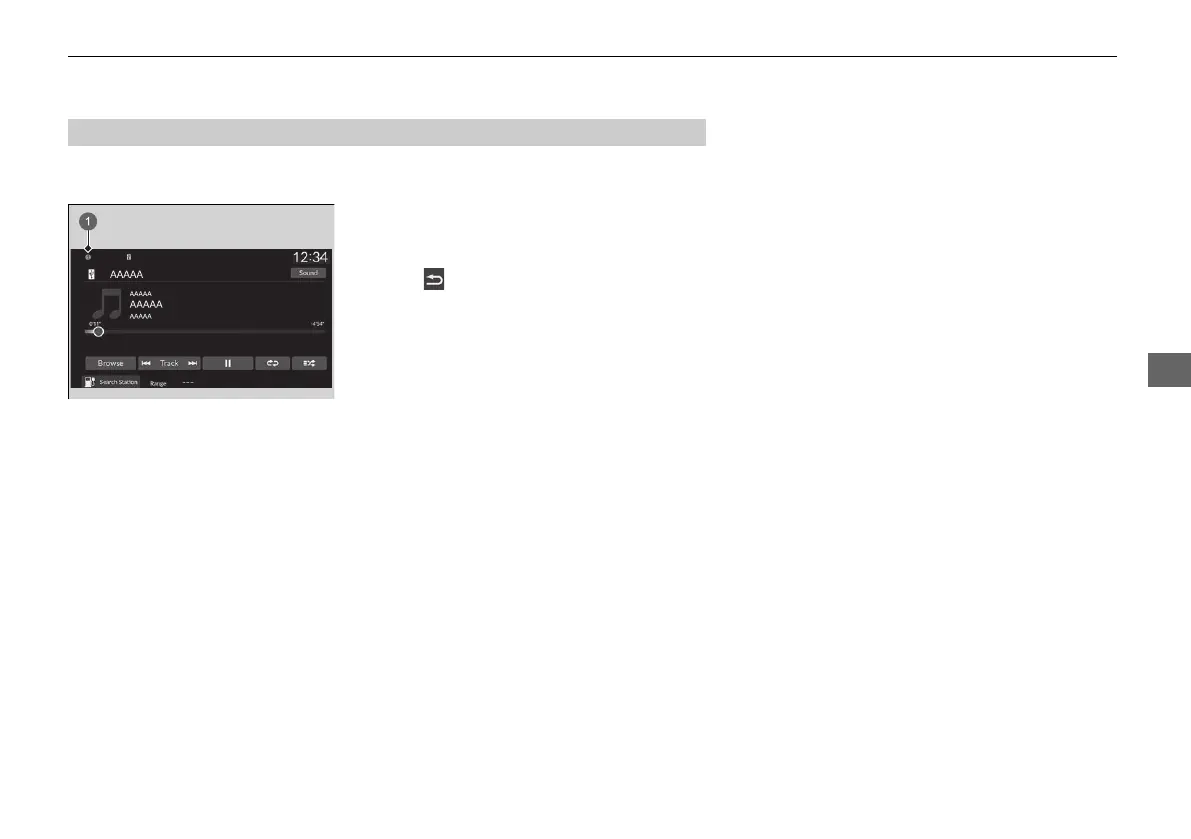
Shows the indicators of the information for the vehicle, connected phones, etc. in
the header area. You can confirm the detail information by selecting these icons.
1. Select the system status icon.
u The status area appears.
2. Select an item to see the details.
3. Select or the system status icon to close
the area.
■
Status Area
20 2EX JSS (KE KG)-32TYF6000.book 271 ページ 2020年3月6日 金曜日 午後6時58分













 To Next Page