22
Setting up the lawn mower
4. Setting the work timer
Through this setting, you can confi gure the work day and work time to operate the lawn mower.
4-
1
Select [4.Work timer] and press the H button to
confi gure the work day and work time.
Setup wizard
1.Lawn layout
2.Mowing start points
3.Test start points
4.Work timer
4-
2
Select [1. Auto fi ll up timer] or [2. Manual setup] and
press the H button.
Menu name Description
[1.Auto fi ll up
timer]
Automatically calculate the
minimum days required by
reference to the boundary wire
length and lawn size.
[2.Manual setup] Manually set the work day and
work time to operate the lawn
mower. You can confi gure the
proper settings for your lawn.
If you select [1.Auto fi ll up timer], go to step 4-3.
If you select [2.Manual setup], go to step 4-4.
NOTE:
- If you don’t know the details on the work timer
settings, select [1.Auto fi ll up timer], or contact your
dealer.
- For details of the work timer settings, see “4. MENU
SETTINGS” (M page 25).
- Depending on the results of mowing using the
automatically confi gured settings, you may need
to adjust the lawn mower operating settings. If you
don’t know the details of the settings, contact your
dealer.
Work timer 6/7
Recommended
100hrs/week
1.Auto fill up timer
2.Manual setup
4-
3
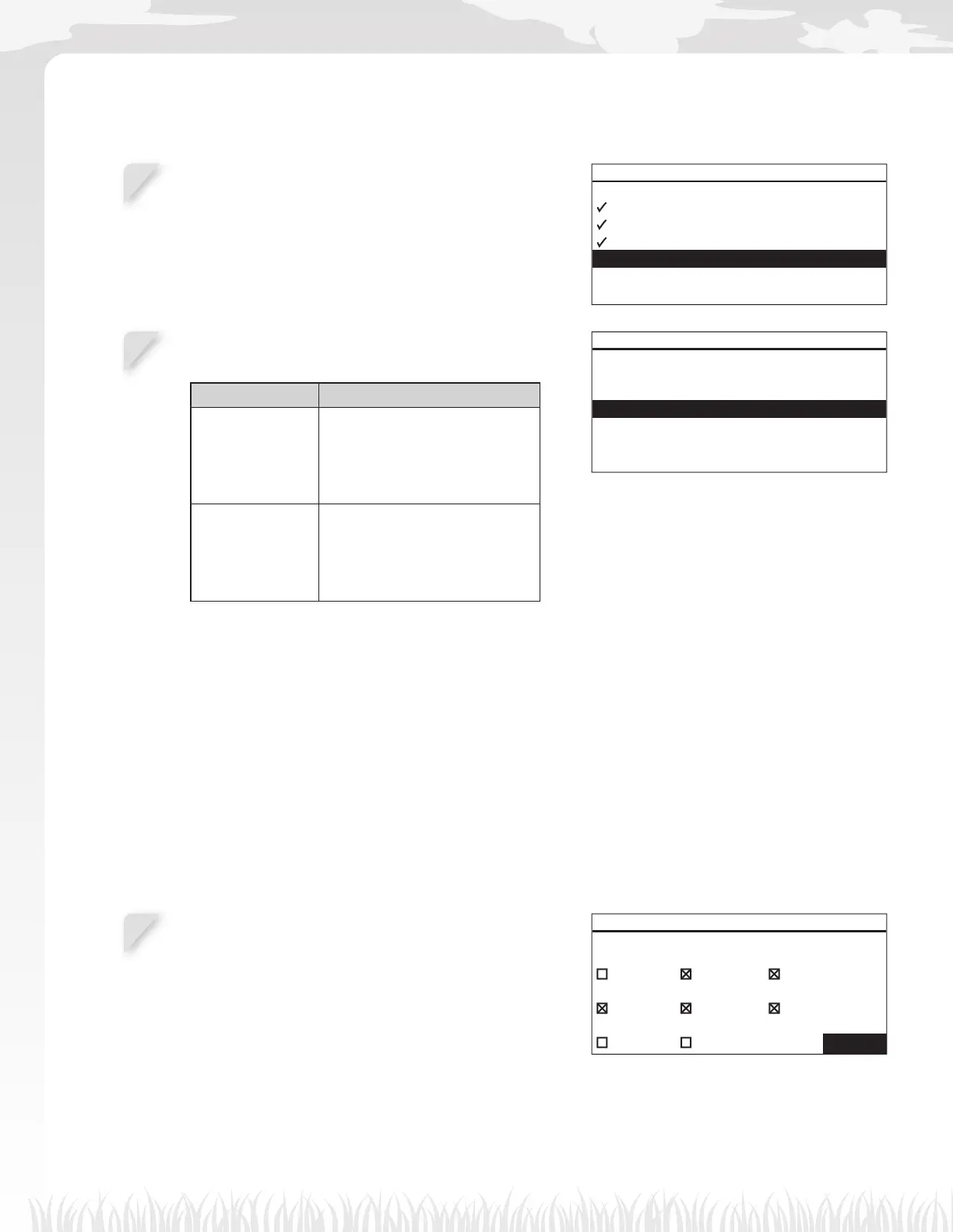
Confi rm the days that are automatically selected
referring to the boundary wire length and lawn size.
Select [NEXT] and press the H button to proceed to the
timer setting screen.
NOTE:
- You can select other days to operate the lawn
mower.
Work timer 6/7
Minimum days required 4
All MON TUE
WED THU FRI
SAT SUN NEXT



 To Next Page