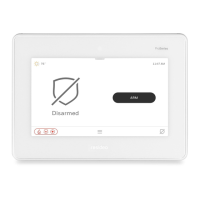
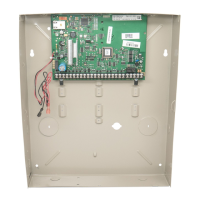
TuxedoW Home Automation and Security System User Guide
4
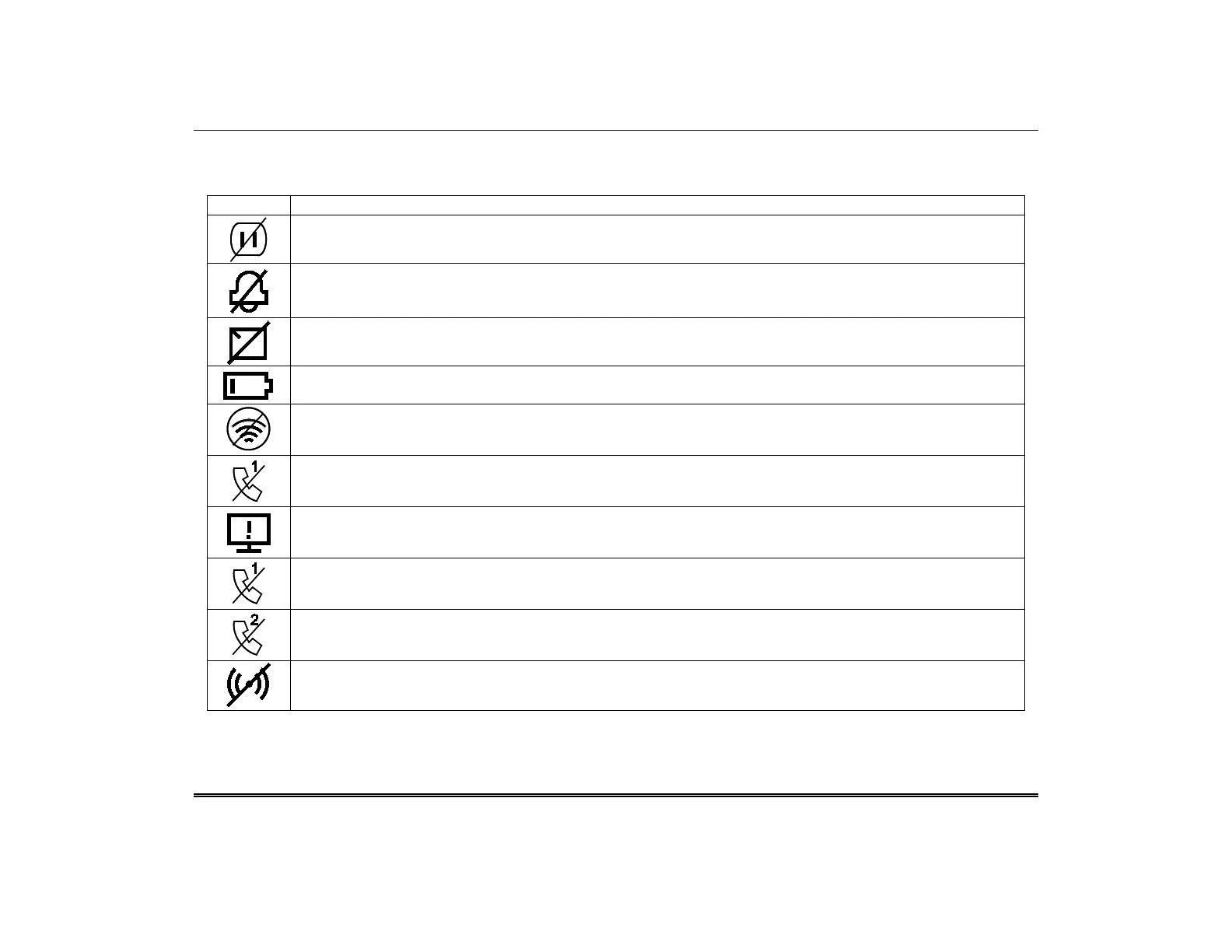
System Trouble Icons
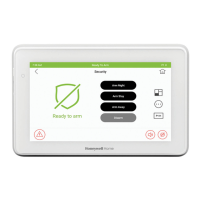
The Security screen displays one or more of these icons if system troubles occur. If a Trouble icon appears, contact your security
professional.
AC Loss – The system is not receiving AC power.
Bell Failure – The system bell or siren has a problem. Note: This icon appears only in residential systems.
Expander Failure – There is a failure in an expansion module. If this notification appears, contact your security professional.
Low Battery – The battery that powers the system during an AC power loss is low.
LRR Supervision Failure – The communication device used to communicate with the central station has a supervision failure.
Max Attempts Exceeded – The system has exceeded the maximum number of attempts to communicate with the Central Station.
Pager Failure – The system cannot communicate with an assigned pager.
Telco-1 Cut – The system is not able to communicate with the central monitoring station over the primary phone line.
Telco-2 Cut – The system is not able to communicate with the central monitoring station over the secondary phone line.
Wireless Failure – The system is not able to communicate with its wireless devices.



 To Next Page
 Loading...