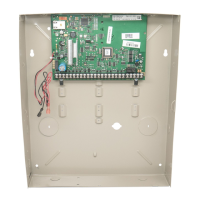
TuxedoW Home Automation and Security System User Guide
19
Video Setup
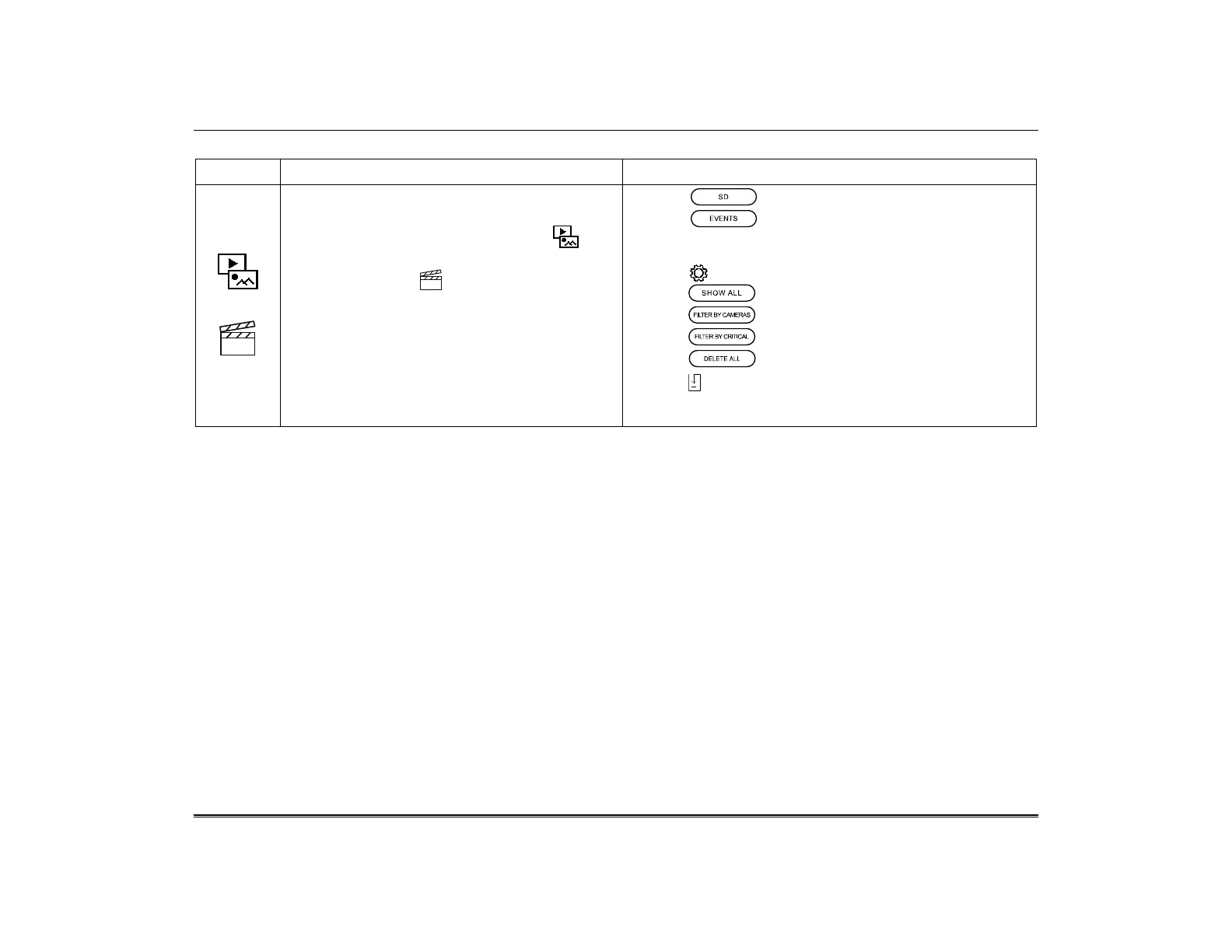
ICON ACTION NOTES
1. Insert a Micro SD card containing videos in a
supported file format.
2. On the Home screen, select Multimedia . The
Multimedia menu opens.
3. Touch the Video icon. A list of available
videos appears. See the notes at right for
options available from the list of videos.
4. Tap the video to be played and playout begins.
• Select to see only videos on the SD card
• Select to see videos recorded by connected
cameras when triggered by system events such as
Arms/Disarms and motion detection
• Touch at lower right for sorting and filtering options
• Select to list all event-triggered recordings
• Select to list only recordings from selected cameras
• Select to list only recordings marked as Critical
• Touch to delete all event-triggered recordings
• Touch in the lower right corner to download all event-
triggered videos from their cameras to the SD card in your
Tuxedo.


 To Next Page
 Loading...