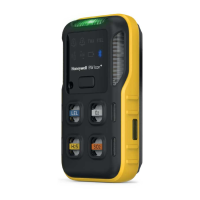
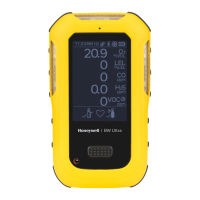
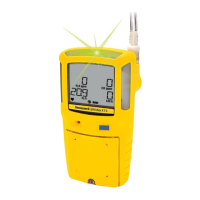
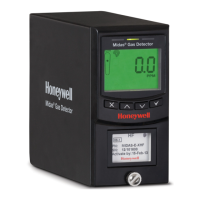
GasAlertMicro 5/PID/IR
User Manual
Title Page
iv
Setting the Calibration Due Date .............................................................................................................................. 57
Alarm Setpoints ........................................................................................................................................................ 58
Setting the Remaining Alarm Setpoints .................................................................................................................... 60
Finish Calibration ...................................................................................................................................................... 60
Verification ................................................................................................................................................................ 61
Unsuccessful Span ................................................................................................................................................... 61
Pump .................................................................................................................................................................................. 64
....................................................................................................................................................................................... 64
Identifying the Pump ...................................................................................................................................................... 64
Generation 1: 116885-L3 (yellow) and 118933-L3 (black)........................................................................................ 64
Generation 2: 130916-L3 (yellow) and 130917-L3 (black)........................................................................................ 65
Installing the Pump Module ............................................................................................................................................. 66
Replacing the Pump Filter (Generation 2 Pump) ........................................................................................................... 67
Replacing the Pump Nozzle (Generation 2 Pump) ........................................................................................................ 68
Attaching the Auxiliary Filter .......................................................................................................................................... 68
Confined Space Sampling ............................................................................................................................................. 70
Maximum Hose Length when Confined Space Sampling......................................................................................... 71
Datalogger ......................................................................................................................................................................... 72
MMC/SD Card Compatibility............................................................................................................................................. 72
Inserting the MMC/SD Card ........................................................................................................................................... 72
MMC/SD Card Troubleshooting ....................................................................................................................................... 73
Restoring Datalog Files.................................................................................................................................................. 74
Reformatting the MMC/SD Card .................................................................................................................................... 75
Import Datalogs to Fleet Manager II ................................................................................................................................ 76
Minimum PC Requirements ........................................................................................................................................... 76
Importing from MicroDock II to Fleet Manager II............................................................................................................ 76
Import to Fleet Manager II Using a Card Reader........................................................................................................... 76
www.GlobalTestSupply.com
Find Quality Products Online at: sales@GlobalTestSupply.com


 To Next Page
 Loading...