Honeywell | 36
8 Configuring CloudLink 5G Modem
Serial IrDA Modem Internet*
EC350
ü ü ü ü
EC350 + CloudLink
ü ü û ü
ECAT
ü û ü ü
ER
ü û ü ü
ERX
ü û ü ü
ERX350
ü û ü ü
ERX350 + CloudLink
ü ü û ü
Mini
ü û ü ü
Mini-AT
ü û ü ü
Mini-Max
ü û ü ü
PT Modbus
ü û ü û
Pulse Accumulator
ü û ü ü
TCI
û ü û û
Turbo Corrector
ü û ü ü
Turbo Monitor
ü û ü ü
*Assuming that a cellular modem is being used.
Note: Before adding a new site, ensure that you have configured your communication settings
under Settings > Communications Setup.
Click the icon on the top-right corner of the screen to create a new site or a field device. This
function is used to add site information to the Site List.
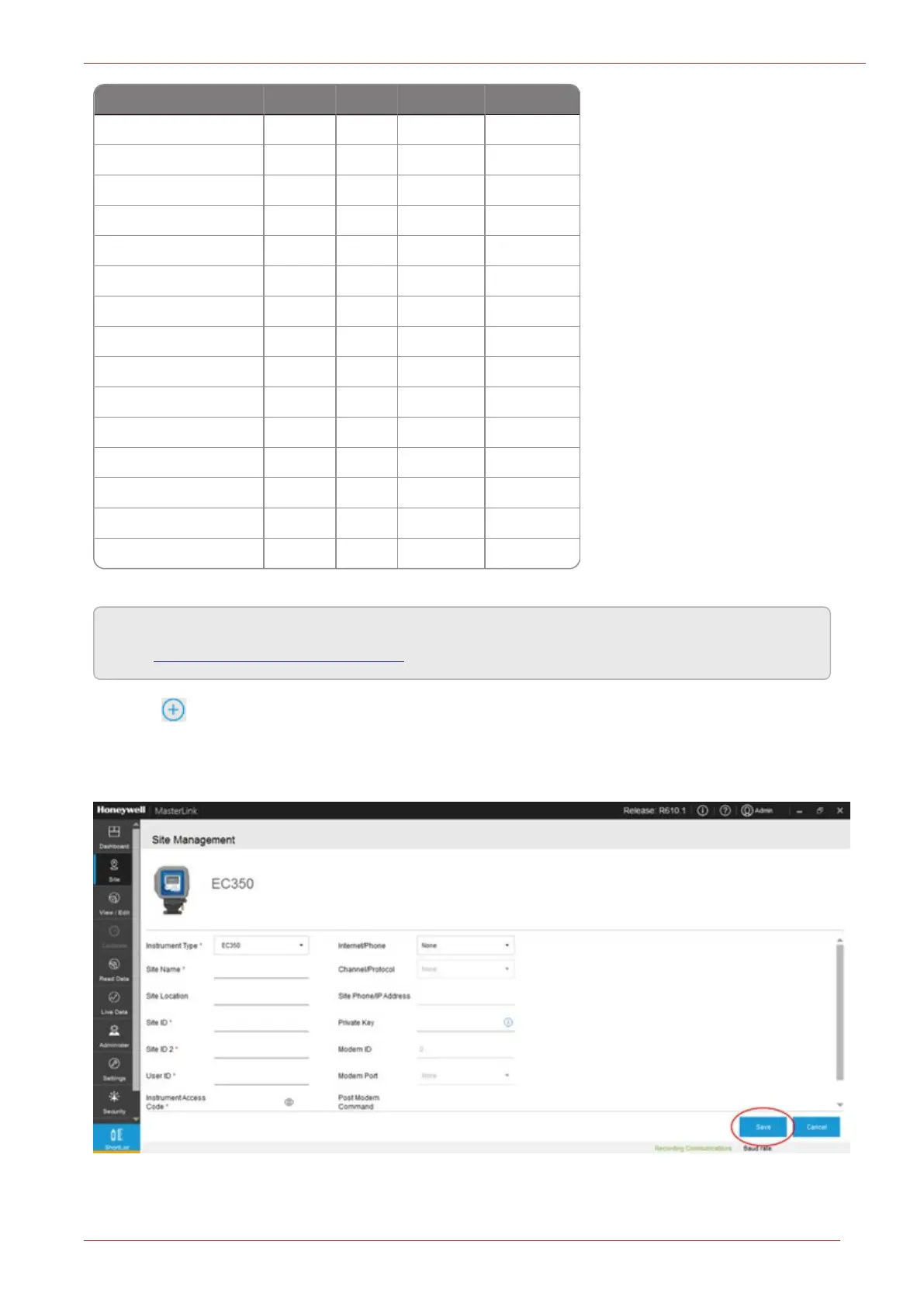
Configure the site details and click Save.



 To Next Page