Honeywell | 37
8 Configuring CloudLink 5G Modem
Attention: In integrated mode, Site IDs must be identical for device and modem. (If you are using
EVC or Recorder's Site ID with 8 digits, then Modem ID should be last 6 digits).
Also, an integrated site must be added in 'Integrated' mode only. Otherwise only the CloudLink
modem will be added as a site followed by a sync with the central server. A site once created and
synced with the central server cannot be deleted from the server.
Attention: Site IDs must not be changed after it is synced with the central server. While adding
an integrated site, the EVC or Recorder's site IDs will be shown as Site IDs of integrated sites.
The CloudLink modem's Site ID will not be displayed as the Site ID of the integrated site.
However, the Site ID of the CloudLink modem will still be used to scan and detect the integrated
site.
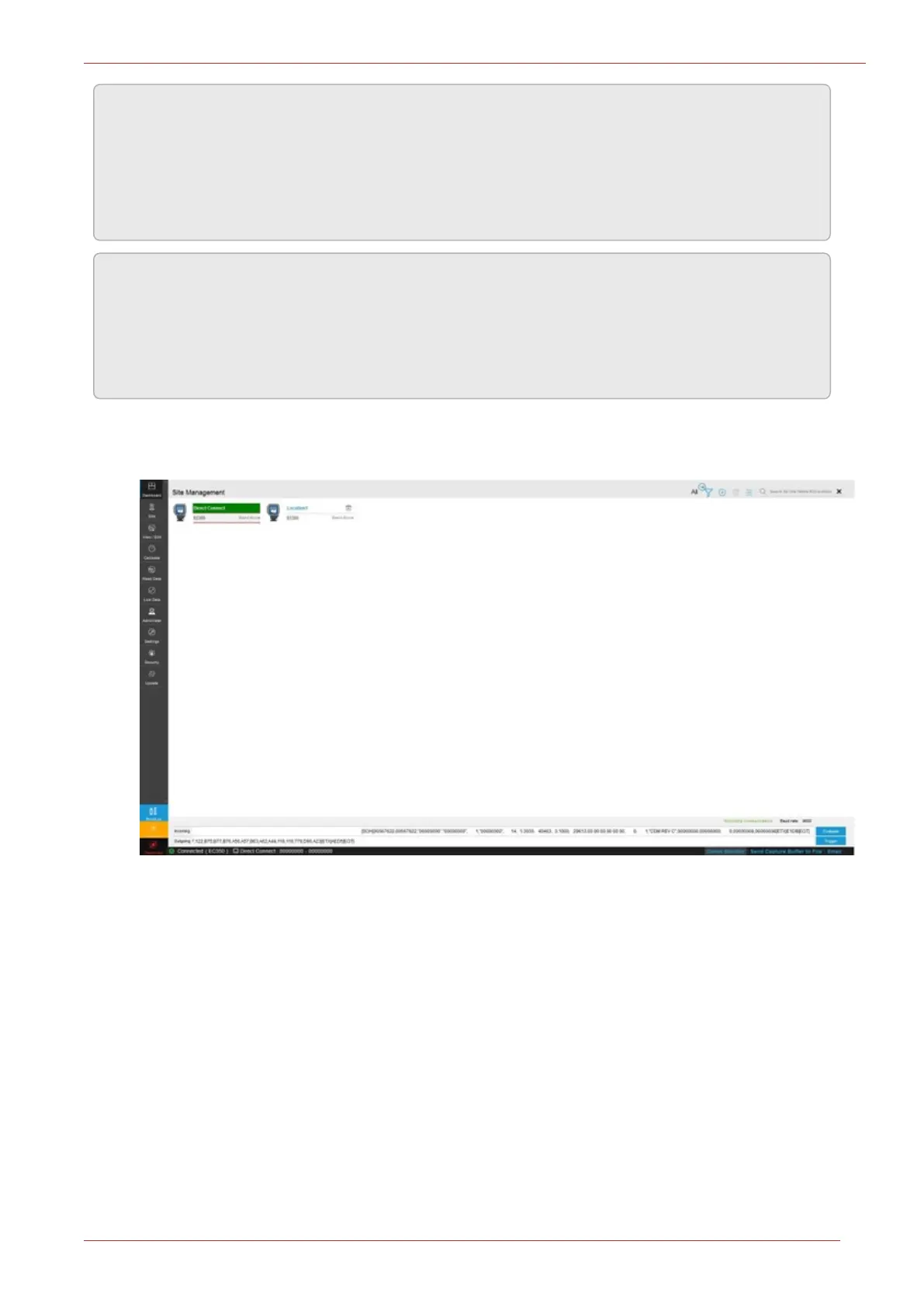
The 'Site Management' screen has two views:
1. Tile View:



 To Next Page