RP-2002 Series Manual — P/N 53039:E6 1/26/2017 89
Read Status Operating Instructions
4.15.4 Cross Input Zones
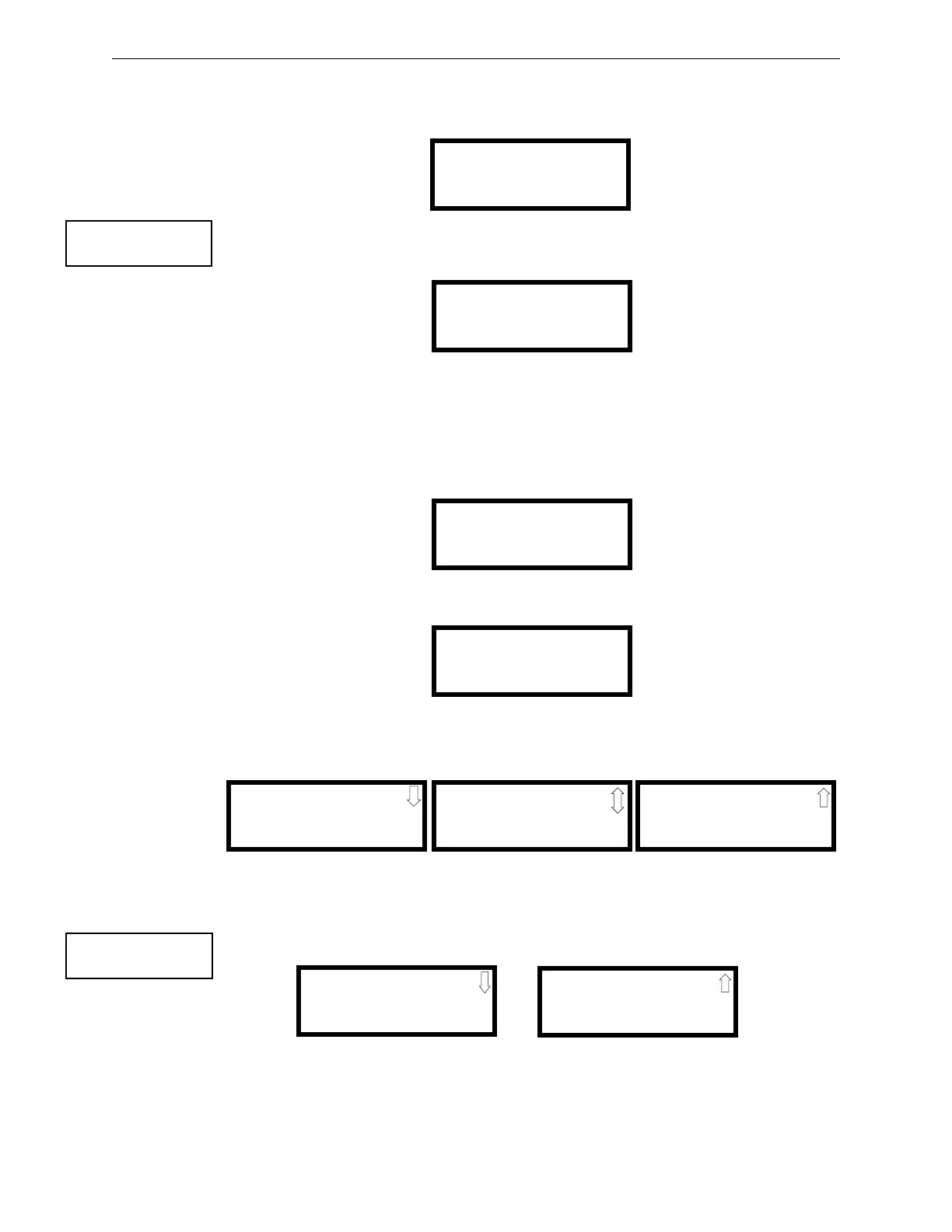
Pressing 1 while viewing Read Status Screen #2 will display the following screens:
Press 1 for Release Circuit 1 or 2 for Release Circuit 2. A screen similar to the following will be
displayed:
The Cross Zones Release screen displays the zones that have been cross-zoned. In this example,
Zone 1 is cross-zoned with Zone 4.
4.15.5 On-Board Relays
Pressing 2 while viewing Read Status Screen #2 will display the following screen:
To view the information about a relay, press the number key corresponding to the desired relay. The
following screen will be displayed:
4.15.6 System Settings
Pressing 3 while viewing Read Status Screen #2 will display the following screens:
The operator can view the system settings options that have been programmed into the FACP.
4.15.7 Timers
Pressing 1 while Read Status Screen #3 will display the following screens:
These screens allow the operator to view the various timer settings.
READ STATUS
1=CROSS INPUT ZONES
2=ON-BOARD RELAYS
3=SYSTEM SETTINGS
Read Status Screen #2
CROSS INPUT ZONES
1=RELEASE 1
2=RELEASE 2
Cross Input Zone Screen
CROSS ZONES REL 1
X 1 2
NONE
NONE
Cross Zones Release Screen
ON-BOARD RELAYS
1=RELAY 1
2=RELAY 2
3=RELAY 3
RELAY #
TYPE ALARM
LATCHING NO
SYSTEM SETTINGS
ABORT TYPE UL
TROUBLE REMIND NO
CHARGER DISABLE NO
SYSTEM SETTINGS
FACTORY BANNER
SYSTEM SETTINGS
CANADIAN OPTION NO
SEC ANN ENABLE NO
READ STATUS
1=TIMERS
2=DAYLIGHT SAVINGS
3=HISTORY
Read Status Screen #3
TIMERS
PRE-DISCHARGE1 30S
PRE-DISCHARGE 30S
DISCHARGE1 1MIN
TIMERS
DISCHARGE2 1MIN
WATERFLOW DELAY 90S
AC LOSS DELAY 2HR



 To Next Page
 Loading...