www.honeywell.com/security
28 | Performance Series IP Cameras User Guide
Installing the Quick Configuration Tool
1. Insert the Software CD that came with your NVR into your PC. Navigate to and double-click
Honeywell Config Tool to install the configuration tool software.
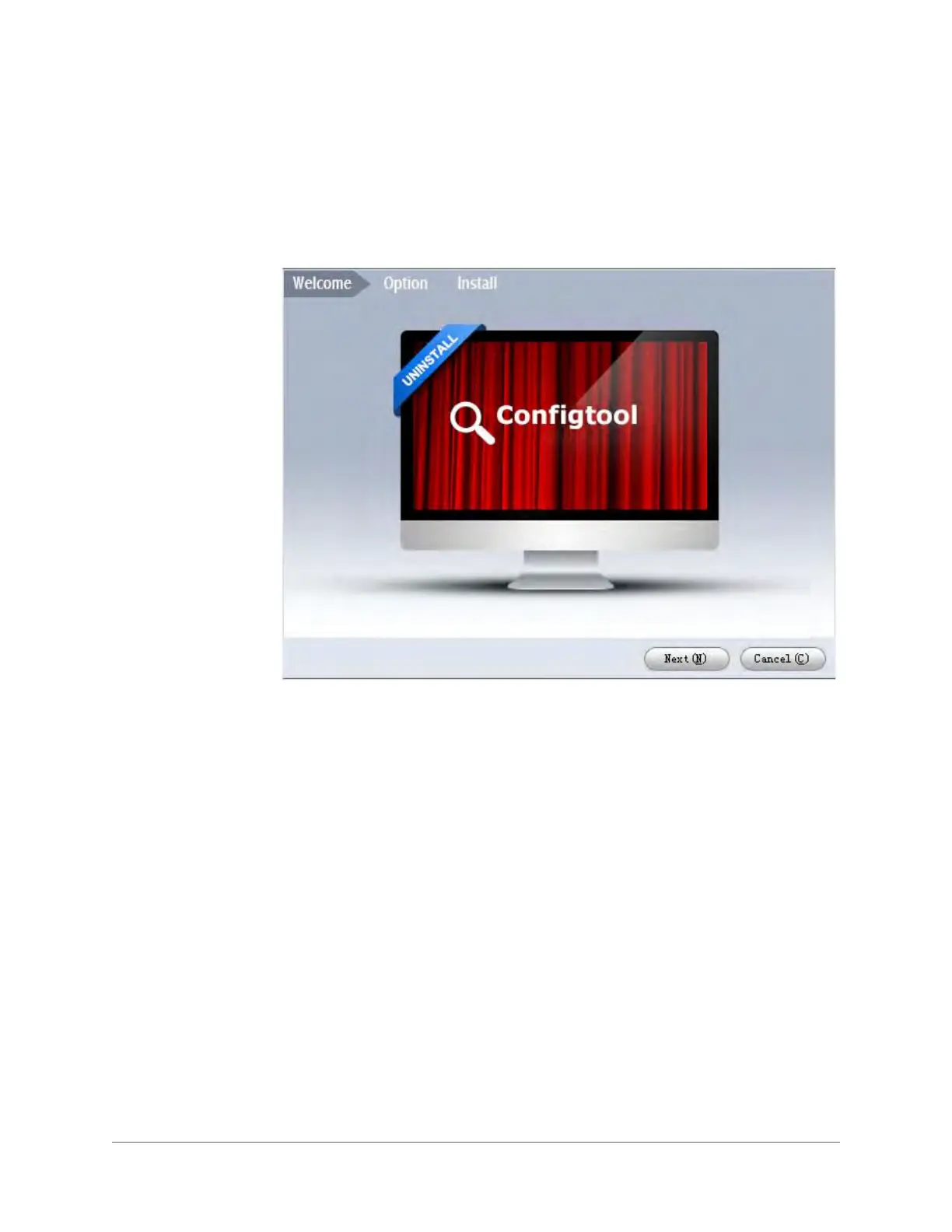
The Honeywell Config Tool installation wizard opens.
Figure 2-1 Honeywell Config Tool Wizard
2. Click Next to begin the installation. The User License Agreement page appears.







 To Next Page