www.honeywell.com/security
48 | Performance Series IP Cameras User Guide
Width and Height Ratio
Click to restore the video to the original aspect ratio, or to a ratio suitable for the window.
Fluency Adjustment
Click to select a fluency level to suit your situation. The default is Normal, which has
minimum delay. If your connection is slow, you might select Fluent mode. But if you choose
Fluent mode, there might be a decrease in the image quality, and possibly a delay in the video.
Setup
Camera Configuration
Conditions
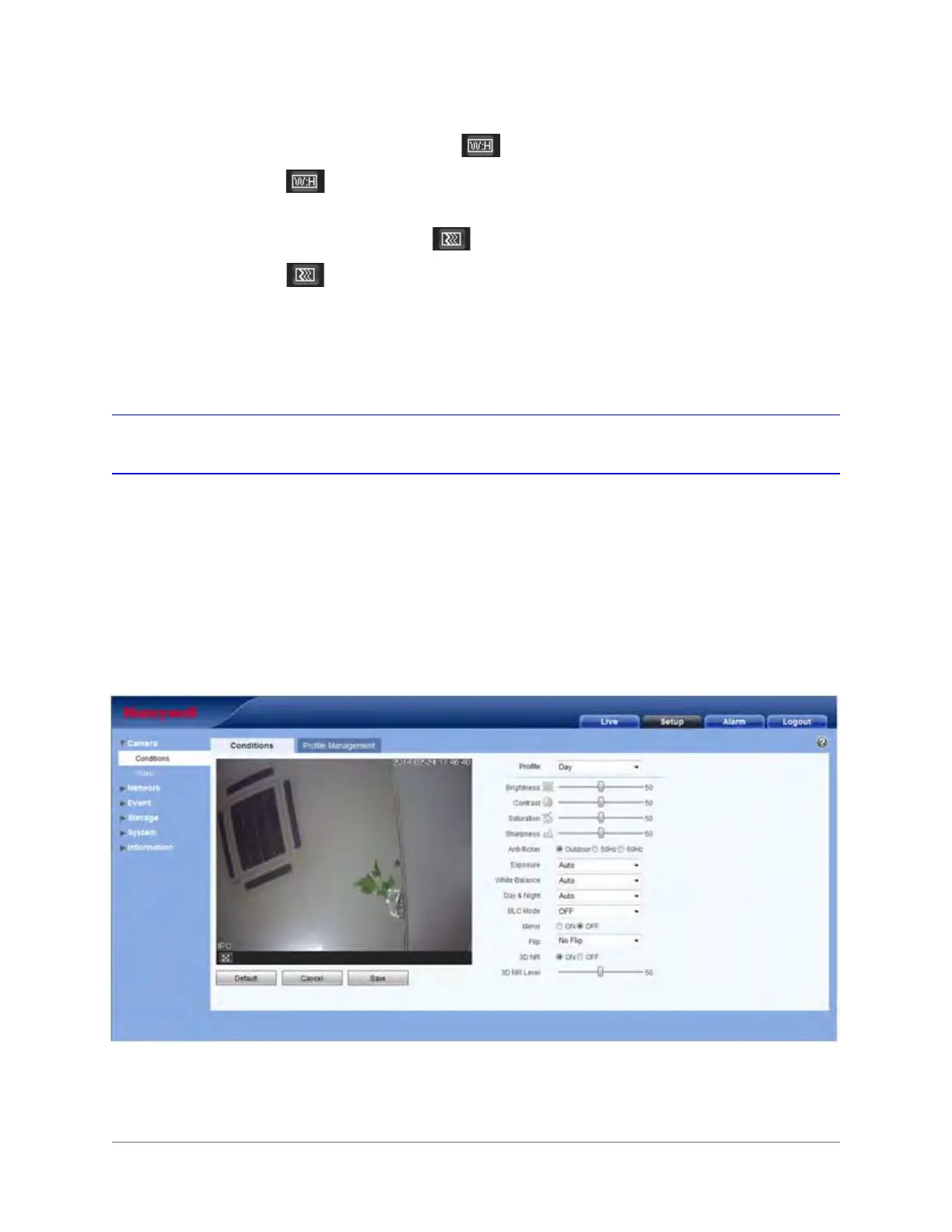
On the Conditions tab, you can view camera property information. The configurations become
valid immediately after they are saved.
Figure 3-14 Camera Setup Window







 To Next Page