www.honeywell.com/security
88 | Performance Series IP Cameras User Guide
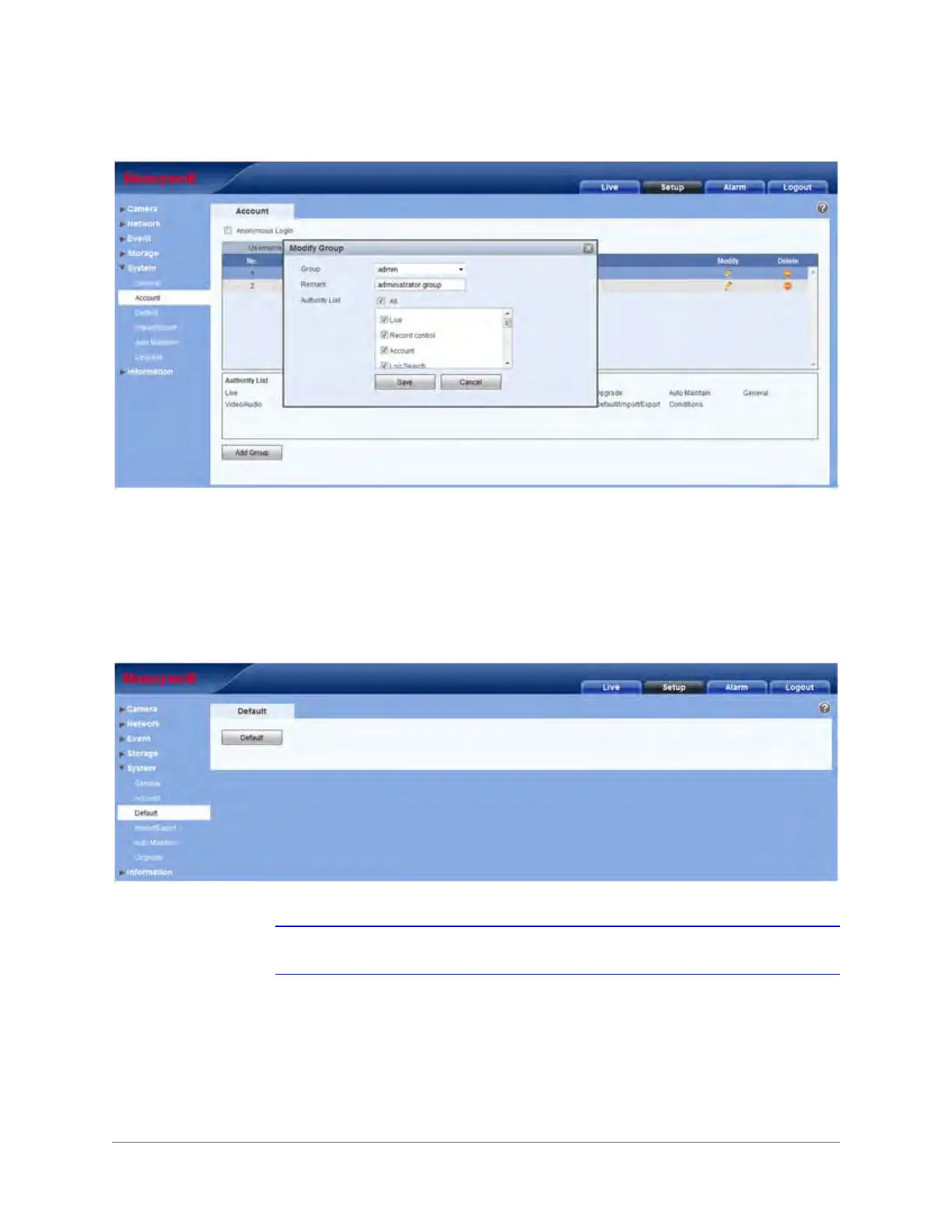
Figure 3-52 Modify Group Interface
In the Modify Group Interface, you can edit Remarks and Rights.
Default
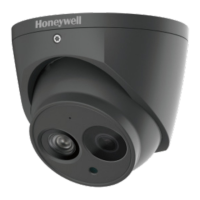
Click Default to restore the camera to the factory preset settings.
Figure 3-53 Default Interface
Note The system can not reset some information, such as the network IP address.







 To Next Page