MAN0878-09-EN_XLE_XLT_UserManual
A u g u s t 2 3 , 2 0 1 8 P a g e 115 | 158
15.4 Establishing Communications Overview
The XLE/XLT can communicate with Cscape using USB to serial adapters, Ethernet, USB, CAN
(CsCAN) or modems. For communications other than RS-232 serial please refer to the manual
that ships with the adapter hardware being used for programming.
To communicate with the XLE or XLT via USB you will need the Automated Driver Installer
located on the Horner APG web site. The drivers may be loaded from the HE-XEC Ethernet
Utility / HTTP Web Server Demo / Communications Drivers section of the support
files page on our website, found here: https://hornerautomation.com/support-
files .
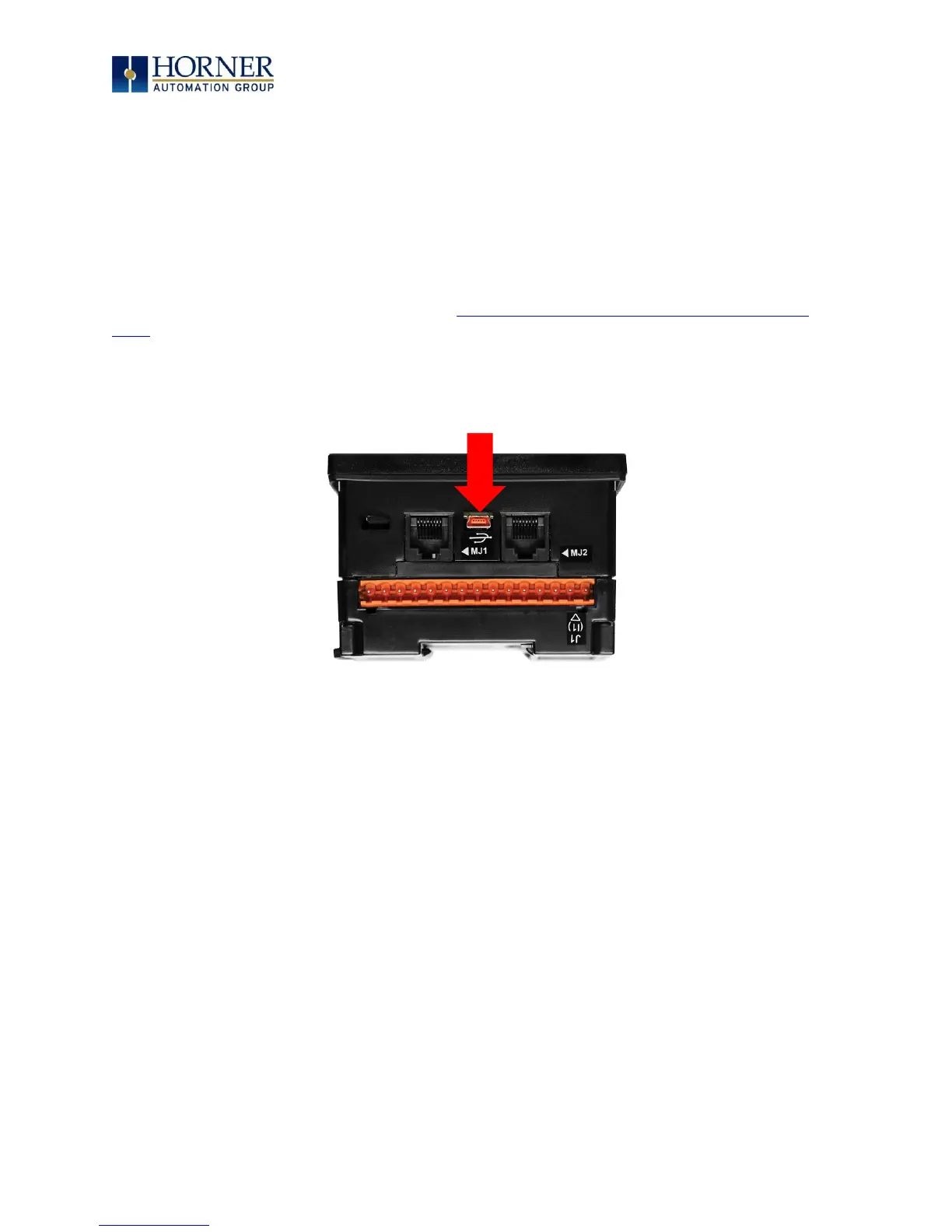
Next, connect a PC’s (Personal Computer running a Windows Microsoft operating system) USB
port via USB cable to the USB mini B port on the XLE/XLT OCS.



 To Next Page