MAN0878-09-EN_XLE_XLT_UserManual
A u g u s t 2 3 , 2 0 1 8 P a g e 132 | 158
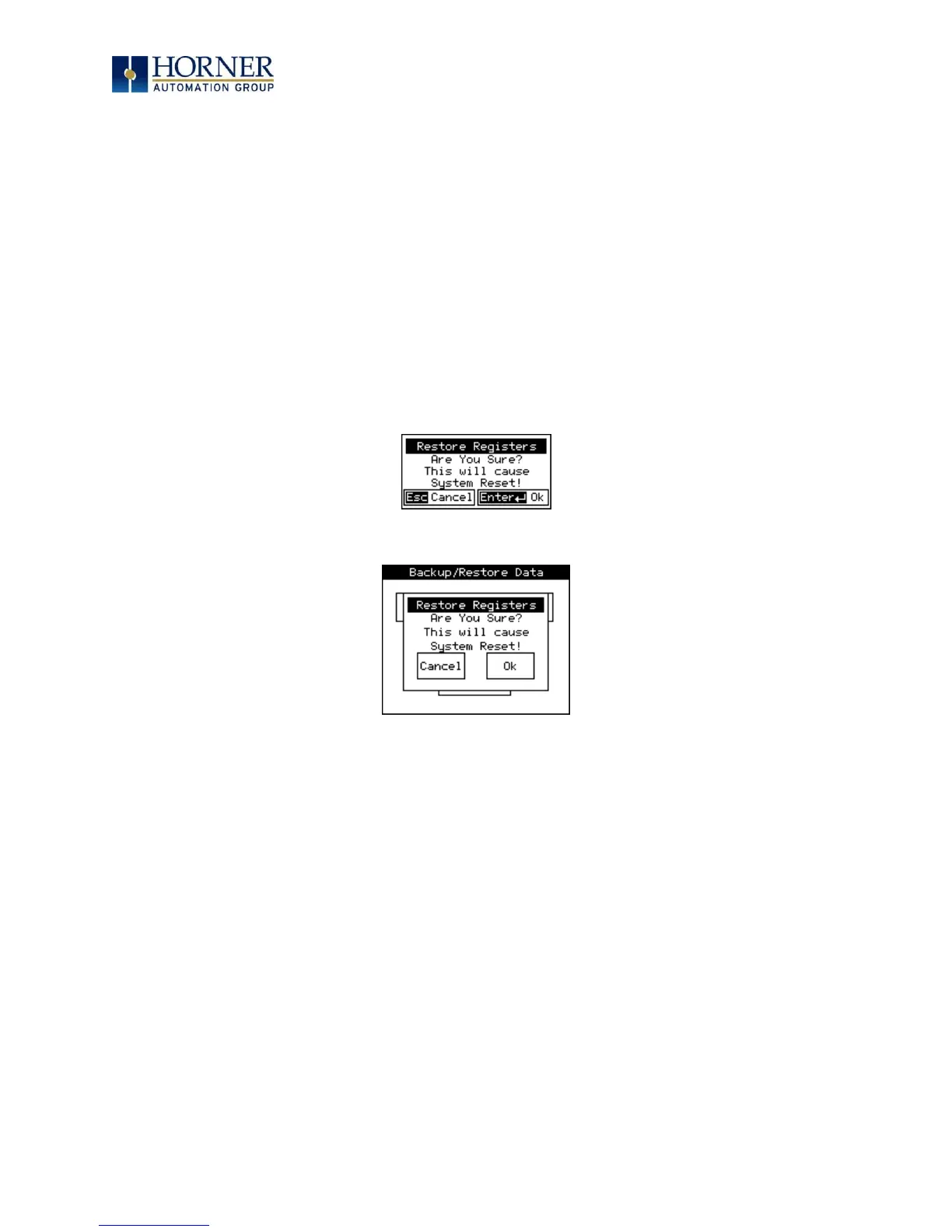
Restore OCS Data:
When initiated, this will allow the user to manually copy the backed-up data from the onboard
Flash to the Battery-Backed RAM.
A restore operation will be automatically initiated if a backup has been previously created and
on power-up the Battery-Backed RAM registers fail their check.
The following process is implemented to restore data:
• The controller will be placed in IDLE mode.
• Data will be copied from onboard Flash to OCS Battery-Backed RAM
• The controller will reset.
• The controller will be put in RUN mode if the AutoRun setting is ‘Yes’ else it will remain
in IDLE mode.
XLE:
XLT:
Figure 16.4 – Restore OCS Data
%SR164.3 is set to 1 only when an automatic restore operation is performed - not on a manual
one. This bit is reset to the value of 0 when a new backup is created.
Restoring of data can be manually performed by selecting RESTORE option from the Backup /
Restore Data menu. This will cause the controller to reset.



 To Next Page