MAN0878-09-EN_XLE_XLT_UserManual
A u g u s t 2 3 , 2 0 1 8 P a g e 137 | 158
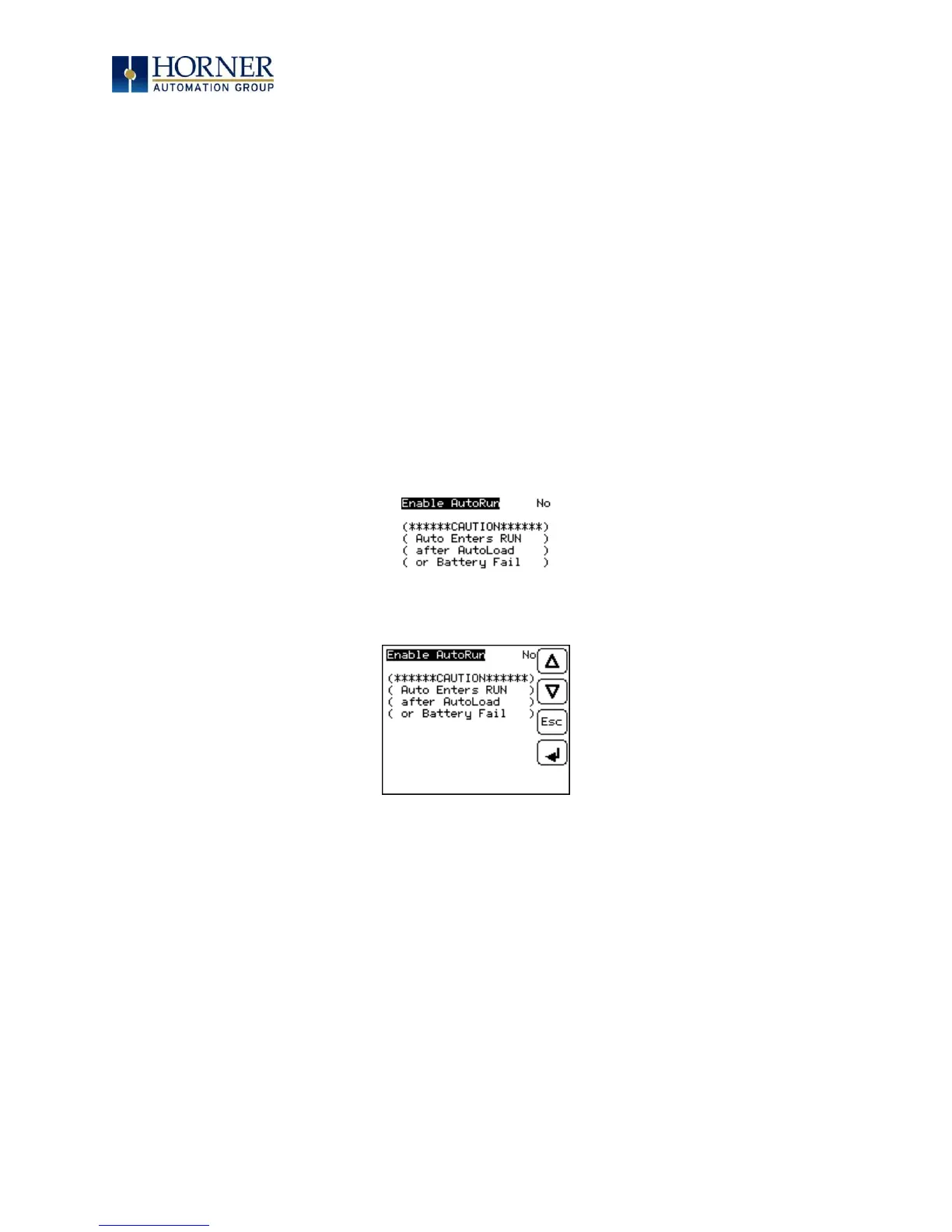
AutoRun
This system menu option, when enabled (YES), allows the user to automatically place the OCS
into RUN mode after the AutoLoad operation or automatic Restore Data operation.
When the AutoRun setting is disabled (NO), the OCS remains in the IDLE mode after a Restore
Data or AutoLoad operation.
%SR164.5 can be set by putting the system into RUN mode automatically, once an AutoLoad
has been performed or an Automatic Restore has occurred.
If for any reason the AutoLoad-Run (Loading the AUTOLOAD.PGM automatically and OCS put
in RUN mode) sequence does not succeed, a pop-up message box saying "AUTO-LOAD-RUN
SEQUENCE FAILED" will be displayed. It will also show the reason for its failure. On
acknowledging this message box the AutoLoad-Run sequence will be terminated, controller
will return to the first user-screen and will be placed in IDLE mode.
XLE:
XLT:
Figure 16.9 – AutoRun Menu



 To Next Page