EasyManua.ls Logo

HORNER HE-XE1E2 - Page 63

Default Icon
158 pages
Print Icon
To Next Page IconTo Next Page
To Previous Page IconTo Previous Page
Loading...
MAN0878-09-EN_XLE_XLT_UserManual
A u g u s t 2 3 , 2 0 1 8 P a g e 63 | 158
AutoLoad
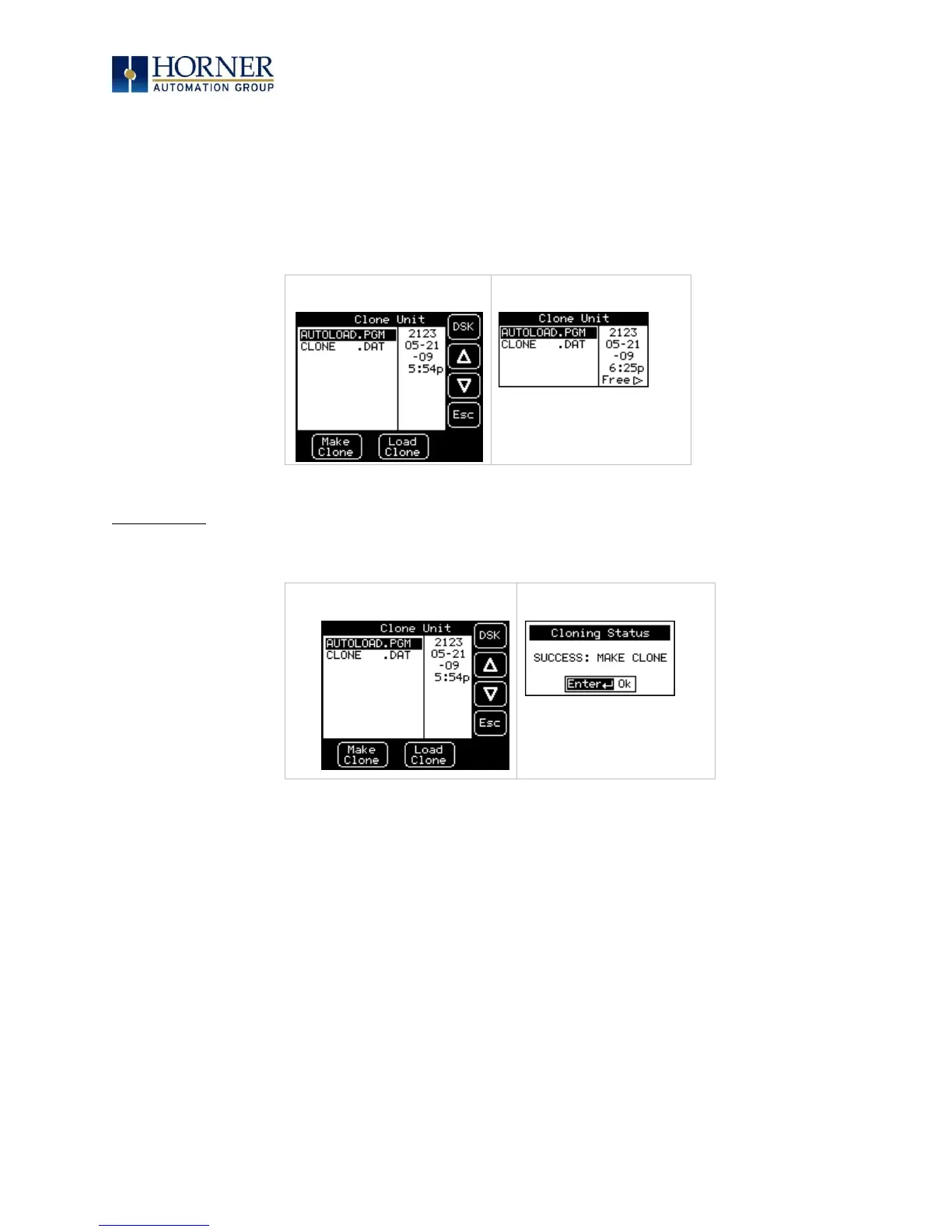
After confirmation, the OCS will create two new files in the root directory of the Removable
Media Drive as shown below:
AUTOLOAD.PGM Application file
CLONE.DAT File having all unit settings and register values from Battery Backed RAM

XLT:
XLE:
Load Clone
Selecting “Clone Unit” menu will open the following menu screen. Select “Load Clone”.
XLT:
XLE:
NOTE: For security enabled files, Load Clone asks for password validation before loading the
application.

Table of Contents

Related product manuals