32
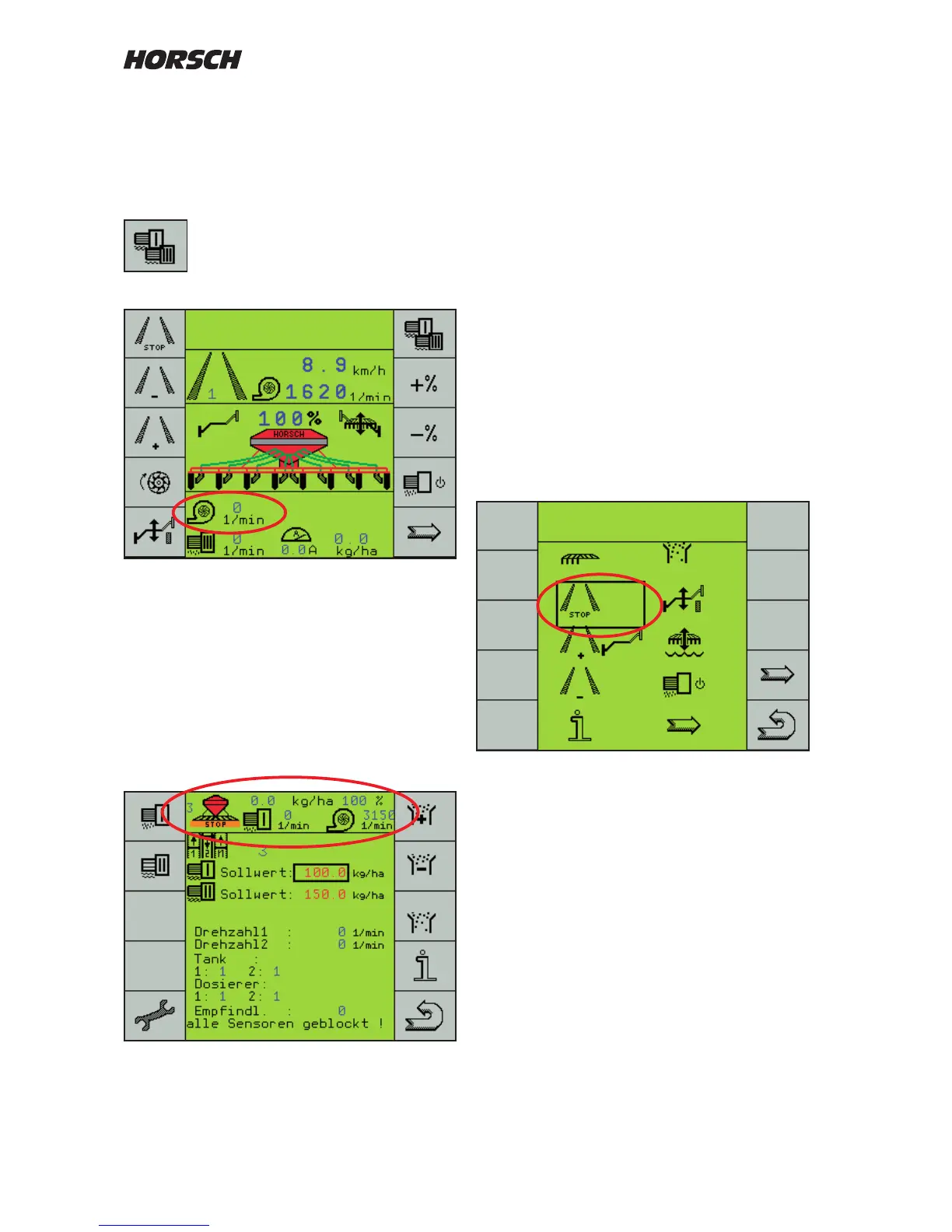
Machines with dual hopper and two fans are
equipped with a second computer to monitor
the second fan.
Switch over to the third metering drive to be able
to view the second fan speed.
Changeover from 1 / 2 metering drive
to the 3. metering drive.
Indication of the second fan speed
The seed quantity for the third drive must be
set to 0 kg/ha.
Show header
In the ISOBUS compatible terminals you can
display additional functions or, in the drill
program, the important functions in all menus.
Extra key selection
Under "Extra key selection" you can congure
the rst work page yourself.
This display page is placed before the first
work page and appears with a selection of its
functions.
Setting
Choose the line "Extra key selection" and mark
"yes".
Use the arrow key to leaf through to page ve
of the machine conguration.
The view shows the work page as currently
congured.
Change of arrangement and new allocation
of functions.
Use the + / - keys to move the frame to the
location that should have another function
assigned.



 To Next Page