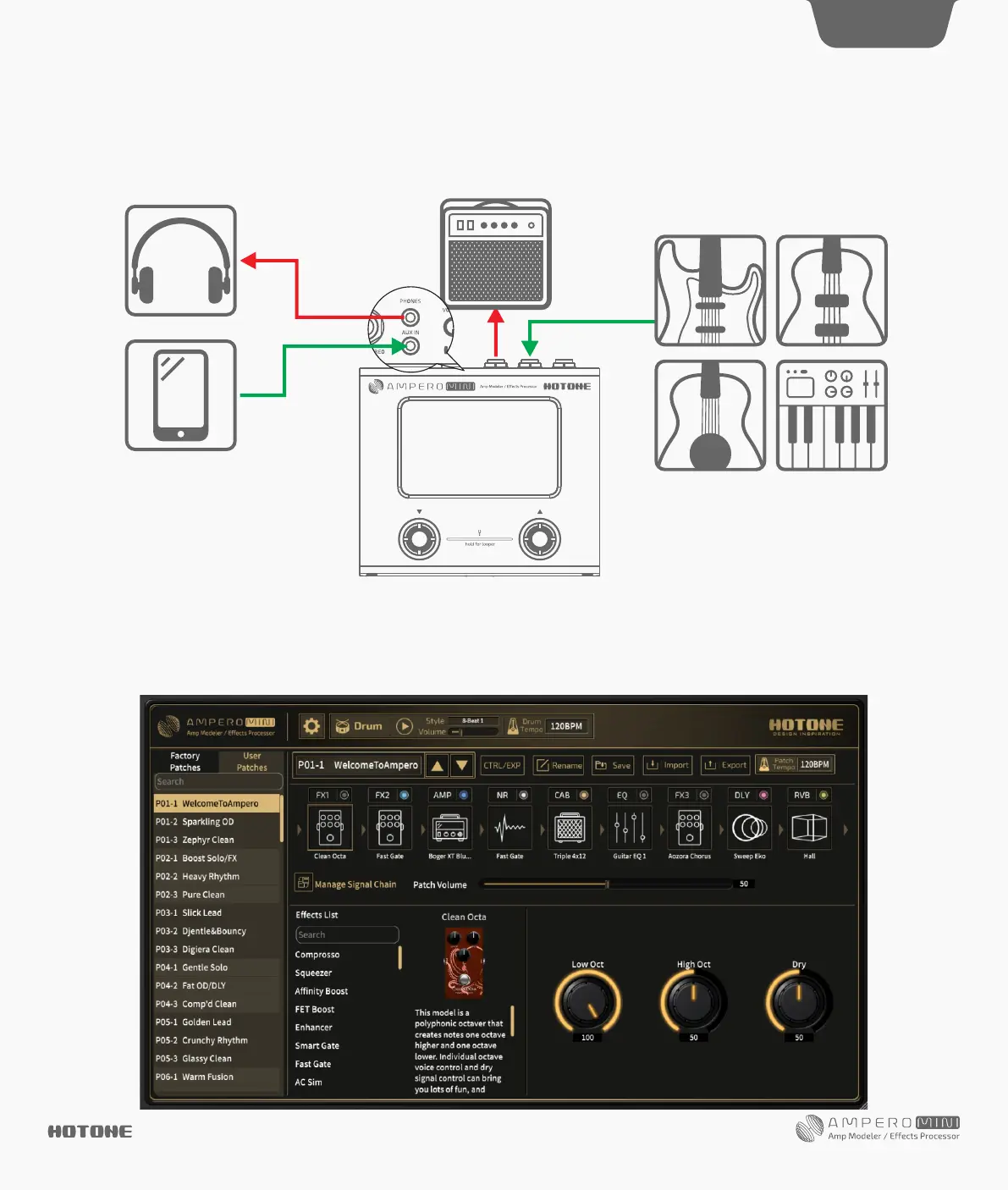
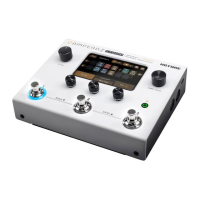
Connect Ampero Mini to your computer and access the free software to manage your Ampero Mini device, adjust tonal settings, transfer files,
update firmware, restore settings, and upload third party IR files. Ampero Mini software is compatible with Windows and macOS platforms. Log on
to www.hotoneaudio.com/support to download the free software.
Included Software
DES I G N IN S P IRAT I ON
17
Using the AUX IN line
Connect a male-to-male 1/8” stereo cable from your audio source (phone or music player) to Ampero Mini’s AUX IN jack. This line will be unaffected
by Ampero Mini’s internal effects and USB audio.
Suggested Setups


 To Next Page