CHANGING SETTINGS ON THE SUPERUSER MENU
SERVICE MANUAL 31
Fault Statistics
The Fault statistics list displays a list of all error codes, the number of times each error code
has been displayed, and the date the error code was last displayed.
1. On the SuperUser display, touch Logs and statistics, and then touch Fault
statistics. The fault statistics list is displayed.
2. To clear the fault statistics list and the fault log list, touch Reset, and then touch
Yes.
Service Counters
The Service Counters list displays how often a component has been activated and for how
long.
1. On the SuperUser display, touch Logs and statistics, and then touch Service
counters. The service counter list is displayed.
2. To clear the service counter list, touch Reset, and then touch Yes.
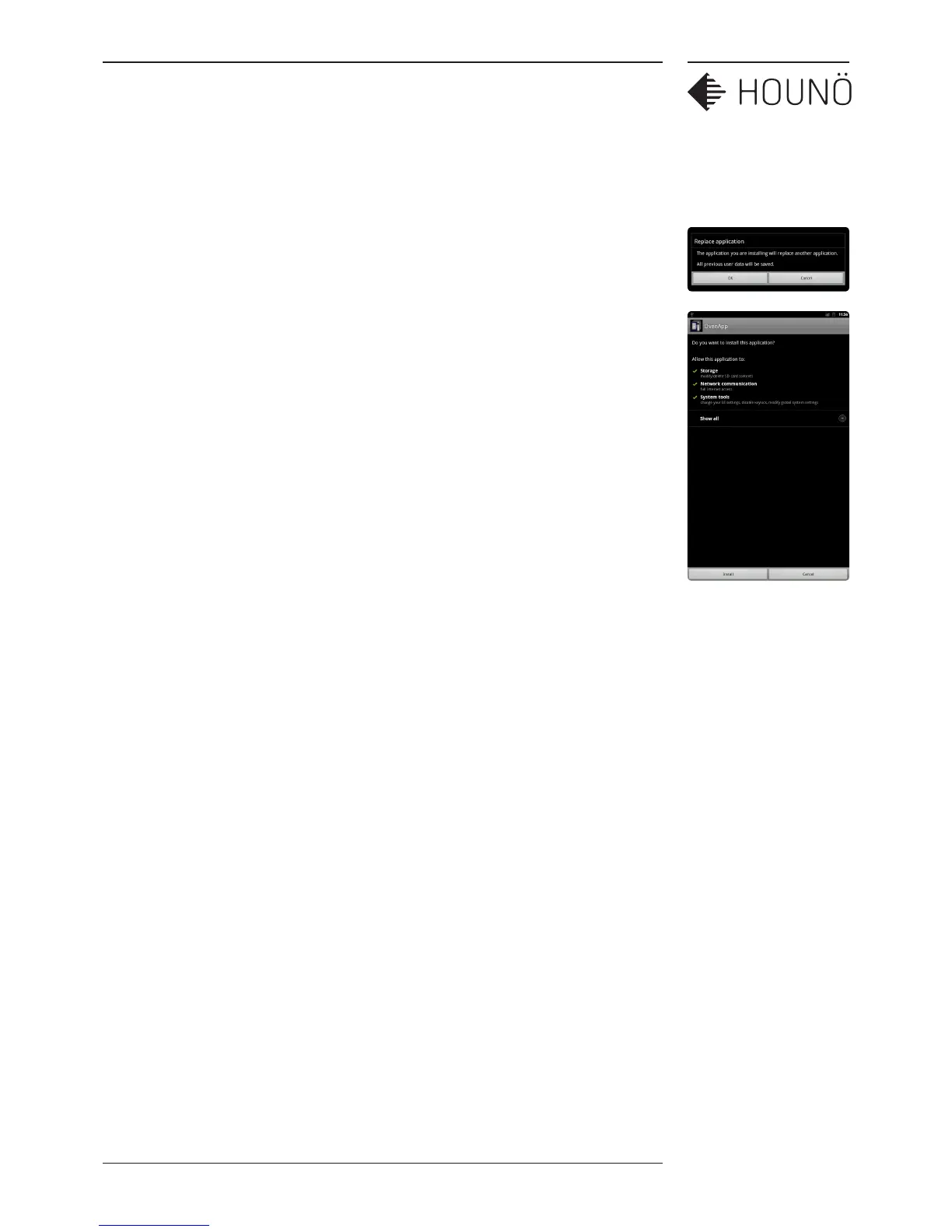
Install new software
You use the Install new software to upload the latest software version.
1. On the SuperUser display, touch Install new software, and then touch OK.
The OvenApp is displayed.
2. Touch Install to install the latest software.



 To Next Page