SETTINGS ON THE TECHNICIAN MENU
32 SERVICE MANUAL
SETTINGS ON THE
TECHNICIAN MENU
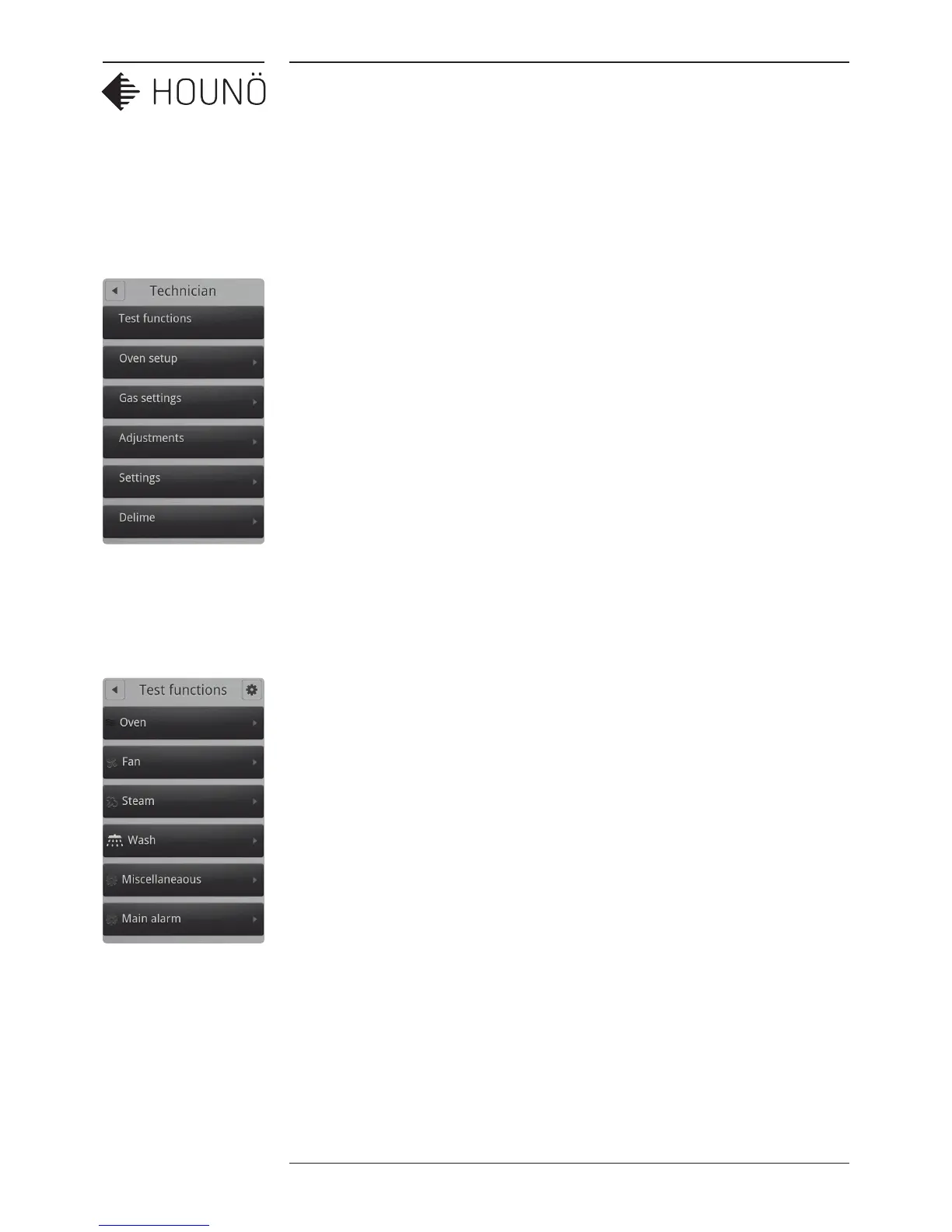
You can access the following areas on the Technician Menu.
• Test Functions (See Using the Test Functions on page 32)
• Oven setup (See Changing the Oven Set-up on page 37)
• Gas settings (See Gas Settings on page 38)
• Adjustments (See Making Temperature Adjustments on page 40)
• Settings (See Changing Oven Settings on page 41)
• Delime (See Deliming Settings on page 42)
• Bake time correction (See Making Corrections to Bake Time on page 43)
• Middle East (See Specifying Middle East Specific Settings on page 44)
• Demo mode (See Enabling Demo mode on page 44)
Using the Test Functions
The test functions are useful for fault finding. You can test the following functions.
• Oven
• Fan
• Steam
• Wash
• Miscellaneous
• Main alarm
• Gas



 To Next Page