CHANGING SETTINGS ON THE SUPERUSER MENU
26 SERVICE MANUAL
Temperature Unit
You use the Temp. unit setting to specify which temperature unit you want to use. The
default setting is Celsius.
1. On the SuperUser display, touch Settings, and then touch Temp. unit.
2. Drag your finger up or down to select Celsius or Fahrenheit, and then touch OK.
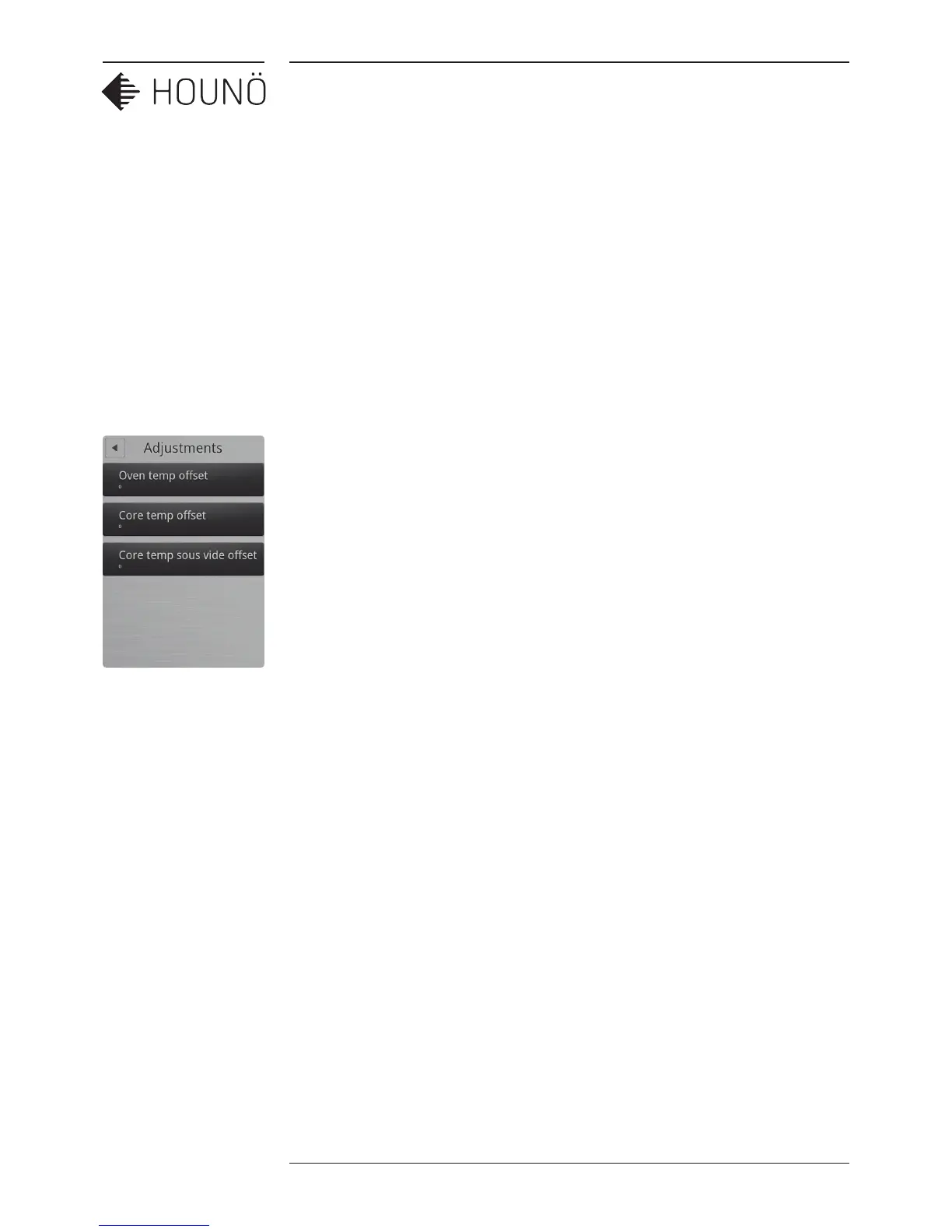
Adjustments
Cook and Hold Oset
You use the Cook and hold oset setting to specify the dierence between the core
temperature and the oven chamber temperature when Cook & Hold cooking mode is used.
The default setting is 5.
1. On the SuperUser display, touch Adjustments, and then touch Cook and hold
oset.
2. Drag your finger up or down to select 3, 5 or 10 and then touch OK.
DeltaT Oset
You use the DeltaT oset setting to specify the dierence between the core temperature
and the oven chamber temperature when DeltaT cooking mode is used. The default setting
is 20.
1. On the SuperUser display, touch Adjustments, and then touch DeltaT oset.
2. Drag your finger up or down to select a setting between 10 and 70 and then touch
OK.



 To Next Page