SETTINGS ON THE TECHNICIAN MENU
38 SERVICE MANUAL
Setting the ClimaOptima function
1. On the Technician display, touch Oven setup, and then touch Auto humidity.
2. Slide your finger up or down to select Yes or No. Select Yes to enable ClimaOptima
and No to disable ClimaOptima.
Setting Up a Pass-through Oven
Use this function to specify whether the oven is a pass-through oven that can be loaded
and unloaded both from the front and the rear side.
1. On the Technician display, touch Oven setup, and then touch Pass-through.
2. Slide your finger up or down to select Yes or No. Select Yes if the oven is a pass-
through oven and select No if the oven only has 1 door.
Setting the CombiNet Function
Use this function to specify whether the oven can be connected to a network.
1. On the Technician display, touch Oven setup, and then touch Net.
2. Slide your finger up or down to select Yes or No. Select Yes if the oven is a
CombiNet oven and select No if the oven cannot be connected to a network.
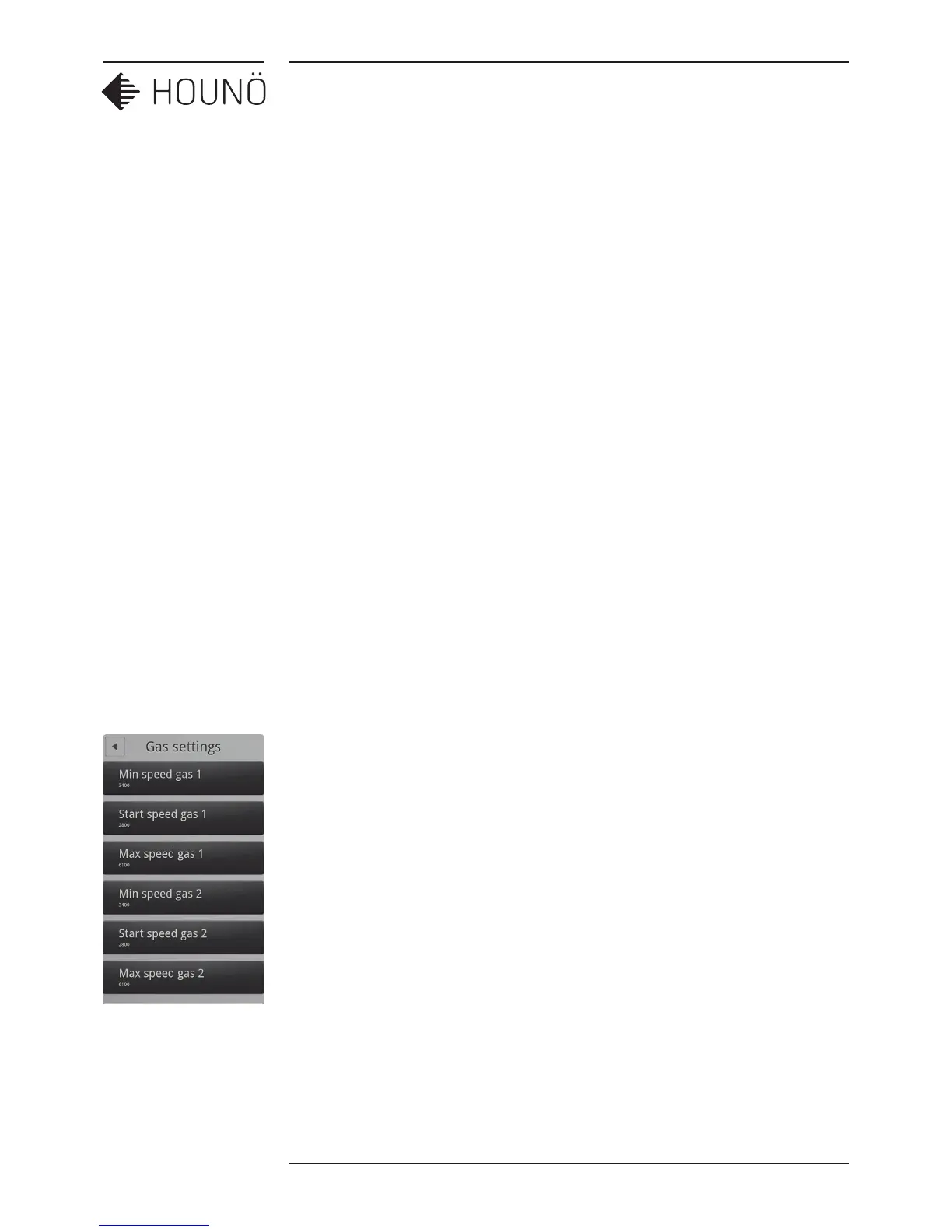
Gas Settings
1. On the Technician display, touch Gas settings. You can now change the speed of
the gas air control according to the gas type that is being used. For more infor-
mation, See Appendix C: Gas Burner Settings on p. 34.
2. Gas 1: smaller ovens with one gas fan: 1.06, 1.10, 2.06, 2.10 and larger ovens with
two gas fans: 1.20, 2.20
3. Gas 2: larger ovens with two gas fans 1.20, 2.20



 To Next Page