SETTINGS ON THE TECHNICIAN MENU
SERVICE MANUAL 41
Changing Oven Settings
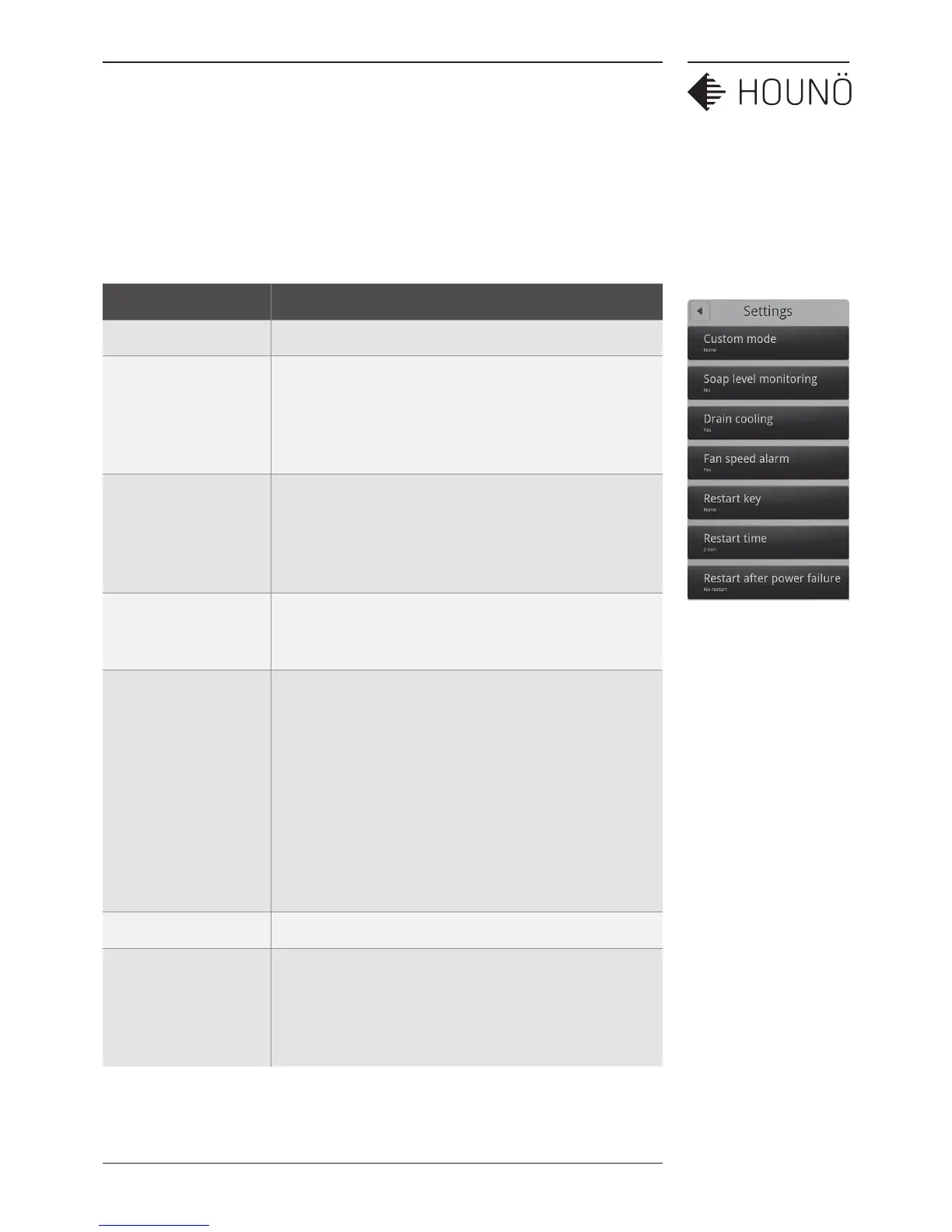
1. On the Technician display, touch Settings. You can now change the following
settings.
Setting Description
Custom mode Settings only applicable to a specific customer.
Soap level monitoring Yes/No setting.
Select Yes to display a message when the rinse or soap
containers must be changed. Can only be used with
standard 5 liter containers.
Drain cooling Yes/No setting.
Select Yes to automatically cool down the drain when
the temperature exceeds 75°C/167°F. Cooling stops at
70°C/158°F. Note that local rules and regulations may vary.
Fan speed alarm Yes/No setting.
Select Yes if you want the oven to sound an alarm when the
fan speed is too slow.
Restart key Display/Both/None setting. This setting only applies to
pass-through ovens.
Select Display if you only want to enable the restart button
on the front display.
Select Both if you want to enable the restart button on the
front display as well as the physical restart button on the
rear side of the oven.
Select None, if both buttons should be disabled.
Restart time Specifies the restart time.
Restart after power
failure
Yes/No restart setting.
Select Yes if you want the oven to restart after power
failure. The oven restarts at the function it was in at the time
of the power failure.



 To Next Page