SETTINGS ON THE TECHNICIAN MENU
SERVICE MANUAL 43
Flushing the descaler
1. On the Technician display, touch Delime.
2. Touch Delime Program.
3. Touch Delime.
4. Touch Delime Flush.
The flushing program starts, and the displays shows the current step of the process.
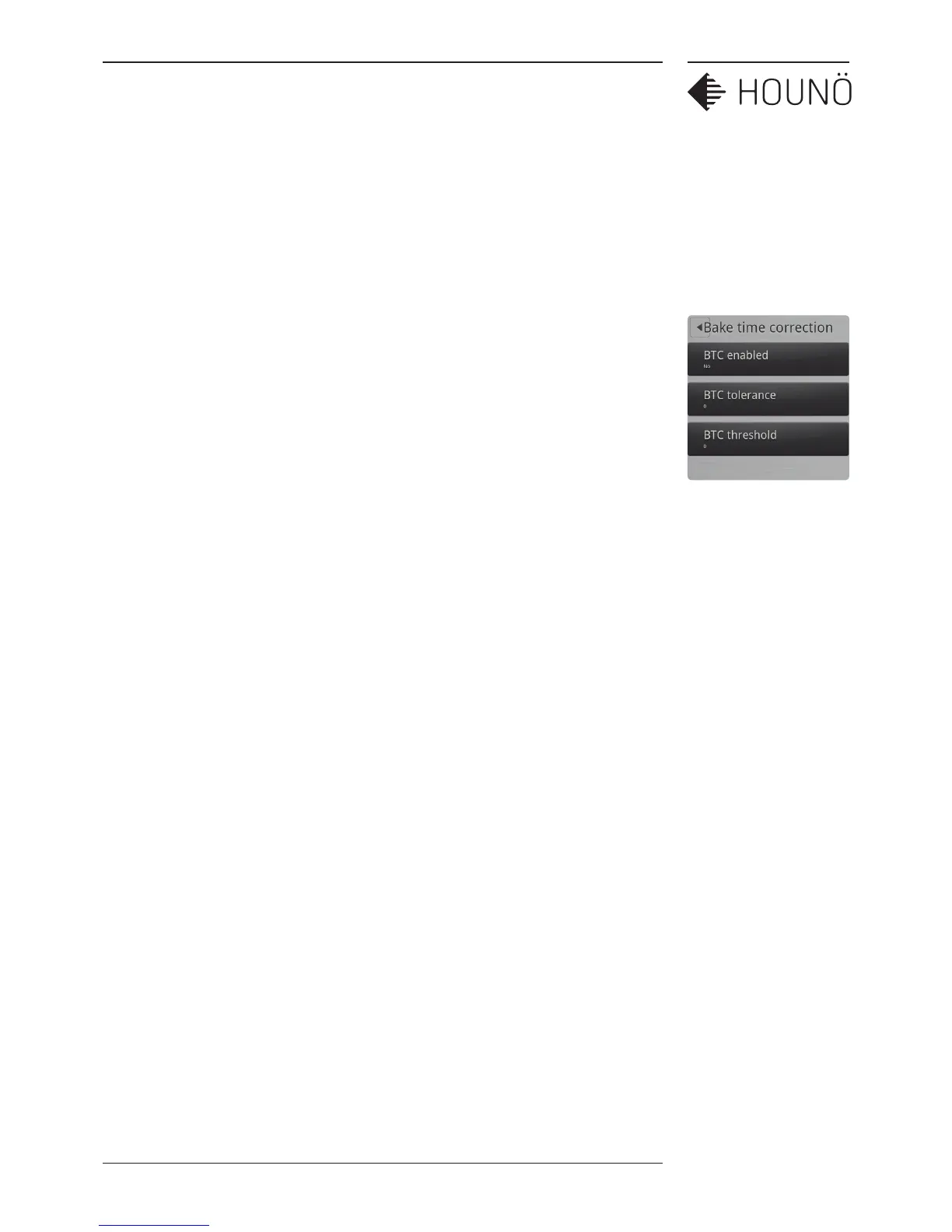
Making Corrections to Bake Time
Use this function to enable or disable automatic recalculation of the bake time in case of
mistakes such during the baking process.
Enabling or Disabling Automatic Bake Time Corrections
1. On the Technician display, touch Bake time correction.
2. Touch BTC enabled, drag your finger up or down to enable or disable bake time
corrections, and then touch OK.
Specifying Bake Time Correction Tolerance
1. On the Technician display, touch Bake time correction.
2. Touch BTC tolerance, drag your finger up or down to select the preferred value and
then touch OK.
Specifying Bake Time Correction Threshold
1. On the Technician display, touch Bake time correction.
2. Touch BTC threshold, drag your finger up or down to select the preferred value and
then touch OK.



 To Next Page