SETTINGS ON THE TECHNICIAN MENU
SERVICE MANUAL 37
Changing the Oven Set-up
Specifying the Heating System
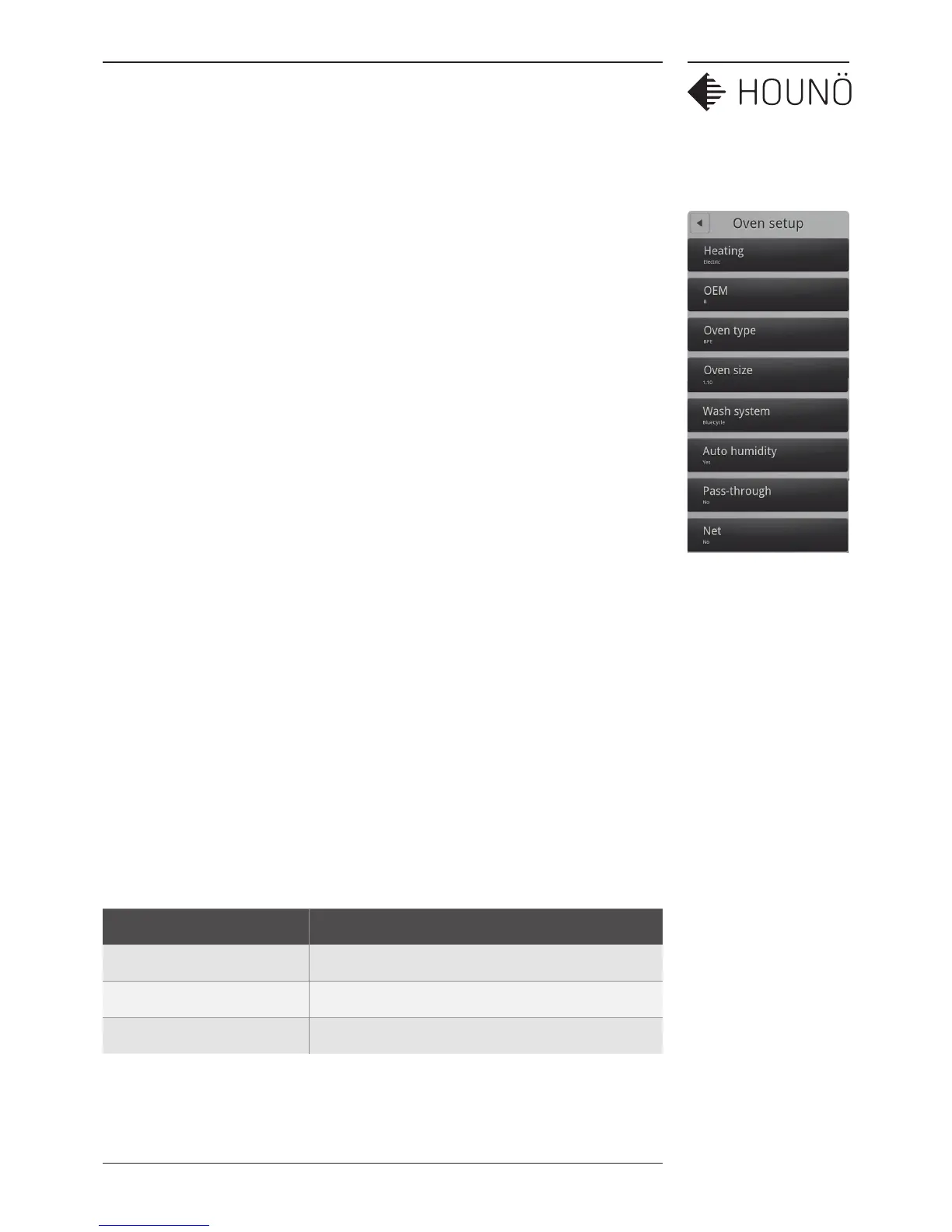
1. On the Technician display, touch Oven setup, and then touch Heating.
2. Slide your finger up or down to select Electric or Gas LPG, GAS LPGB, GAS G20
Pr, GAS G25, and then touch OK. You can see whether the oven is a gas or an
electric oven on the serial plate located on the oven exterior on the bottom right
side.
Specifying the Oven Type
1. On the Technician display, touch Oven setup, and then touch Oven type.
2. Slide your finger up or down to select the correct oven type: BPE, CPE, or KPE, and
then touch OK. You can see the oven type on the serial plate located on the oven
exterior on the bottom right side.
Specifying the Oven Size
1. On the Technician display, touch Oven setup, and then touch Oven size.
2. Slide your finger up or down to select the correct oven size, and then touch OK.
You can see the oven size on the serial plate located on the oven exterior on the
bottom right side.
Setting the Wash System
1. On the Technician display, touch Oven setup, and then touch Wash system.
2. Slide your finger up or down to select the correct wash system, None, BlueCycle or
CombiWash, and then touch OK. BlueCycle is only available on OEM ovens.
Wash system Description
CombiWash Automatic cleaning cycle
BlueCycle Automatic cleaning cycle used for OEM ovens.
None Used when the oven is cleaned manually



 To Next Page