SETTINGS ON THE TECHNICIAN MENU
36 SERVICE MANUAL
Testing the Alarm
This function tests the thermo-switch circuit.
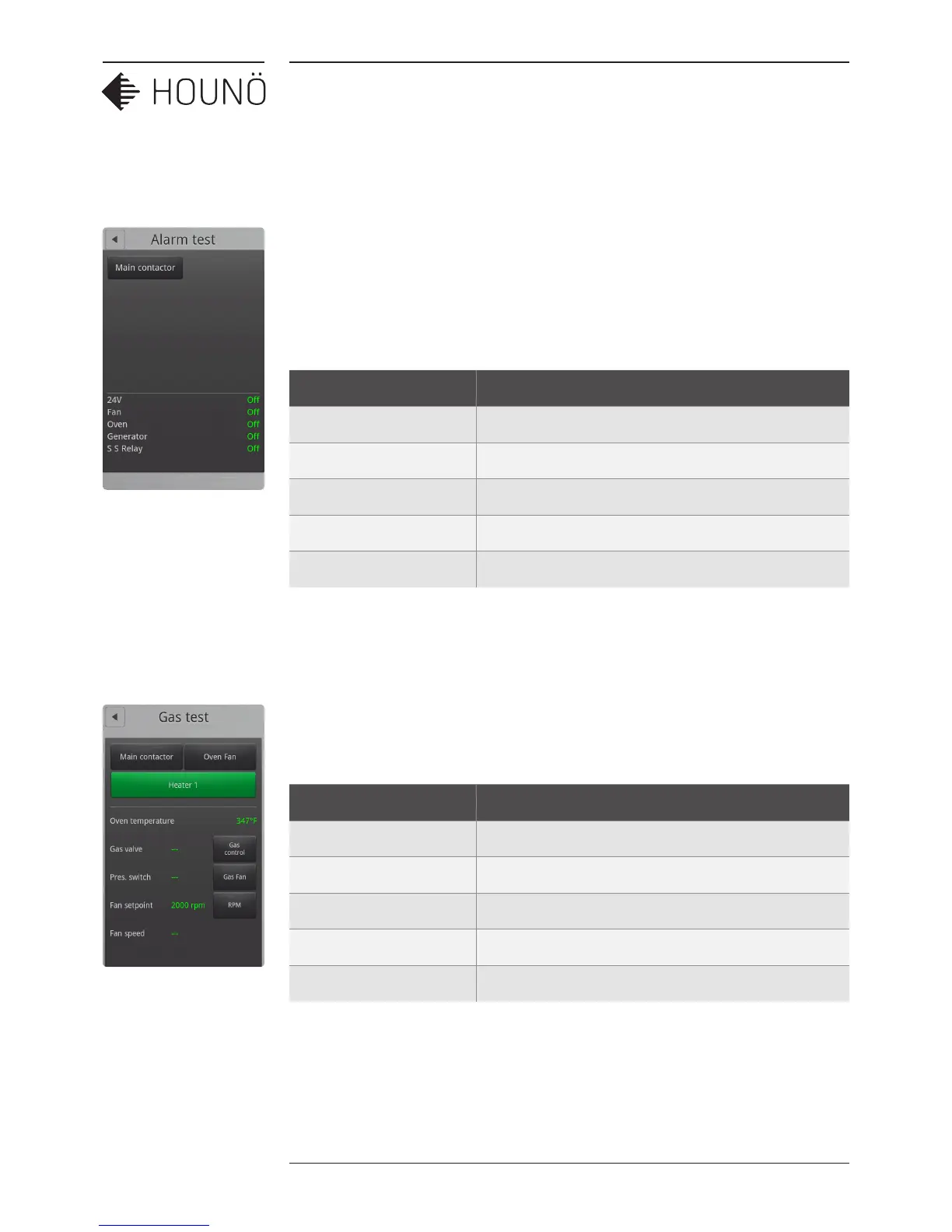
5. On the Technician display, touch Test functions, and then touch Main alarm.
6. Touch Main contactor. If all status values are displayed in green and the status is
On, it indicates that the alarm is working properly. If a value is displayed in red and
the status is O, a fault has occurred.
Value Description
24V Displays whether the alarm is on or o.
Fan Displays whether the alarm is on or o.
Oven Displays whether the alarm is on or o.
Generator Displays whether the alarm is on or o.
S S Relay Displays whether the alarm is on or o.
Testing the Gas Functions
1. On the Technician display, touch Test functions, and then touch Gas.
2. Touch each button in turn to test the gas functions. Note that oven types 1.20 and
2.20 have both a Heater 1 and a Heater 2 button.
Value Description
Oven temperature Displays the current oven temperature.
Gas valve Displays whether the gas valve is O or On.
Pressure switch Displays whether the pressure switch is O or On.
Fan set point Displays the specified rpm value
Fan speed Displays the fan revolutions per minute.



 To Next Page