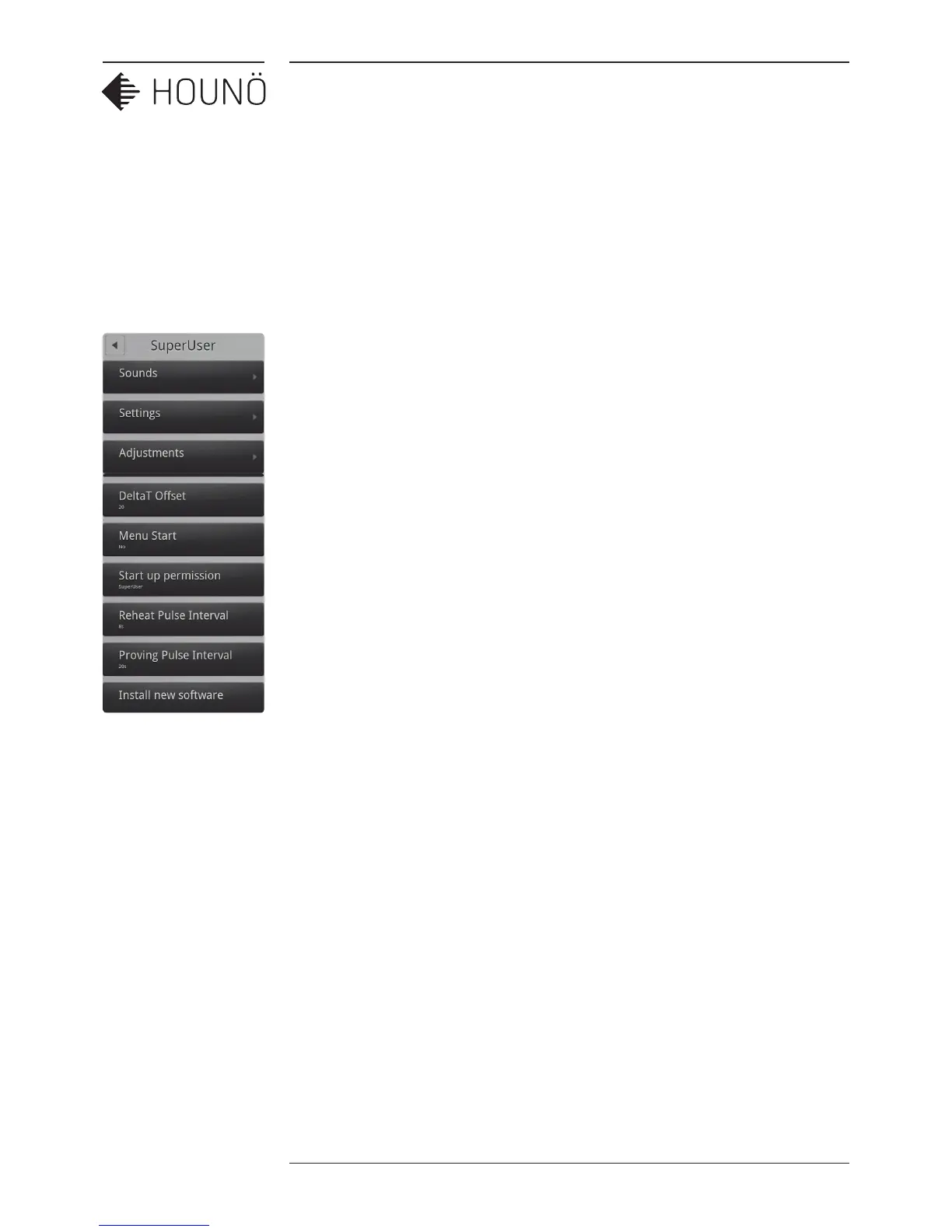
CHANGING SETTINGS ON THE SUPERUSER MENU
22 SERVICE MANUAL
CHANGING SETTINGS
ON THE SUPERUSER
MENU
You can access the following areas on the super user display.
• Sounds (See Setting Alarm Sounds on page 22)
• Settings (See Changing Settings on page 24)
• Adjustments (See Adjustments on page 26)
• Calibrate auto humidity
(See Calibrating ClimaOptima Auto Humidity on page 28)
• Calibrate (See Calibrating the Oven Door Sensor on page 29)
• Logs and statistics (See Logs and Statistics on page 30)
• USB system report
• Install new software
• Restart oven
Setting Alarm Sounds
You can have the Visual Cooking oven play a sound (alarm) when certain events occur.
You have a number of options when you assign a sound to an event. It is possible to adjust,
among other things, the volume and the time elapsed between each reminder.
1. On the SuperUser display, touch Sounds.
2. To change a sound, touch the event that you want to assign a sound for. The
following events are available:
• Finished
• Recipe notification
• Racktimer finish
• Door open
• Probe missing
• Insert product
• Error
• Timer start



 To Next Page