Keys
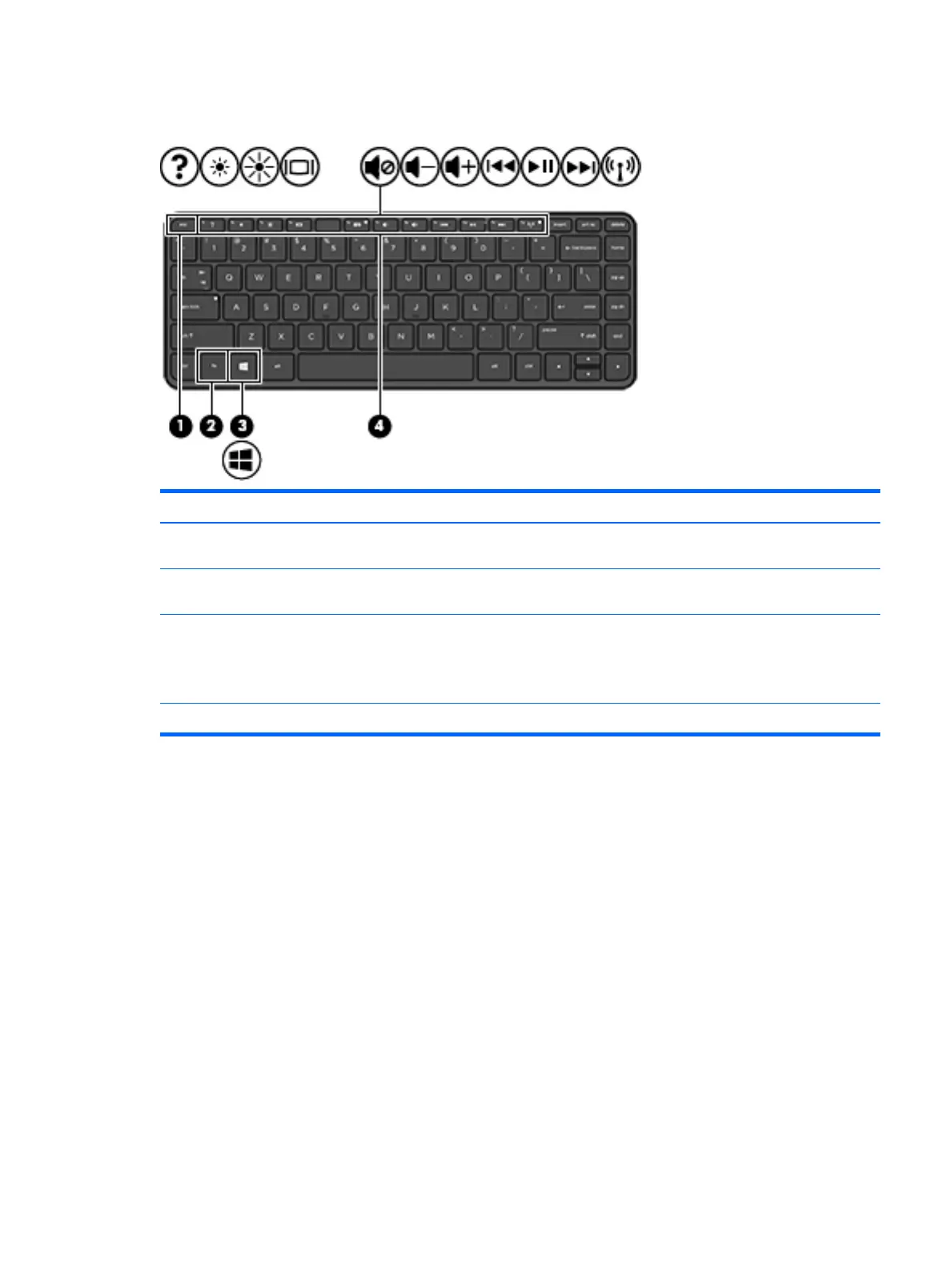
Item Component Description
(1) esc key Reveals system information when pressed in
combination with the fn key.
(2) fn key Executes frequently used system functions when pressed
in combination with the esc key.
(3) Windows key Returns you to the Start screen from an open app or the
Windows desktop.
NOTE: Pressing the Windows key again will return you
to the previous screen.
(4) Action keys Execute frequently used system functions.
Keys 5











 To Next Page