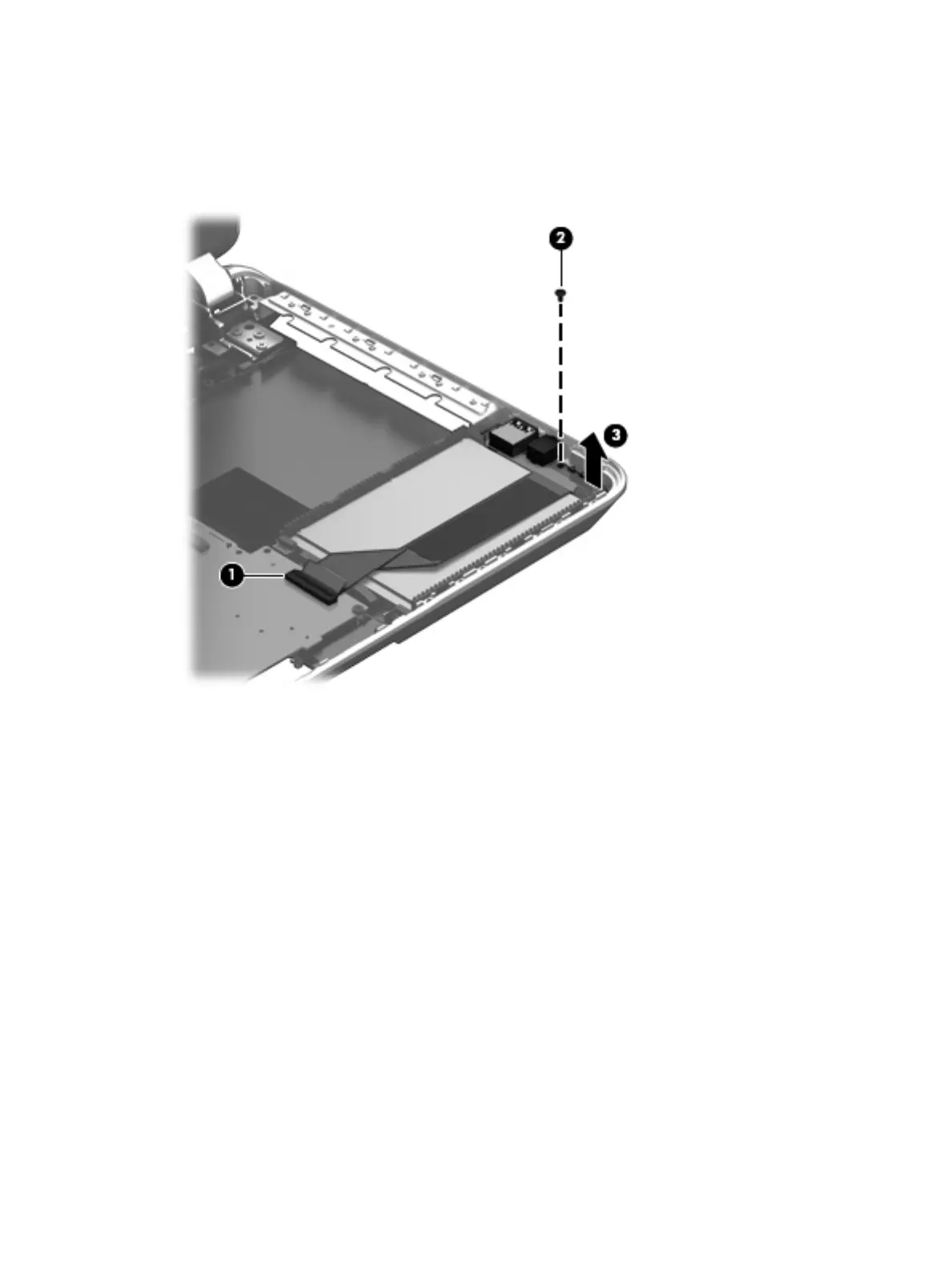
1. Release the ZIF connector (1) to which the audio/USB board cable is attached, and then disconnect the
audio/USB board cable from the system board.
2. Remove the Phillips PM2.5×3.7 screw (2) that secures the audio/USB board to the base enclosure.
3. Remove the audio/USB board (3).
Reverse this procedure to install the audio/USB board.
46 Chapter 6 Removal and replacement procedures for Authorized Service Provider parts











 To Next Page